
















What is justmarkdown?
There’s a special kind of frustration that comes with switching between a PDF reader, a note app, and a chat window just to understand one document. You highlight something useful, copy it over, ask an AI a question, then try to paste everything back into coherent notes. It breaks your flow every single time. This platform fixes that mess by putting everything—reading, AI conversation, and Markdown writing—into one calm, connected workspace. I’ve used it on long research papers and dense articles, and the difference is striking: instead of scattered fragments, you end up with clean, usable Markdown that actually makes sense.
Introduction
JustMarkdown feels like the workspace many of us have quietly wished for. You drop in a PDF, webpage, or image, and it turns the content into clean Markdown while letting you read, highlight, chat with AI, and write notes all in the same view. No more copy-paste marathons or context switching. The three-pane layout (source on the left, AI chat in the middle, your notes on the right) keeps everything connected so insights don’t get lost. It’s especially powerful for researchers, students, writers, and knowledge workers who regularly turn messy sources into structured drafts. The best part? It respects your process instead of forcing you into someone else’s.
Key Features
User Interface
The interface is thoughtfully minimal. A clean three-pane layout that you can resize as needed, with smooth real-time Markdown preview that feels like writing on digital paper. Importing files or URLs is drag-and-drop simple, and the AI chat sits right where you need it—never hidden in a separate tab. Everything stays in sync, so when the AI summarizes a section, you can instantly drop that insight into your notes. It’s one of those rare tools that disappears while you work, yet makes you noticeably more productive.
Accuracy & Performance
The conversion from PDF, EPUB, Word, or web pages to clean Markdown is impressively accurate. It strips away layout noise while preserving headings, lists, tables, and important formatting. AI summaries and explanations stay context-aware because they can see the full document you’re working with. Processing speed is fast even on longer documents, so you stay in flow instead of waiting. The results feel reliable—structured Markdown that you can actually use, not a messy approximation.
Capabilities
Beyond basic conversion, you get powerful AI assistance directly in the document flow: ask questions, get summaries, extract key points, or expand ideas—all while keeping everything inside the same workspace. You can highlight text in the source, send it to the AI, and seamlessly append the response to your notes. Export options are generous: clean Markdown, HTML, PDF, images, and more. It supports a wide range of input formats and turns them into something you can actually build upon.
Security & Privacy
Your documents and notes stay private. The tool is designed for knowledge work where sensitive research or client material might be involved. No unnecessary data retention, and you control what gets processed and exported. That peace of mind lets you focus on deep work instead of worrying about where your content ends up.
Use Cases
A researcher drops in a 40-page PDF, highlights confusing sections, asks the AI for clarification, and builds a clean literature review all in one sitting. A student turns dense lecture notes and textbook chapters into structured revision Markdown with AI explanations woven in. A writer imports research articles and quickly extracts quotes and ideas into a draft. Content creators convert web articles into reusable Markdown for newsletters or blogs. It shines wherever you need to absorb information and turn it into something clear and useful.
Pros and Cons
Pros:
- Truly unified workflow—reading, AI chat, and writing happen in one place.
- Excellent PDF and web-to-Markdown conversion quality.
- AI assistance feels contextual because it sees your actual document.
- Clean, distraction-free writing environment with real-time preview.
- Generous free tier lets you experience the full power before upgrading.
Cons:
- Very large or heavily scanned PDFs can still need minor manual cleanup.
- Some advanced export formats are still evolving.
Pricing Plans
It starts with a solid free plan that covers everyday use—enough to turn several documents into usable Markdown and get real value from the AI features. Paid plans unlock higher usage limits, priority processing, more storage for your workspace, and advanced export options. Pricing feels fair for the time and mental energy it saves, especially for students and professionals who regularly work with dense source material.
How to Use JustMarkdown
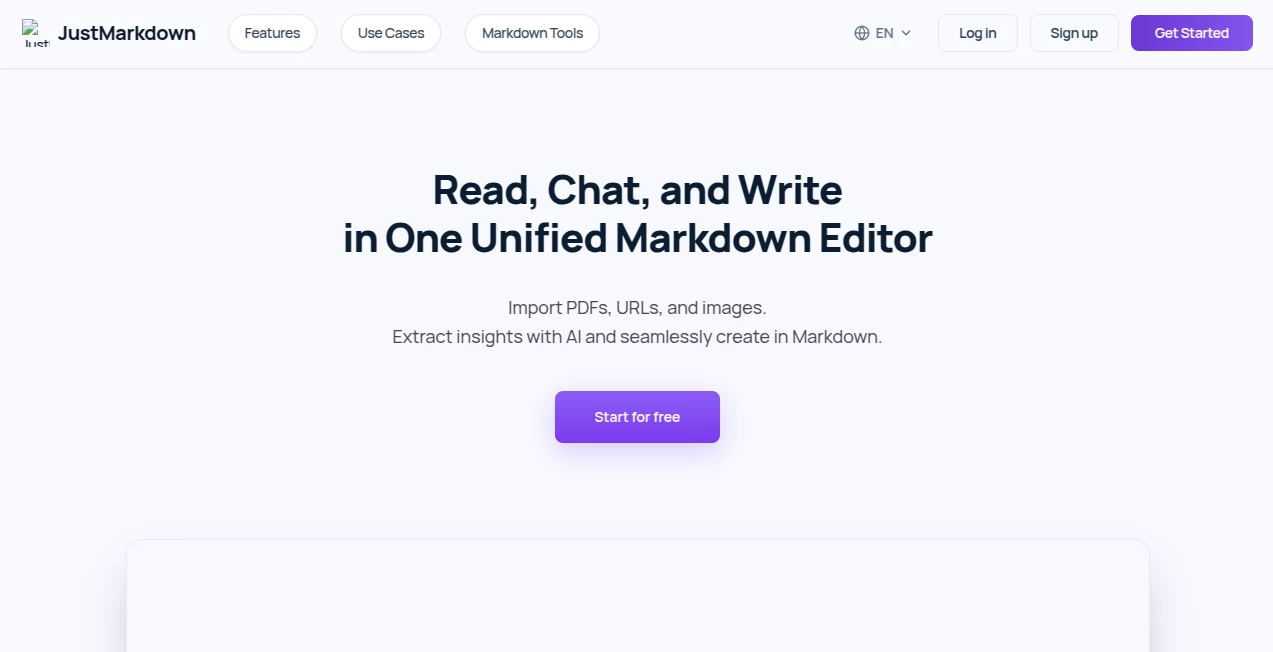
Start by uploading a PDF, pasting a URL, or dragging in an image or document. Once it converts to Markdown, read in the left pane, highlight anything interesting, and ask the AI questions in the middle pane. Drag or copy useful insights into your notes on the right. Refine the Markdown as you go, then export when you’re ready. The whole process feels natural—like having a smart, patient assistant sitting next to you while you work.
Comparison with Similar Tools
Traditional PDF readers keep your notes disconnected from the source. Generic Markdown editors lack the built-in AI and conversion power. Other all-in-one tools often feel bloated or force you into rigid workflows. This one keeps things focused, clean, and genuinely useful—exactly where you need the help most: turning messy inputs into clear, structured output without breaking your concentration.
Conclusion
In a world overflowing with information, the ability to absorb, understand, and organize it efficiently is becoming a real superpower. JustMarkdown gives you a calm, capable space to do exactly that. It respects your time, supports your thinking process, and turns scattered sources into something coherent and valuable. For anyone who works with documents, research, or ideas for a living, it’s one of those tools that quickly becomes indispensable.
Frequently Asked Questions (FAQ)
Do I need to create an account to start?
You can try core features without signing up, but an account unlocks saving your workspaces and history.
What file types can I import?
PDFs, EPUBs, Word documents, web URLs, images, and more—all converted to clean Markdown.
How good is the AI at understanding documents?
It’s context-aware because it works directly with your imported material, making summaries and explanations feel relevant and useful.
Can I export my notes?
Yes—Markdown, HTML, PDF, and other formats are available with one click.
Is my data private?
Yes—the tool is built with privacy in mind for research and professional work.