

















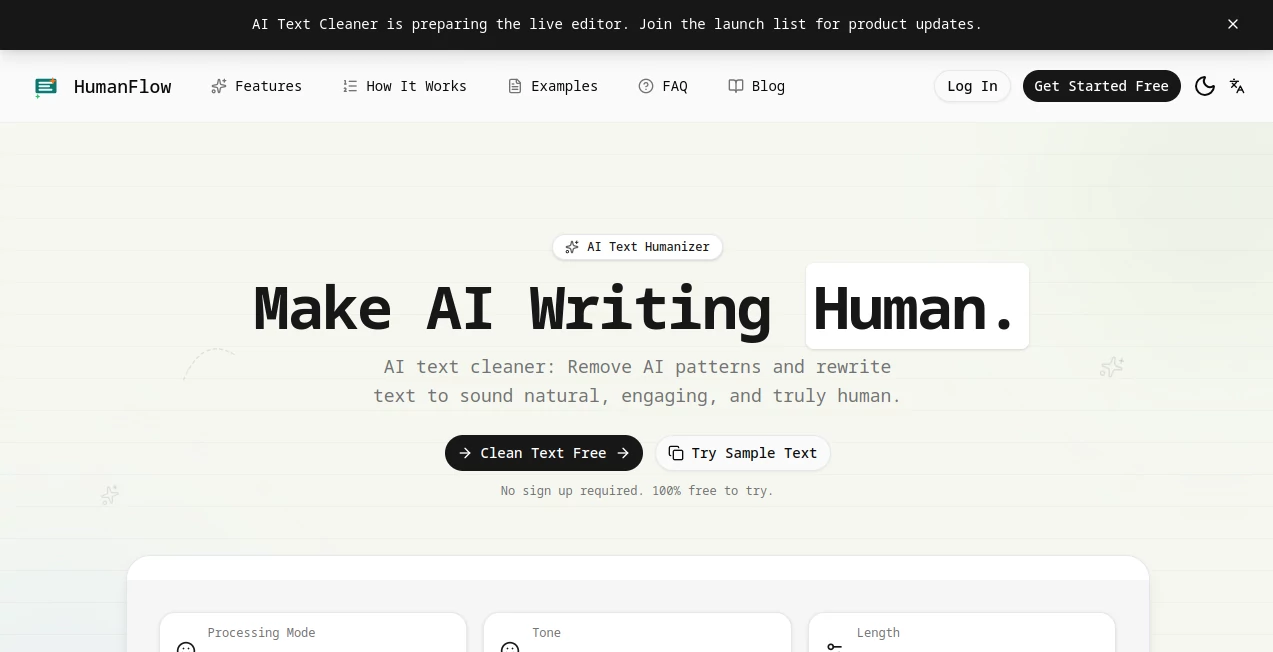
What is AI text cleaner?
Managing business documents has never been simple. Invoices, contracts, shipping forms, financial records, scanned PDFs, and handwritten files often arrive in different formats, making manual processing slow and prone to mistakes. This platform was built to solve that challenge by transforming complex documents into structured, reliable data that businesses can immediately use in their workflows.
Instead of relying on traditional OCR alone, it combines intelligent document understanding, AI-powered extraction, workflow automation, validation, and classification into a single production-ready platform. Whether documents contain multiple languages, complex tables, or inconsistent layouts, the system accurately extracts valuable information while preserving document structure. For organizations that depend on reliable document automation, it offers an impressive balance between speed, flexibility, and enterprise-grade security.
Key Features
User Interface
The visual workflow builder makes document automation surprisingly approachable. Users can create complete processing pipelines without writing complicated code, while developers can integrate everything through REST APIs, SDKs, and CLI tools. The interface clearly separates parsing, extraction, classification, validation, and routing, making even advanced workflows easy to understand.
Accuracy & Performance
One of the strongest advantages is its ability to handle documents that typically confuse conventional OCR systems. Multi-page files, dense layouts, nested tables, poor-quality scans, and multilingual documents are processed with impressive consistency. Confidence scoring allows teams to identify uncertain values before they reach production, reducing manual review while increasing trust in extracted data.
Capabilities
- Parse documents into structured Markdown.
- Extract structured fields from any document.
- Classify multiple document types automatically.
- Split bundled files into individual documents.
- Validate extracted information using natural-language rules.
- Process hundreds of pages in a single workflow.
- Handle PDFs, images, scanned files, and many document formats.
- Support multilingual document processing.
- Provide visual grounding with source references.
- Integrate through REST API, SDKs, CLI, and workflow automation.
Security & Privacy
Enterprise users often prioritize compliance as much as performance. The platform supports GDPR compliance, EU data residency, ISO 27001 certification, dedicated infrastructure, and fully self-hosted deployments. Organizations with strict security requirements can maintain complete control over where sensitive information is processed while meeting internal compliance standards.
Use Cases
- Invoice processing and accounts payable automation.
- Contract analysis and legal document extraction.
- Healthcare document processing.
- Financial document automation.
- Insurance claims processing.
- Logistics and shipping documentation.
- Knowledge base creation for AI systems.
- Document ingestion for RAG pipelines.
- Enterprise workflow automation.
- Large-scale document classification.
Pros and Cons
Pros
- Excellent support for complex document layouts.
- High extraction accuracy on difficult files.
- No template-based setup required.
- Powerful workflow automation.
- Developer-friendly APIs and SDKs.
- Enterprise-level security and compliance.
- Visual workflow builder simplifies deployment.
- Supports multiple languages and document formats.
Cons
- Enterprise-focused capabilities may be more than small businesses need.
- Advanced workflow configuration requires some initial learning.
- Custom enterprise deployments may require technical planning.
Pricing Plans
A free plan is available to help new users explore the platform before deployment. Businesses with larger workloads can request customized enterprise pricing, including advanced infrastructure options, dedicated environments, and self-hosted deployments.
How to Use anyformat
Start by uploading a document or connecting an existing storage location. Build a workflow by selecting parsing, extraction, classification, validation, and routing steps. Define the fields you want to capture, publish the workflow, and process documents through the visual interface or REST API. Results are returned as structured data that can easily integrate with ERP systems, databases, automation platforms, or AI applications.
Comparison with Similar Tools
Many document processing solutions focus primarily on OCR, requiring templates and extensive manual configuration for different document layouts. This platform goes further by combining AI-based document understanding with deterministic validation, workflow orchestration, confidence scoring, and source verification. It is particularly well suited for organizations processing large volumes of complex business documents where reliability is more important than simple text recognition.
Conclusion
Organizations handling large numbers of business documents need more than basic OCR. They need structured extraction, intelligent validation, scalable automation, and enterprise-grade security working together in a single workflow. This solution delivers exactly that by transforming complex documents into reliable business data while reducing manual work and improving operational efficiency. For companies investing in document intelligence, it represents a mature platform designed for real production environments rather than simple demonstrations.
Frequently Asked Questions (FAQ)
What types of documents are supported?
The platform processes PDFs, scanned documents, images, invoices, contracts, forms, shipping documents, financial reports, and many other document types.
Does it require document templates?
No. Documents can be processed without creating templates for each layout, making it suitable for organizations receiving files from many different sources.
Can developers integrate it into existing systems?
Yes. REST APIs, SDKs, CLI tools, and workflow automation allow easy integration with enterprise software.
Is business data secure?
Yes. Enterprise security features include GDPR compliance, EU data residency, ISO 27001 certification, and self-hosting options.
Who benefits the most from this platform?
Finance teams, legal departments, logistics companies, healthcare providers, insurance organizations, and enterprises managing large document volumes gain the greatest value.