Kick
What is Kick?
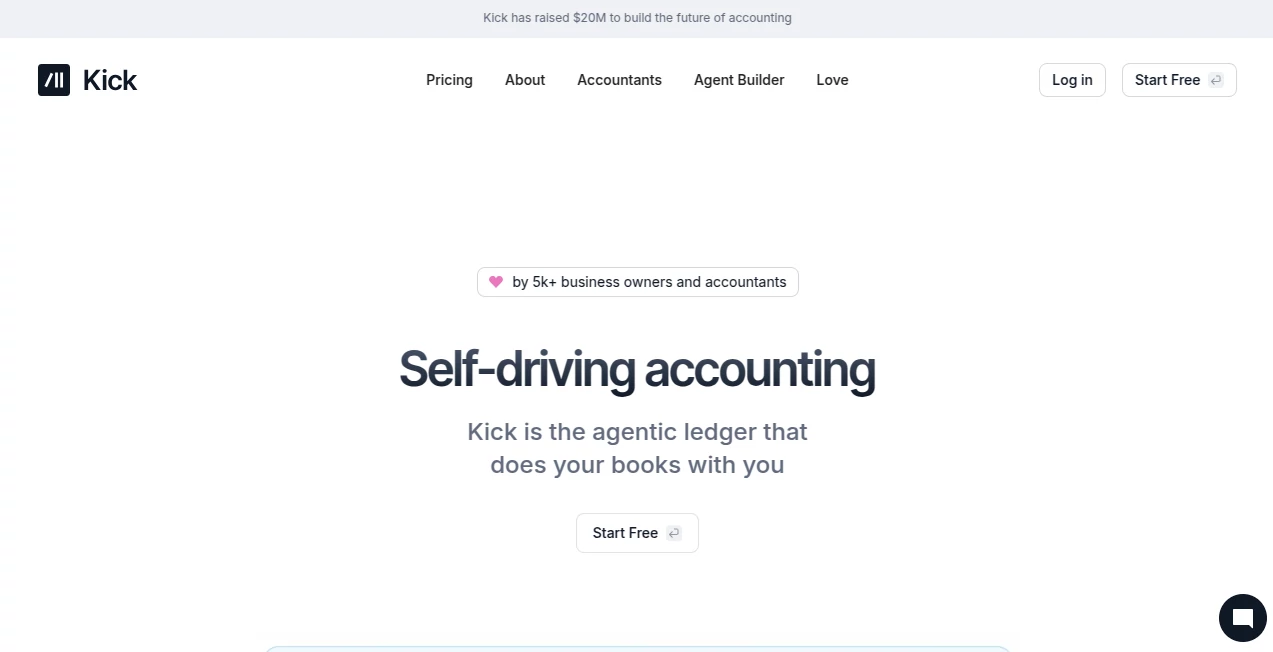
Kick is a modern accounting platform built around the idea of self-driving bookkeeping. Instead of turning every financial task into a manual process, it uses automation and AI-assisted workflows to categorize transactions, match receipts and documents, reconcile accounts, and keep financial records organized in real time.
The platform is designed for business owners, entrepreneurs, accountants, and growing companies that want a clearer view of their finances without spending hours sorting transactions. Its focus is practical: reduce repetitive bookkeeping work while keeping users in control of important financial decisions.
One particularly appealing aspect is the balance between automation and review. Business transactions can be categorized automatically and then reviewed, while customizable rules allow the system to learn how a particular business handles recurring expenses and income.
Key Features
The platform brings bookkeeping, accounting, reporting, document processing, and financial automation into one workspace. Rather than relying on a collection of disconnected tools, users can manage much of their financial workflow from a single environment.
User Interface
The interface is built for people who need to move quickly through financial information. Transactions, accounts, reports, documents, and entities are organized into dedicated views, making it easier to move from reviewing a transaction to investigating a report.
There is also a strong emphasis on keyboard-based navigation. Command-style controls and quick actions are useful for accountants and experienced users who work with large numbers of transactions and clients.
Accuracy & Performance
Automated categorization is one of the platform's strongest areas. Business transactions receive suggested categories in real time, while rules can be customized to match the way a company actually operates. Receipt and document matching can also reduce the chance of leaving supporting records disconnected from their corresponding transactions.
For accounting teams, performance matters just as much as automation. The platform is designed to handle complex financial workflows, including multi-entity accounting, reconciliation, journal entries, and consolidated reporting.
Capabilities
The accounting workflow covers automatic transaction categorization, receipt matching, document processing, bank and credit card statement imports, reconciliation, profit and loss reports, balance sheets, general ledger management, journal entries, and cash or accrual-based accounting.
Businesses can also create custom categories and rules, track spending by vendor, monitor revenue, organize financial information by projects or departments, and manage multiple entities from the same workspace. For accountants, features such as multi-entity accounting, consolidation, classes, and automated workflows make the platform suitable for more demanding client work.
Another notable capability is its agent-oriented approach. MCP and CLI functionality can connect financial workflows with tools such as ChatGPT, Claude, and Cursor, allowing users to interact with financial data and automate certain tasks through modern AI workflows.
Security & Privacy
Financial software needs strong access controls, and the platform includes workspace security features such as role-based permissions, activity tracking, and login monitoring. Members, accountants, and business partners can be given access without requiring everyone to have the same level of control.
The platform also provides a dedicated trust and security area for users who want to examine its approach to protecting business information before moving their accounting workflows online.
Use Cases
This platform is particularly useful for small business owners who want bookkeeping to take less time. A freelancer, agency owner, online business, or growing company can connect financial accounts, categorize transactions, match receipts, and review profitability without maintaining a large collection of spreadsheets.
Accountants are another major audience. Firms handling multiple clients can use automation to reduce repetitive categorization and reconciliation work, while multi-entity capabilities help teams manage more complicated financial structures.
It can also be useful during tax preparation. Profit and loss statements, balance sheets, expense information, and year-end tax packages can make it easier to prepare financial records for an accountant or tax professional.
Pros and Cons
- Pros: Strong bookkeeping automation and real-time transaction categorization.
- Pros: Receipt and document matching helps keep financial records organized.
- Pros: Supports multi-entity accounting and consolidated financial reporting.
- Pros: Custom rules let businesses adapt automation to their own accounting practices.
- Pros: Integrations include financial services such as Stripe, PayPal, Plaid, Mercury, Ramp, and Gusto.
- Pros: MCP and CLI capabilities open the door to more advanced AI-powered financial workflows.
- Cons: Some advanced accounting capabilities are reserved for higher-priced plans.
- Cons: The free plan is limited to 250 transactions per year.
- Cons: Businesses with complex accounting requirements may need to spend time configuring rules and workflows before getting the most from the platform.
Pricing Plans
The pricing structure starts with a free plan for new businesses and sole proprietors. It costs $0 per month and includes up to 250 transactions per year, along with features such as automatic categorization, receipt matching, profit and loss reporting, and balance sheets.
The Basic plan costs $40 per month when billed annually, or $480 annually. It removes the annual transaction limit and adds capabilities such as MCP and CLI access, universal importing, reconciliation, statement synchronization, and additional integrations.
The Plus plan costs $100 per month, with $300 billed quarterly. It is aimed at growing businesses and adds multi-entity accounting, classes, accounts receivable and accounts payable automation, and an accrual ledger.
Advanced pricing is customized for complex businesses. This tier includes features such as migration and training, dedicated support, consolidation, and deduction optimization.
How to Use It
Getting started is straightforward. Create an account and connect the financial institutions or services used by the business. Supported connections include banks and financial services through integrations such as Plaid, Stripe, PayPal, Mercury, Ramp, and Gusto.
Once transactions begin flowing into the workspace, the automated categorization system can suggest categories and identify counterparties. Users can review those suggestions and create rules for recurring situations. Receipts, invoices, and other documents can also be matched with relevant financial activity.
From there, business owners can review cash flow, profit and loss, balance sheets, expenses, and other reports. Accountants can go further by configuring entities, classes, reconciliations, journal entries, and consolidated reporting.
Comparison with Similar Tools
Traditional bookkeeping software generally gives users a collection of accounting functions and expects them to perform many of the steps manually. This platform takes a more automation-focused approach, where the system actively categorizes transactions, suggests rules, matches documentation, and assists with reconciliation.
Compared with spreadsheet-based bookkeeping, the difference is even more noticeable. Instead of manually updating rows and formulas, financial data can be synchronized from connected accounts and organized automatically. For a business with hundreds or thousands of monthly transactions, that can make a meaningful difference.
It also stands out from simpler bookkeeping applications through its multi-entity accounting, agent capabilities, MCP support, CLI workflows, and accountant-focused functionality. The result is a product that can serve both a small business owner and a professional accounting team, depending on the plan and configuration.
Conclusion
For businesses tired of spending valuable time on repetitive bookkeeping, this platform offers a compelling alternative. Its combination of AI-assisted categorization, document matching, reconciliation, reporting, and customizable rules turns many routine accounting tasks into guided workflows.
The free tier makes it possible for a new business to test the core experience without an upfront subscription, while higher plans provide the additional accounting infrastructure needed by growing and more complex organizations.
What makes the product particularly interesting is that it does not treat AI as a separate chatbot sitting beside accounting software. Instead, automation is built directly into the financial workflow. For entrepreneurs and accounting professionals who want to spend less time moving numbers around and more time understanding them, that is a meaningful advantage.
Frequently Asked Questions (FAQ)
What is this platform used for?
It is used for automated bookkeeping and accounting, including transaction categorization, receipt matching, reconciliation, financial reporting, document processing, and multi-entity accounting.
Is there a free plan?
Yes. The free plan costs $0 per month and is intended for new businesses and sole proprietors. It currently includes an annual limit of 250 transactions.
Can it handle multiple businesses?
Yes. Multi-entity accounting is available on the Plus plan and above, allowing users to manage multiple business entities and work with consolidated financial information.
Does it support AI integrations?
Yes. MCP functionality provides read and write access for AI tools such as ChatGPT, Claude, and Cursor, while CLI capabilities can be used to automate financial workflows from the command line.
Can accountants use it for clients?
Yes. The platform is designed for accounting firms as well as business owners, with features for client management, multi-entity accounting, reconciliation, reporting, collaboration, and automated bookkeeping workflows.
Does it help with tax preparation?
It provides tax-ready financial reports and a year-end tax package, while higher-tier functionality also includes deduction optimization. Businesses should still work with a qualified tax professional for tax advice and filing decisions.
AI Tax Assistant , AI Accounting Assistant .
These classifications represent its core capabilities and areas of application. For related tools, explore the linked categories above.

Kick Alternatives Product

TaxTim SA

Sourcetable

Construction…

Harvey

AlphaTax

UPDF AI

HISAB 360

PineBill

Receipt AI