

















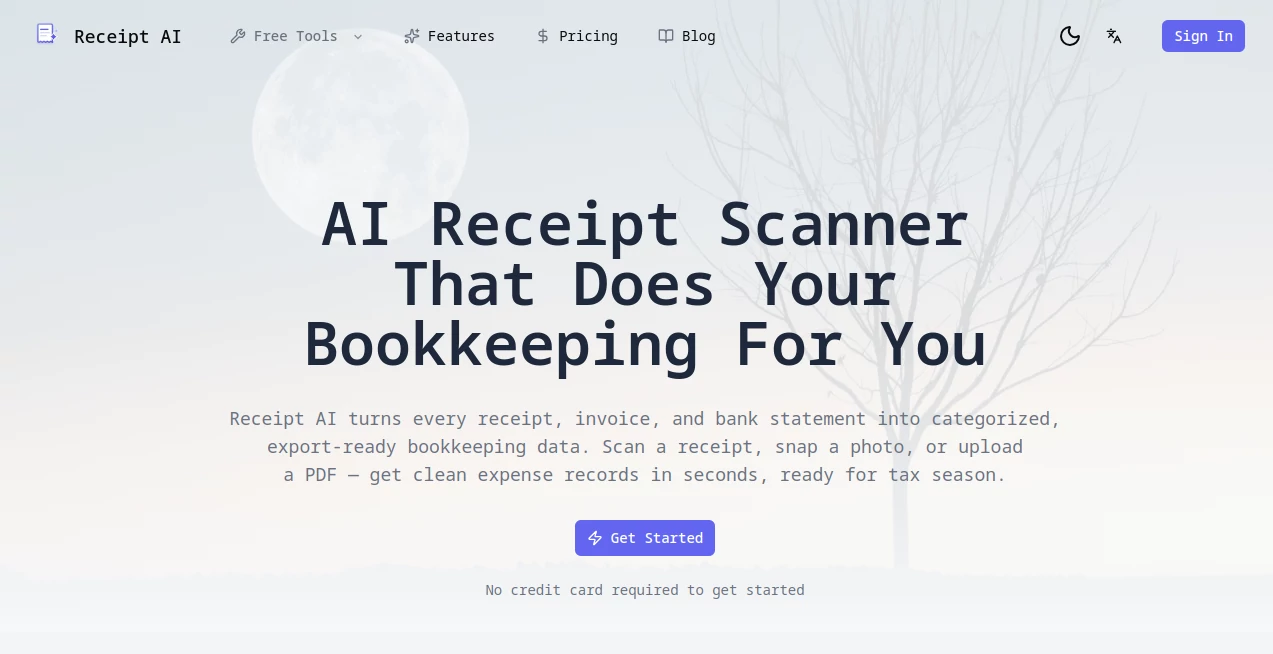
What is Receipt AI?
Receipt AI is an intelligent expense management platform designed to simplify how individuals, accountants, and businesses capture, organize, and process receipts. Instead of manually entering transaction details into spreadsheets or accounting software, users can upload receipts through multiple methods, allowing the platform to automatically extract important information such as merchant names, purchase dates, totals, taxes, payment details, and line items. The result is a faster, more accurate workflow that reduces repetitive administrative work while keeping financial records organized.
One of the strongest aspects of this solution is its practical approach to bookkeeping. Whether receipts arrive by email, mobile phone, or simple drag-and-drop uploads, the platform transforms them into searchable digital records within seconds. For businesses handling dozens or even thousands of receipts every month, this significantly reduces the time spent on expense reporting and financial reconciliation.
The platform also integrates with popular accounting systems, making it easier to synchronize expenses without repeatedly copying information between different applications. Combined with AI-powered categorization, duplicate detection, and detailed receipt insights, it creates an efficient workflow that helps finance teams focus on reviewing data instead of entering it manually. These capabilities make it a valuable companion for freelancers, startups, accountants, and growing organizations seeking a modern expense management solution. :contentReference[oaicite:0]{index=0}
Key Features
User Interface
The dashboard is clean and straightforward, making navigation simple even for first-time users. Receipts can be uploaded by email, SMS, or drag-and-drop, while organized folders and filters help users quickly locate past expenses. The interface prioritizes speed without overwhelming users with unnecessary options, creating a smooth experience for both individuals and teams. :contentReference[oaicite:1]{index=1}
Accuracy & Performance
Advanced optical character recognition and AI-powered document analysis accurately extract vendor names, transaction dates, taxes, totals, payment methods, bank information, and detailed line items. Continuous improvements have enhanced regional receipt recognition and increased extraction accuracy across multiple document formats and languages. :contentReference[oaicite:2]{index=2}
Capabilities
The platform supports receipt digitization, expense categorization, duplicate detection, cloud storage, CSV export, receipt analytics, team collaboration, and synchronization with accounting software including QuickBooks Online and Xero. One-click reconciliation further reduces bookkeeping time by matching uploaded receipts with existing accounting transactions. :contentReference[oaicite:3]{index=3}
Security & Privacy
Cloud-based storage keeps receipts available whenever they are needed while security improvements help protect user accounts and uploaded financial documents. Businesses can confidently maintain centralized expense records without relying on scattered paper receipts or local storage. :contentReference[oaicite:4]{index=4}
Use Cases
Freelancers can automatically organize business expenses before tax season.
Small businesses can eliminate manual receipt entry and improve bookkeeping accuracy.
Accounting firms can collect receipts from multiple clients and accelerate reconciliation.
Finance teams can centralize employee expenses in one searchable location.
Growing companies can synchronize receipt information directly with accounting platforms while maintaining organized digital archives.
Pros and Cons
Pros
Fast AI-powered receipt extraction.
Supports multiple upload methods including email, SMS, and drag-and-drop.
Integrates with QuickBooks Online and Xero.
Detailed line-item recognition.
Team collaboration features.
Duplicate receipt detection.
Supports numerous document formats and multiple languages.
Cons
Advanced accounting integrations require paid plans.
Large organizations may require higher-tier subscriptions for high monthly receipt volumes.
Pricing Plans
A free trial is available for new users. Paid subscriptions begin with an individual plan designed for freelancers and expand into business plans that support larger teams, increased monthly receipt limits, accounting software synchronization, and advanced collaboration features. Enterprise-level options provide additional scalability for organizations processing high volumes of expenses. :contentReference[oaicite:5]{index=5}
How to Use Receipt AI
Create an account and choose the subscription that matches your needs.
Upload receipts using drag-and-drop, email forwarding, or supported messaging methods.
Allow the AI engine to extract transaction information automatically.
Review categorized expenses and make edits if necessary.
Export reports or synchronize data with supported accounting software for bookkeeping and reconciliation.
Comparison with Similar Tools
Compared with traditional receipt scanners, this platform goes beyond simple text recognition by organizing expenses, detecting duplicates, extracting detailed line items, generating insights, and integrating directly with accounting systems. While many expense management applications focus primarily on document storage, this solution emphasizes automation throughout the bookkeeping process, making it particularly attractive for businesses seeking to reduce manual accounting work.
Conclusion
Managing receipts no longer needs to be one of the most time-consuming parts of running a business. By combining AI-powered document recognition with intelligent categorization, accounting integrations, and automated reconciliation, this platform transforms everyday receipts into organized financial records with minimal effort. Whether managing personal business expenses or processing thousands of company receipts each month, users benefit from a faster workflow, improved accuracy, and better financial visibility that supports smarter business decisions.
Frequently Asked Questions (FAQ)
Can the platform extract individual products from receipts?
Yes. It can identify detailed line items in addition to merchant names, dates, taxes, and totals. :contentReference[oaicite:6]{index=6}
Does it integrate with accounting software?
Yes. Supported integrations include QuickBooks Online and Xero with reconciliation capabilities available on eligible plans. :contentReference[oaicite:7]{index=7}
What file formats are supported?
Common formats including PDF, JPEG, PNG, TIFF, WEBP, HEIC, and HEIF are supported. :contentReference[oaicite:8]{index=8}
Can teams collaborate using one account?
Business plans provide multi-member workspaces that allow teams to manage receipts together while keeping expenses organized by user. :contentReference[oaicite:9]{index=9}
Is there a free trial?
Yes. New users can try the service before choosing a paid subscription. :contentReference[oaicite:10]{index=10}