Limato
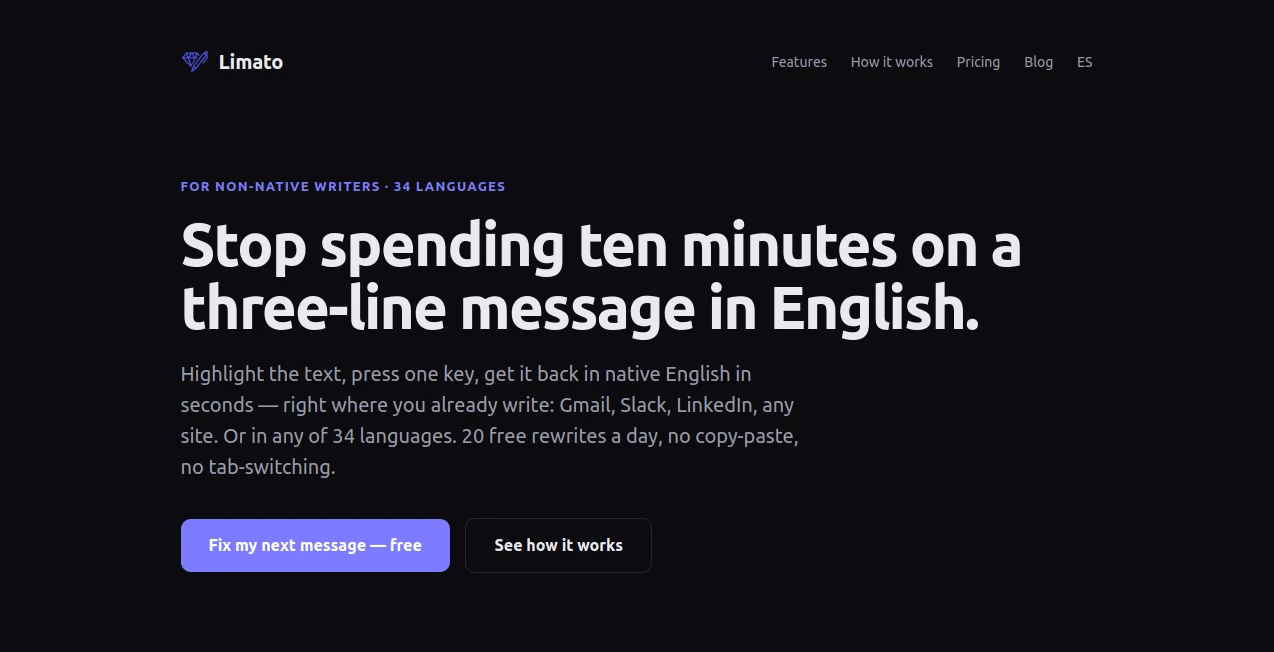
What is Limato?
Writing in a second language can be frustrating, even for experienced professionals. A message may be grammatically correct yet still sound unnatural or overly formal. This AI-powered writing assistant was created to solve that exact problem by helping users rewrite text the way a fluent native speaker would naturally express it.
Instead of only correcting grammar or translating words, it improves sentence structure, tone, rhythm, and readability while preserving the original meaning. Whether you're sending business emails, creating social media posts, writing documentation, or preparing academic content, the platform helps every sentence feel more authentic and confident.
One of its biggest strengths is convenience. Users simply highlight text on almost any website, choose the desired writing style, and instantly receive a polished version without switching tabs or opening another application. The result is a faster writing workflow that feels seamless from start to finish.
Key Features
User Interface
The extension offers a lightweight experience designed to stay out of the user's way. Text can be rewritten directly inside browsers with just a few clicks, making everyday writing significantly more efficient. There is virtually no learning curve, allowing new users to become productive immediately.
Accuracy & Performance
Rather than making isolated grammar corrections, the AI analyzes sentence flow, context, and writing intent before generating improved versions. The result feels conversational, polished, and appropriate for both professional and personal communication. Support for more than thirty languages also makes it valuable for multilingual users.
Capabilities
- Rewrite text in a native-speaking style.
- Multiple writing tones including formal, casual, academic, simplified, grammar-only, and humanized.
- Translate content while preserving writing tone.
- Improve grammar without changing the author's voice.
- Humanize AI-generated content.
- Works inside almost every editable text field on the web.
- One-click replacement or copy functionality.
- Supports over 30 languages.
- Ideal for emails, documents, social media, forums, and developer platforms.
Security & Privacy
Privacy is treated seriously. Text is processed only when users request a rewrite, and drafts are not stored for AI model training. This makes the tool suitable for professionals who regularly work with confidential emails, business communication, and sensitive documents.
Use Cases
- Writing professional business emails.
- Improving customer support responses.
- Creating natural social media posts.
- Polishing academic assignments.
- Editing blog articles before publishing.
- Helping developers write documentation and GitHub discussions.
- Enhancing marketing copy for international audiences.
- Improving communication for remote global teams.
Pros and Cons
Pros
- Produces natural, native-quality rewrites.
- Very easy to use with minimal setup.
- Supports dozens of languages.
- Works across almost every website.
- Several writing tones for different situations.
- Helpful for both personal and professional communication.
- Free daily usage available.
Cons
- Unlimited usage requires a paid subscription.
- Browser extension is the primary way to access the service.
- Advanced rewriting depends on an internet connection.
Pricing Plans
A generous free plan allows users to perform several rewrites every day without creating an account. Registering for a free account increases the daily usage limit, while the Pro subscription unlocks unlimited rewrites together with a free trial, making it suitable for frequent writers and professionals.
How to Use Limato
Install the browser extension and open any website containing an editable text field. Highlight the text you want to improve, choose the preferred writing style, and let the AI generate a refined version. You can instantly replace the original text or copy the rewritten result to your clipboard. The entire process typically takes only a few seconds.
Comparison with Similar Tools
Many grammar checkers focus mainly on spelling and punctuation, while traditional translators often produce literal translations that sound unnatural. Generic paraphrasing tools frequently rearrange words without improving readability. This solution stands out by focusing on natural phrasing, tone adaptation, and human-like writing, making it especially valuable for non-native speakers who want their communication to feel authentic rather than translated.
Conclusion
For professionals, students, entrepreneurs, and international teams, clear communication can make a significant difference. This writing assistant delivers polished, natural language that sounds fluent without sacrificing the writer's original message. Its combination of speed, simplicity, multilingual support, and tone-aware rewriting makes it an excellent companion for anyone who writes online every day.
Frequently Asked Questions (FAQ)
Is it suitable for non-native English speakers?
Yes. It is specifically designed to help users write in a way that feels natural to native speakers.
Can it rewrite content in different tones?
Yes. Users can choose from several tones, including formal, casual, academic, simplified, grammar-only, and humanized writing.
Does it support multiple languages?
Yes. The platform supports more than 30 languages for rewriting and translation tasks.
Can it be used directly inside websites?
Yes. It works in editable text fields across most websites, allowing users to rewrite text without leaving the current page.
Is there a free version available?
Yes. Users can access free daily rewrites, while additional usage and unlimited access are available through paid plans.
AI Grammar Checker , AI Translate , AI Rewriter , AI Writing Assistants .
These classifications represent its core capabilities and areas of application. For related tools, explore the linked categories above.

Limato Alternatives Product

labgen

Overchat AI

AI page tran…

Thinkesta

Simplified

markdown to …

Inkfox AI

genie 4

MachineTrans…