Live3D
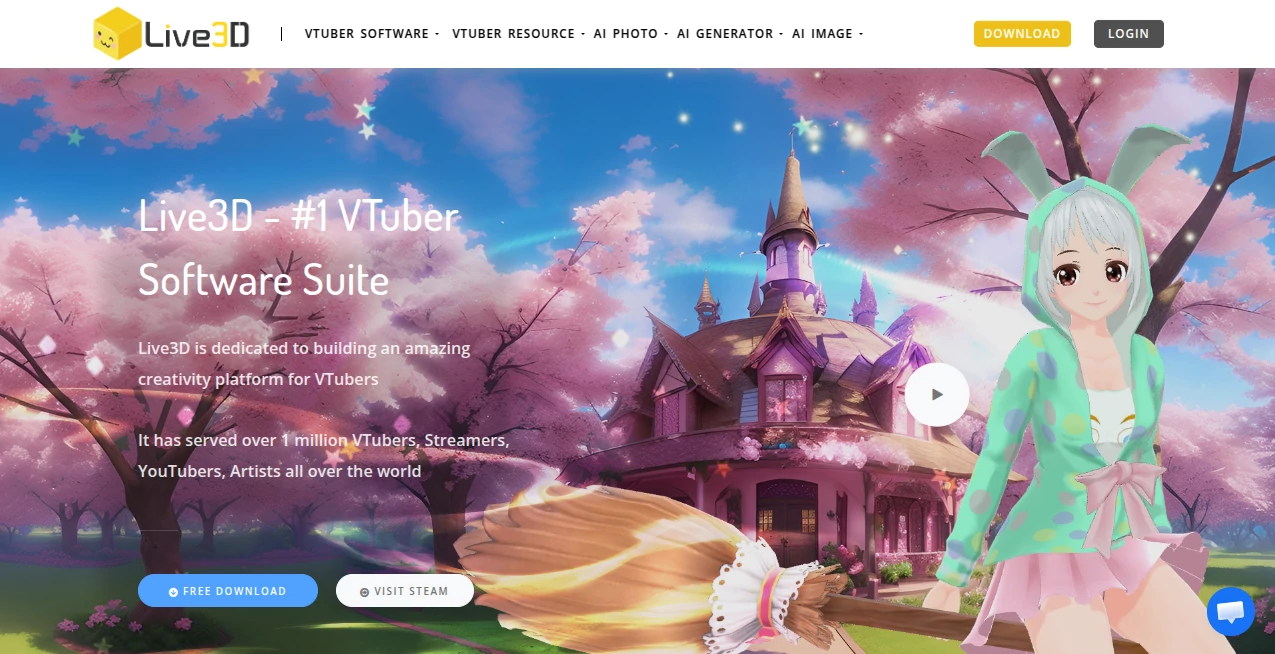
What is Live3D?
There’s something incredibly fun about turning yourself into a virtual character who can wave, dance, and interact with fans in real time. This platform makes that dream feel simple and achievable. Whether you’re just starting out or already streaming regularly, it gives you the full toolkit to look professional without needing a big budget or complicated setup. I’ve watched beginners go from zero to live in under an hour, grinning the whole time as their avatar mirrors their expressions perfectly. It’s the kind of experience that turns a hobby into something you can’t wait to share with others.
Introduction
Becoming a VTuber used to feel intimidating—expensive software, tricky tracking, limited avatars. This suite changes that completely. It brings together everything you need in one place: smooth face and hand tracking, beautiful customizable models, and creative tools that let your personality shine through. Over a million creators have already used it, from casual streamers testing the waters to established talents growing their audiences. What makes it special is how it balances power with simplicity—you get pro-level results without the pro-level headache. It’s built by people who clearly understand what VTubers actually want: fun, reliability, and room to be creative.
Key Features
User Interface
The apps feel clean and welcoming from the first click. VTuber Maker gives you a straightforward live streaming view with easy toggles for effects and expressions. The Editor lets you drag, drop, and tweak models intuitively, like dressing up a digital doll but with real precision. Everything loads fast and stays responsive, even on mid-range computers. No overwhelming menus or confusing shortcuts—just tools that stay out of your way so you can focus on performing.
Accuracy & Performance
The tracking is impressively responsive. Your expressions translate naturally to the avatar with minimal lag, and hand movements feel accurate even with just a webcam. It handles different lighting conditions well and keeps performance smooth during longer streams. Many users note how reliable it stays even when they’re moving around or getting expressive—exactly what you need when you’re live and can’t afford glitches.
Capabilities
You get a rich library of ready-to-use 3D avatars, plus a powerful editor to customize everything from outfits and accessories to full animations and emotes. Interactive effects, Twitch extensions for audience engagement, and background options help make your stream unique. The suite also includes pose references and resources that keep getting updated. Whether you want something cute, cool, or completely original, there’s enough flexibility to make it your own without starting from scratch.
Security & Privacy
Your streams and custom creations stay under your control. The software runs locally for the most part, and there’s no unnecessary data collection that gets in the way of creating. For streamers who value their personal space and content ownership, that respectful approach is a big plus.
Use Cases
New VTubers use the ready avatars and simple tracking to go live quickly and build confidence. Experienced creators dive into the editor to design signature looks and unique emotes that fans remember. Streamers add interactive effects during gameplay or chats to boost engagement and earn bits. Artists turn their 2D designs into 3D models they can actually perform with. It works beautifully for solo hobbyists, content teams, and everyone in between who wants to bring a virtual self to life.
Pros and Cons
Pros:
- Excellent face and hand tracking that feels natural and responsive.
- Huge library of avatars and assets plus deep customization tools.
- Regular updates with new models, effects, and improvements.
- Great performance even without top-tier hardware.
- Strong community and resources for beginners.
Cons:
- Some advanced customizations have a learning curve.
- Full potential shines brightest with paid upgrades for extra assets and features.
Pricing Plans
Basic features are free, letting you test the waters and stream with solid avatars right away. Paid plans unlock more models, advanced editing tools, priority support, and exclusive assets. The upgrades feel worthwhile as you grow—many creators say the paid tier pays for itself through better streams and happier audiences. Flexible enough for casual users and serious talents alike.
How to Use Live3D
Download the main app, choose or create your avatar, calibrate your webcam for tracking, and you’re basically ready to go live. For custom looks, open the Editor to tweak models, add props, or design new animations. Test everything in preview mode, then connect to your streaming software via virtual camera. Play with effects and extensions during streams to engage your audience. The whole process feels natural, and the built-in tutorials help you level up quickly.
Comparison with Similar Tools
While other VTuber solutions exist, this suite stands out for combining strong tracking, deep customization, and a rich asset library in one cohesive package. Many alternatives feel either too basic or overly technical. Here you get professional results without needing to juggle multiple programs or compromise on creativity. It’s especially strong for creators who want both ease and room to grow.
Conclusion
Live3D turns the dream of becoming a VTuber into something real, fun, and achievable. It removes the biggest barriers while keeping the magic intact—the joy of performing as a character that’s uniquely yours. Whether you’re streaming for ten friends or ten thousand, it gives you the tools to look polished, feel confident, and connect with your audience in memorable ways. If you’ve ever wanted to step into a virtual world as your best creative self, this is one of the best places to start.
Frequently Asked Questions (FAQ)
Do I need a powerful PC to run it?
No— it runs smoothly on most mid-range computers, especially with the optimized tracking.
Can I use my own 3D model?
Yes—the editor supports VRM models and lets you customize them extensively.
Is it good for beginners?
Absolutely. The ready avatars and simple setup make it very approachable.
Does it support hand tracking?
Yes—smooth hand tracking with webcam or additional devices like Leap Motion.
Are there regular updates?
Yes—new avatars, effects, and improvements come frequently.
These classifications represent its core capabilities and areas of application. For related tools, explore the linked categories above.

Live3D Alternatives Product

6 Letter Wor…
Pixel Flow L…

CharacterHub

Project Genie
TierCove
Roblox Man F…

ao3dle

City Boy Meme

AI Age Progr…