


















Mind Momentum AI Reception
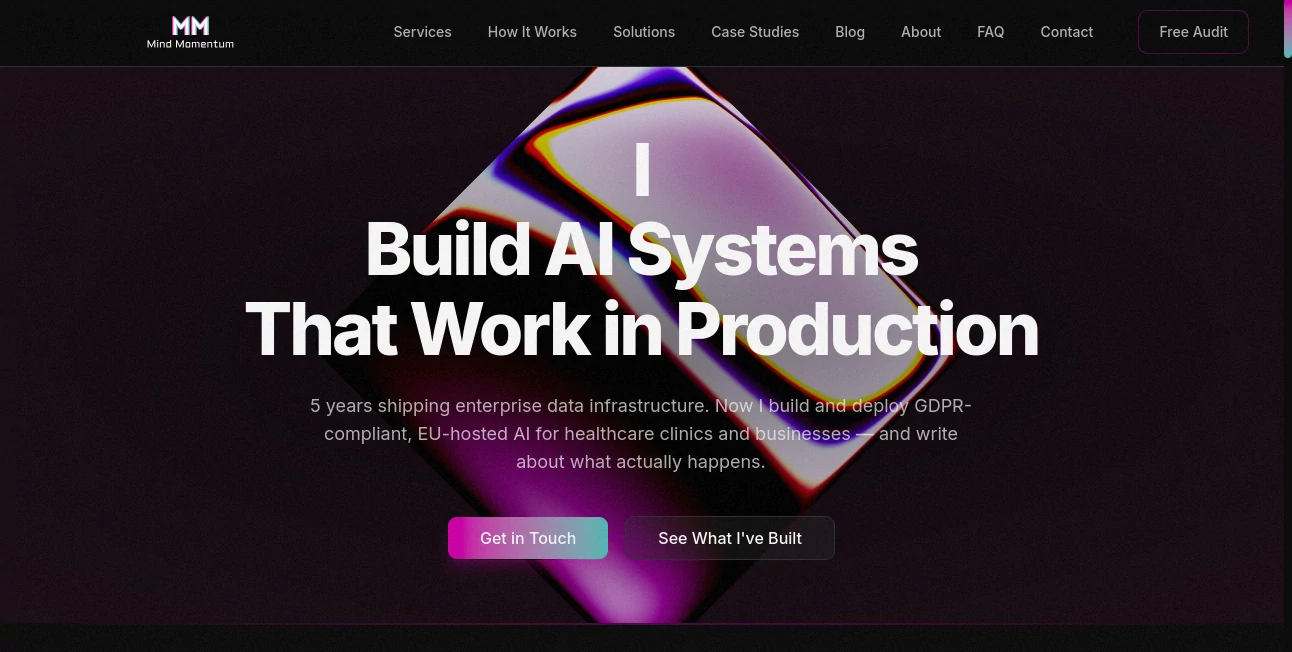
What is Mind Momentum AI Reception?
In a digital world filled with constant information overload, organizing thoughts has become more important than ever. This platform is designed to help users transform scattered ideas into structured, visual mind maps that actually make sense of complexity. Instead of juggling endless notes or fragmented documents, it brings clarity through a simple, intuitive approach to visual thinking.
Whether you're brainstorming a new project, planning content, or studying a complex topic, the experience feels natural and surprisingly effortless. It doesn’t try to overwhelm you with features—it focuses on helping you think better.
Key Features
User Interface
The interface is clean, minimal, and intentionally distraction-free. Users can start with a single idea and expand it into branches of connected thoughts. Everything is designed to feel smooth, with drag-and-drop simplicity and quick editing tools that don’t interrupt the flow of thinking.
Accuracy & Performance
The system responds quickly even when maps become large and complex. It keeps relationships between ideas visually organized without lag or confusion, making it suitable for both light brainstorming and deeper strategic planning.
Capabilities
- Visual mind mapping for structured thinking
- Idea expansion through connected nodes
- Brainstorming support for individuals and teams
- Project structuring and planning assistance
- Flexible editing for dynamic workflows
Security & Privacy
User-generated content is treated with care, and the platform prioritizes a secure environment for storing and managing personal ideas. It is designed for individuals and teams who value privacy while working on sensitive or creative projects.
Use Cases
- Students organizing study materials and exam topics
- Writers outlining articles, books, or scripts
- Product teams planning features and roadmaps
- Entrepreneurs structuring business ideas
- Agencies brainstorming campaigns and strategies
Pros and Cons
Pros
- Very intuitive and easy to start using
- Helps convert messy thoughts into structured visuals
- Supports both individual and collaborative thinking
- Fast performance even with large maps
Cons
- Advanced customization options may feel limited for power users
- Some integrations expected in enterprise workflows may be missing
Pricing Plans
The pricing structure is designed to be flexible, often offering a basic entry level for individual users with optional upgrades for more advanced features or team collaboration. Depending on usage needs, users can choose a plan that fits personal creativity or professional workflow demands.
How to Use This Tool
Getting started is straightforward. After entering the workspace, users begin with a central idea. From there, they can add branches, connect related thoughts, and gradually build a complete visual structure. Editing is simple—just click, type, and rearrange as needed. Over time, ideas naturally evolve into a clear map of understanding.
Comparison with Similar Tools
Compared to traditional note-taking apps, this platform focuses more on visual structure rather than linear text. Unlike complex enterprise diagram software, it remains lightweight and accessible. It strikes a balance between simplicity and functionality, making it suitable for both beginners and professionals who want clarity without complexity.
Conclusion
This platform stands out as a thoughtful solution for anyone who struggles with organizing ideas. It doesn’t just store information—it helps shape it. By turning abstract thinking into a structured visual experience, it becomes a practical companion for creativity, planning, and problem-solving in everyday work.
Frequently Asked Questions (FAQ)
Is it suitable for beginners?
Yes, the interface is designed so that even first-time users can start creating mind maps without any learning curve.
Can it be used for team collaboration?
Yes, it supports collaborative workflows, making it useful for group brainstorming and project planning.
Does it require installation?
It is typically accessible through the web, so no complex installation process is needed.
What makes it different from note-taking apps?
Instead of linear notes, it focuses on visual relationships between ideas, which makes complex thinking easier to manage.
AI Workflow Management , AI Productivity Tools , AI Mind Mapping , AI Notes Assistant .
These classifications represent its core capabilities and areas of application. For related tools, explore the linked categories above.
Mind Momentum AI Reception details
Website unavailable — View Alternatives
Pricing
- Free
Apps
- Web App
Categories

Mind Momentum AI Reception Alternatives Product

YouMind

Manus

Gemini Omni

WhatIsThisMo…

KronoPrompt

Notion

CoolVerdict

Oasis

4ga Boards
