

















KronoPrompt
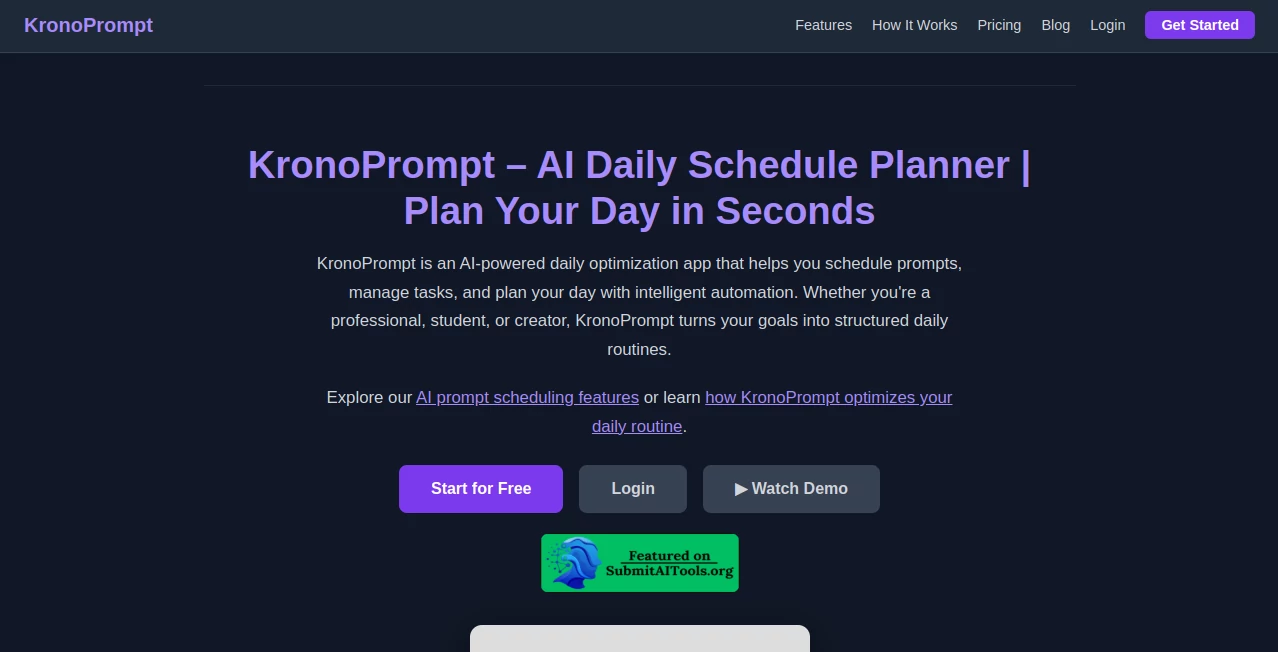
What is KronoPrompt?
Managing a busy day can quickly become overwhelming when appointments, personal goals, work tasks, and family responsibilities all compete for attention. This intelligent scheduling platform transforms simple natural language into a structured visual timeline, making it much easier to understand how every hour of the day is spent. Instead of manually arranging events, users simply describe their plans, and the AI builds a realistic schedule within seconds.
What makes this solution particularly impressive is its ability to understand ordinary language rather than requiring complex commands. Whether someone is planning a workday, organizing study sessions, fitting in workouts, or balancing family activities, the generated timeline feels practical and easy to follow. The visual presentation also helps users identify free time, avoid scheduling conflicts, and develop healthier daily routines.
For professionals, students, freelancers, and anyone who struggles with time management, this platform offers a refreshing alternative to traditional calendar applications by making schedules easier to visualize and follow.
Key Features
User Interface
The interface is remarkably clean and beginner-friendly. Users simply describe their day in plain English, and the application instantly converts the information into an organized visual schedule. The workflow is intuitive, requiring very little learning before producing useful results.
Accuracy & Performance
Powered by advanced language models, the platform accurately interprets natural descriptions, even when they contain multiple activities, changing priorities, or informal wording. Generated schedules appear within seconds, allowing users to adjust plans quickly without rebuilding everything manually.
Capabilities
- Generate complete daily schedules from natural language.
- Create hour-by-hour visual timelines.
- Plan work, personal, and family activities together.
- Identify available free time automatically.
- Support recurring routines and daily planning.
- Help improve productivity through visual organization.
- Reduce scheduling conflicts.
- Adapt to changing priorities with minimal effort.
Security & Privacy
The platform focuses on delivering scheduling assistance while keeping the planning process simple. Users can access the service through the web, and pricing information indicates transparent account options without requiring unnecessary complexity for new users. As with any productivity application, reviewing the official privacy policy before storing sensitive personal information is recommended.
Use Cases
- Planning productive workdays.
- Creating balanced study schedules.
- Managing family routines.
- Organizing fitness and wellness activities.
- Preparing daily task timelines.
- Helping people with time management challenges.
- Visualizing long and busy schedules.
- Improving personal productivity habits.
Pros and Cons
- Pros
- Very simple natural language input.
- Creates visual schedules automatically.
- Fast schedule generation.
- Excellent for daily planning.
- Useful for both personal and professional organization.
- Affordable pricing with a generous free plan.
- Cons
- Focused primarily on daily scheduling rather than full project management.
- Some advanced usage limits depend on the selected subscription.
- Currently offers broader mobile support as development continues.
Pricing Plans
A free plan allows users to experience the core functionality without requiring a credit card. Paid subscriptions increase monthly usage limits and provide additional capacity for individuals, businesses, and enterprise customers, making the platform suitable for both personal productivity and larger organizations. :contentReference[oaicite:0]{index=0}
How to Use KronoPrompt
Start by opening the application and describing your day using normal language. Include work hours, appointments, personal goals, meals, exercise, travel, or any other activities. The AI analyzes your description and generates a visual timeline that organizes your schedule hour by hour. Review the generated plan, make adjustments if necessary, and use the completed schedule as your guide throughout the day.
Comparison with Similar Tools
Unlike traditional calendar applications that require manual event creation, this platform automatically understands natural language and converts it into a complete visual schedule. Compared with many AI productivity assistants that focus mainly on task lists, it emphasizes time visualization, making it easier to understand where every hour is allocated. This approach helps users recognize scheduling gaps and build more realistic daily routines with minimal effort.
Conclusion
For anyone looking to improve time management without spending valuable minutes organizing calendars manually, this AI scheduling solution delivers an enjoyable experience. Its combination of natural language understanding, fast visual schedule generation, and intuitive interface makes daily planning significantly easier. Whether managing work responsibilities, personal commitments, or long-term goals, it offers a practical way to transform scattered ideas into an organized and achievable daily plan.
Frequently Asked Questions (FAQ)
Is there a free version available?
Yes. A free plan is available with access to the platform's main scheduling features.
Can it understand normal sentences?
Yes. Users simply describe their daily plans in natural language, and the AI creates a structured timeline automatically.
Who benefits most from this platform?
Professionals, students, freelancers, parents, and anyone who wants better daily organization can benefit from its visual scheduling capabilities.
Can it manage recurring routines?
Yes. The platform supports recurring planning scenarios that help users maintain consistent daily habits.
Does it replace traditional calendars?
Rather than replacing calendars entirely, it complements them by generating easy-to-understand visual schedules from simple text descriptions.