
MiraFrame AI
What is MiraFrame AI?
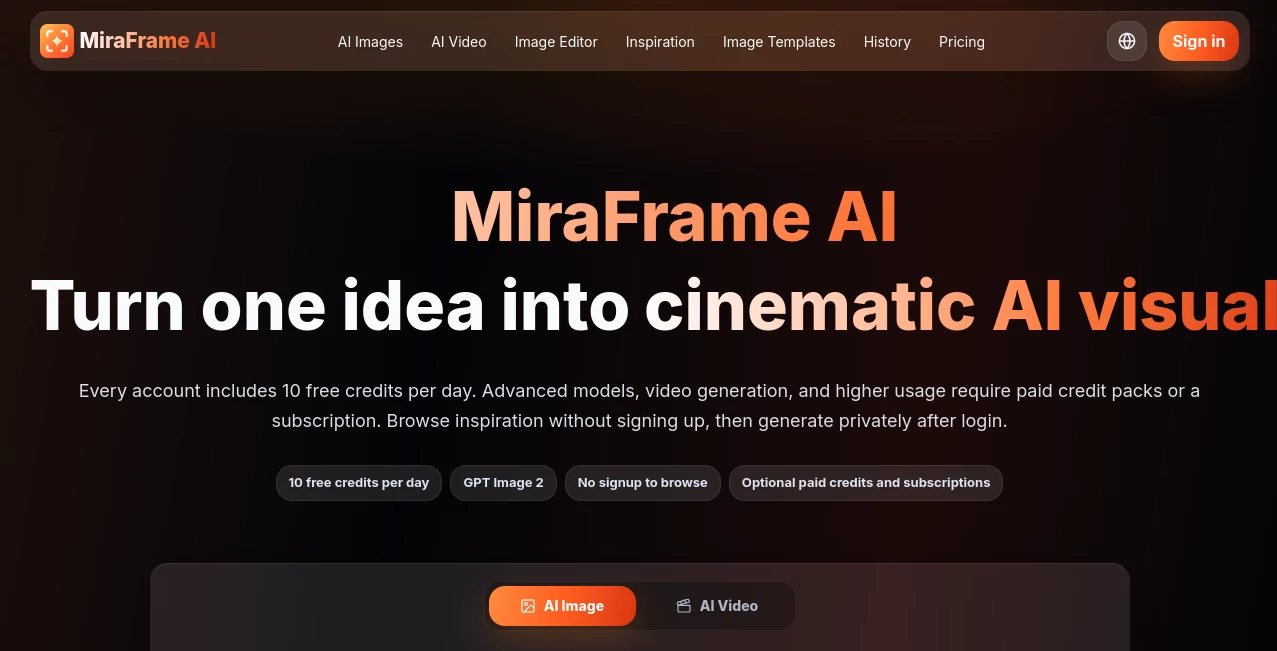
MiraFrame AI is an AI-powered creative platform built for turning written ideas and reference images into polished visual content. Its main workspace brings image generation, video creation, model selection, templates, and editing tools into one streamlined experience. Instead of jumping between several creative applications, users can describe what they want, choose a suitable model, set an aspect ratio, and generate a result from the same workspace.
The platform is particularly appealing to creators who need a steady flow of visuals for social media, advertising, product presentation, concept development, illustration, or personal projects. Users can also browse inspiration and use existing examples as a starting point for their own prompts.
Key Features
- Text-to-image generation from detailed natural-language prompts.
- Reference image support with up to three reference images.
- Multiple generation models for different creative requirements.
- AI video generation alongside image creation.
- Image-to-image workflows for refining existing visuals.
- Built-in AI photo editing tools.
- Multiple aspect ratios including 1:1, 3:4, 4:3, and 16:9.
- Ready-made templates for portraits, posters, products, and other visual concepts.
- Daily free credits for experimenting without an immediate subscription.
- Inspiration examples that can be used as starting points for new creations.
User Interface
The interface is designed around the actual creation process rather than burying the important controls behind multiple menus. A typical generation starts with a prompt, followed by model selection, reference images when needed, aspect ratio, output count, and generation. This makes the workflow easy to understand even for someone who has not spent much time with AI image generators.
The inspiration section is another useful touch. Seeing examples of portraits, product photography, anime artwork, fantasy scenes, editorial compositions, and cinematic concepts can make the blank prompt box feel much less intimidating.
Accuracy & Performance
Performance depends on the selected model and the type of generation, but the platform is designed around quick visual iteration. Its model selection system lets users choose different generation engines for tasks such as product compositions, portraits, illustrations, text rendering, and more demanding visual concepts.
For creators, this matters because the first generation is rarely the final one. Being able to adjust a prompt, change a model, switch the aspect ratio, or provide a reference image makes experimentation considerably more practical.
Capabilities
The image generation workflow can handle a broad range of visual directions, from realistic product photography and portraits to anime illustrations, fantasy artwork, magazine-style compositions, social media graphics, and cinematic scenes. Detailed prompts can describe subjects, camera angles, lighting, mood, color palettes, composition, and intended visual style.
Reference images can also be incorporated into the workflow when maintaining visual direction is important. Beyond still images, the platform includes text-to-video and image-to-video capabilities, while its image editor provides a way to continue working on generated content instead of starting over elsewhere.
Security & Privacy
The platform distinguishes between temporary homepage generations and signed-in activity. Temporary results can be generated without signing in, but they are not retained after the page is refreshed. Signed-in generations can be associated with the user's account and credit records and can be saved in history.
Users should also pay attention to the terms of the individual generation models when working with sensitive reference material or commercial projects. Commercial usage can depend on the selected model, the input material, and applicable local rules.
Use Cases
Social Media Content: Create eye-catching graphics, portraits, promotional artwork, and vertical visuals for social platforms without starting every design from a blank canvas.
Product Marketing: Generate polished product scenes and advertising concepts when a conventional photoshoot would be expensive or slow.
Concept Art: Turn rough ideas into cinematic environments, characters, fantasy scenes, and futuristic concepts that can help artists and creative teams explore directions quickly.
Content Creation: Bloggers, creators, and publishers can produce supporting imagery for articles, campaigns, presentations, and digital content.
Design Exploration: Designers can test different compositions, styles, lighting setups, and visual concepts before committing to a finished direction.
Video Prototyping: Text-to-video and image-to-video workflows make it possible to move from a static concept toward short visual sequences.
Pros and Cons
Pros
- Combines image and video generation in one platform.
- Offers access to several generation models.
- Supports reference images for more controlled creation.
- Includes useful aspect-ratio controls and multiple output options.
- Provides templates and inspiration for faster experimentation.
- Offers free daily credits for testing the platform.
- Paid plans remove watermarks and provide higher usage limits.
- Includes AI image editing and refinement workflows.
Cons
- Generation quality and speed can vary between models.
- More advanced models and heavier usage require paid credits or a subscription.
- Free outputs include a watermark.
- Temporary generations are lost after refreshing the page.
- Commercial usage should be checked against the terms of the selected model.
Pricing Plans
The platform offers a Free plan with 10 credits per day, approximately 10 Fast Mode images per day, unlimited generations through its free model in the slow queue, and around two videos per day. Free outputs include a watermark.
The Pro plan costs $18 per month and includes 2,000 credits, access to additional generation models, approximately 2,000 Fast Mode images per month, around 400 videos, priority generation, no advertisements, no watermarks, and access to the AI photo editor.
The Ultimate plan costs $38 per month and provides 5,000 credits, approximately 5,000 Fast Mode images, around 1,000 videos per month, the highest generation priority, enhanced privacy, no advertisements, no watermarks, an AI photo editor, an advanced refine feature, and early access to new features.
How to Use MiraFrame AI
- Open the image or video generation workspace.
- Enter a detailed description of the visual you want to create.
- Add reference images when you need to guide the composition or visual direction.
- Select the generation model that best matches your project.
- Choose an aspect ratio such as 1:1, 3:4, 4:3, or 16:9.
- Select the desired number of outputs and resolution where available.
- Generate the content and review the results.
- Refine the prompt, change the model, or use the editing workflow if the first result is not quite right.
- Save or download the finished creation when you are satisfied with it.
Comparison with Similar Tools
Many AI visual generators concentrate heavily on one generation method, while this platform takes a broader approach by combining image creation, video generation, references, templates, inspiration, and editing. The visible model selection is particularly useful for people who want to experiment with different generation technologies rather than being locked into one engine.
It is not necessarily the right choice for every professional production workflow. However, for users who want one creative workspace where they can move from an idea to an image, refine that image, and explore video generation, the combination is compelling. The free daily allowance also makes it relatively easy to test before deciding whether a paid plan is worthwhile.
Conclusion
MiraFrame AI brings together many of the pieces that modern visual creators need: prompt-based image generation, reference images, multiple models, video creation, templates, and editing. The experience feels especially well suited to experimentation, where a creator may have an idea in the morning and need several different visual directions by the afternoon.
The free tier provides a practical way to explore the core workflow, while the Pro and Ultimate plans are aimed at people producing visual content more regularly. Whether the goal is a product campaign, social media artwork, concept art, or an early video idea, the platform offers a flexible starting point without requiring a complicated creative setup.
Frequently Asked Questions (FAQ)
Is MiraFrame AI free to use?
Yes. The Free plan provides up to 10 credits per day. Unused free credits do not roll over, while advanced models, higher usage, and some video capabilities require paid credits or a subscription.
Can I generate images without creating an account?
Temporary generations can be created from the homepage without signing in. However, these results are not saved and disappear after the page is refreshed. Signing in allows generations to be associated with account history and credit records.
Does it support reference images?
Yes. The image workflow supports reference images, with up to three references available for guiding a generation.
Can I create AI videos?
Yes. The platform includes both text-to-video and image-to-video workflows, allowing users to move beyond static image generation.
What types of images can I create?
You can create product visuals, portraits, posters, anime artwork, editorial imagery, fantasy scenes, cinematic concepts, illustrations, and social media graphics, among other styles.
Can I edit generated images?
Yes. Image editing and image-to-image workflows are available for refining generated visuals and continuing the creative process.
Does the Free plan include watermarks?
Yes. Free outputs include a watermark. The Pro and Ultimate plans provide watermark-free output.
Can generated images be used commercially?
Commercial usage depends on the selected generation model, the input material, and applicable terms and laws. Users should verify the relevant provider terms before publishing commercial work.
What is the best way to write prompts?
A useful prompt can describe the subject, setting, visual style, lighting, camera perspective, mood, color palette, composition, and intended use. More specific descriptions generally give the generation model better creative direction.
How much do the paid plans cost?
The Pro plan is listed at $18 per month, while the Ultimate plan is $38 per month. The Free plan is available without a subscription and provides a daily credit allowance.
AI Photo & Image Generator , Photo & Image Editor , AI Video Generator , AI Text to Image .
These classifications represent its core capabilities and areas of application. For related tools, explore the linked categories above.

MiraFrame AI Alternatives Product

SuperAI
Kogashitsuka…
Seedance 2.0…

ds video
GoViralTrend

Nano Banana 2

UniVideo

Seedream 4.0…

NanoBananaPro