


















Proofwrite AI
What is Proofwrite AI?
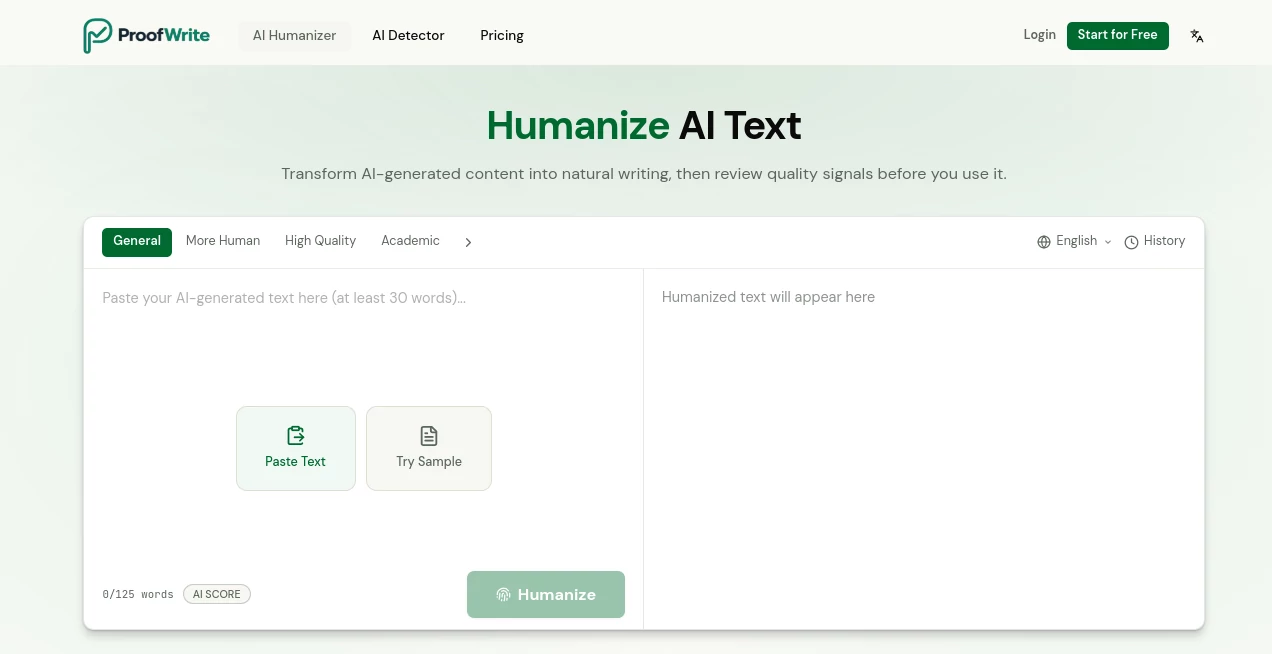
In today’s digital world, content quality can make or break your online presence. Whether you are a blogger, marketer, student, or business owner, writing clear and natural text is essential. This platform is designed to help users refine their writing so it reads naturally, smoothly, and with a human touch.
Instead of producing robotic or repetitive outputs, it focuses on improving tone, clarity, and readability while keeping the original meaning intact. The result is polished content that feels authentic and engaging.
Key Features
User Interface
The interface is clean, minimal, and beginner-friendly. Users can quickly paste text, make adjustments, and receive improved versions without any technical learning curve. Everything is designed to keep the writing process fast and distraction-free.
Accuracy & Performance
The system is optimized to detect grammatical issues, awkward phrasing, and unnatural sentence structures. It not only corrects mistakes but also enhances the flow of sentences, making the final output more readable and professional.
Capabilities
- Advanced grammar and spelling correction
- Human-like rewriting and paraphrasing
- Tone adjustment for different audiences
- Content clarity and readability improvement
- Sentence structure optimization
Security & Privacy
User privacy is treated as a priority. Text input is processed securely, ensuring that sensitive content remains protected and is not misused or shared externally.
Use Cases
- Improving blog posts and website content
- Enhancing academic essays and assignments
- Refining marketing copy and advertisements
- Polishing emails and business communication
- Rewriting AI-generated text to sound more natural
Pros and Cons
Pros
- Makes writing sound more human and natural
- Easy to use with no learning curve
- Improves grammar and readability together
- Useful for multiple writing styles and industries
Cons
- May require manual review for highly technical content
- Advanced customization options may be limited for power users
Pricing Plans
The platform typically follows a flexible pricing structure that may include free access with basic features and premium plans for advanced rewriting capabilities, higher usage limits, and enhanced writing controls.
How to Use the Tool
Using this writing assistant is straightforward. First, users paste their draft text into the editor. Then, they select the desired improvement style such as grammar correction, rewriting, or tone adjustment. After processing, the tool provides an improved version that can be copied, edited further, or used directly.
Comparison with Similar Tools
Compared to traditional grammar checkers, this platform goes beyond simple correction. It focuses on rewriting content in a way that feels more natural and human-written. While many tools only highlight mistakes, this one actively enhances readability and flow, making it more suitable for content creators who value tone and engagement.
Conclusion
For anyone looking to improve writing quality without spending hours editing, this tool offers a practical and efficient solution. It bridges the gap between automated assistance and human-like writing, making content creation smoother and more effective across different use cases.
Frequently Asked Questions (FAQ)
Is this tool suitable for professional writing?
Yes, it can be used for business, academic, and marketing content while maintaining a professional tone.
Does it only correct grammar?
No, it also improves sentence structure, clarity, and overall writing flow.
Can it make AI-generated text sound more natural?
Yes, one of its main strengths is rewriting content to sound more human-like and less robotic.
Is it easy for beginners to use?
Absolutely. The interface is designed for users of all skill levels.
Does it store user text?
It is designed with privacy in mind, ensuring user content is handled securely during processing.
AI Paraphraser , AI Content Generator , AI Grammar Checker , AI Writing Assistants .
These classifications represent its core capabilities and areas of application. For related tools, explore the linked categories above.

Proofwrite AI Alternatives Product

AI Bypass Hub

justmarkdown

Trending AI …

SocialRails

markdown to …
Picmim

Inkfox AI

NepVox
Ai Book Publ…
