

















Referent
Verified Blue CheckMark
Verified Blue CheckMark products are featured above free or unverified listings.
This badge indicates authenticity and builds trust, giving your product higher visibility across the platform.
Upgrade to get verified
Verified Blue CheckMark products are featured above free or unverified listings. This badge indicates authenticity and builds trust, giving your product higher visibility across the platform.
Upgrade to get verified
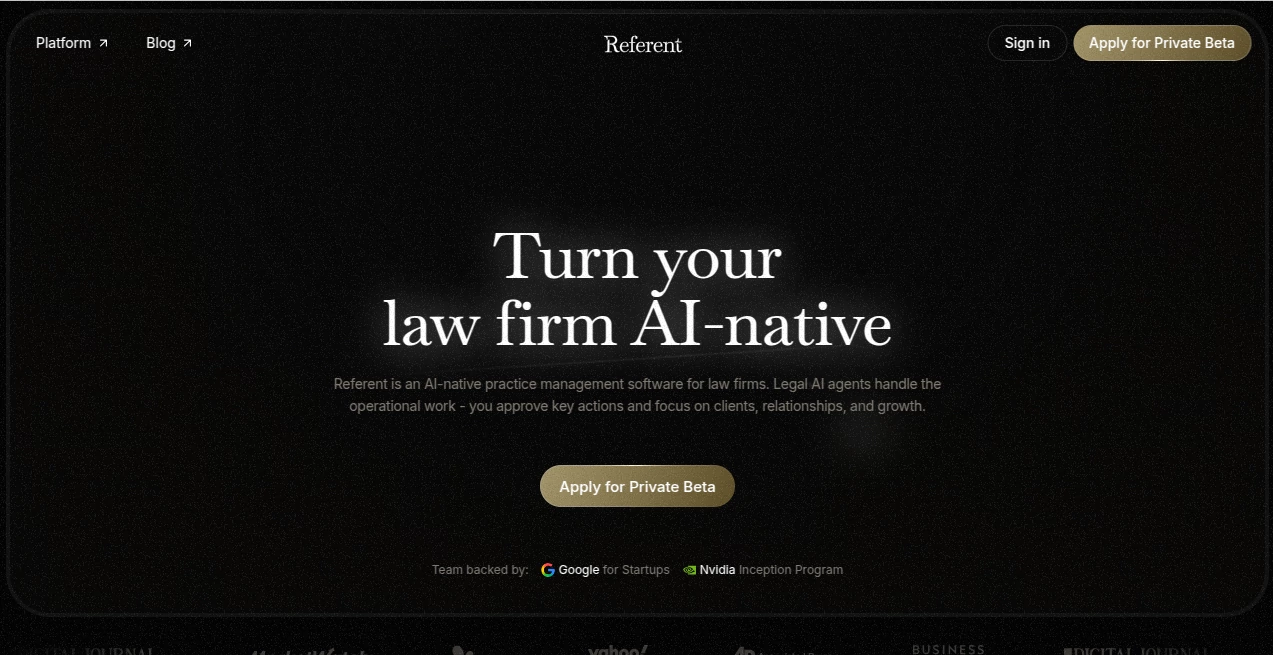
What is Referent?
Modern legal practice is no longer just about drafting documents and attending hearings. Law firms also spend countless hours managing emails, organizing case files, scheduling meetings, tracking deadlines, and handling client communications. This platform was built to reduce that administrative burden by introducing AI-powered legal practice management that works alongside lawyers instead of replacing them.
Unlike generic AI assistants, the platform is designed specifically for legal professionals. It connects clients, matters, documents, calendars, emails, and daily workflows into one intelligent workspace. Routine operations are handled automatically while lawyers remain in full control of every important decision. The result is a faster, more organized, and more scalable legal practice without sacrificing professional judgment.
Whether running a solo practice or managing a growing law firm, professionals can automate repetitive operational work, improve client service, and spend more time focusing on legal strategy and meaningful client relationships.
Key Features
User Interface
The workspace is clean, modern, and designed around the daily workflow of legal professionals. Matters, clients, documents, tasks, calendars, and communications are organized in one centralized dashboard. Voice commands make navigation even more natural, allowing lawyers to create tasks or manage cases without manually entering information.
Accuracy & Performance
The platform works using live matter context instead of isolated prompts. Emails, files, notes, deadlines, and client records remain connected, allowing AI agents to produce highly relevant suggestions based on actual case information. Every critical action requires lawyer approval before execution, helping maintain professional accuracy and ethical standards.
Capabilities
- AI-powered client intake automation
- Automatic matter creation and organization
- Email classification and filing
- Task generation from client communications
- Voice-controlled legal practice management
- Calendar synchronization
- Document organization and search
- Workflow automation for repetitive legal operations
- Automatic deadline tracking
- Billing preparation assistance
- Centralized legal CRM functionality
- Integration with Google Workspace services
Security & Privacy
Confidentiality remains a top priority. Client information stays isolated within each firm's workspace, and data is never used to train AI models. Lawyers maintain complete control over approvals, while audit logs provide transparency for every important action. Secure integrations, encrypted storage, permission controls, and private workspaces help firms meet strict professional privacy expectations.
Use Cases
- Managing legal matters for solo attorneys
- Automating client intake workflows
- Organizing litigation documents
- Handling intellectual property cases
- Managing contract reviews
- Tracking legal deadlines automatically
- Coordinating legal teams across multiple cases
- Improving communication with clients
- Reducing administrative workload for law firms
- Scaling boutique legal practices efficiently
Pros and Cons
Pros
- Purpose-built specifically for law firms
- Excellent workflow automation capabilities
- Voice-driven practice management
- AI supports rather than replaces lawyers
- Strong privacy and data ownership policies
- Google Workspace integrations
- Automatic organization of emails and documents
- Modern and intuitive interface
Cons
- Currently available through private beta access
- Designed primarily for legal professionals rather than general businesses
- Advanced automation may require onboarding to maximize value
Pricing Plans
Pricing has not been publicly disclosed. Interested firms can apply for private beta access and receive onboarding tailored to their operational requirements. Future pricing is expected to depend on firm size and deployment needs.
How to Use Referent
Begin by creating a workspace and connecting supported services such as Gmail, Google Calendar, and Google Drive. Import existing clients, matters, and documents into the platform. AI agents immediately start organizing communications, creating tasks, and preparing workflows based on your firm's daily activities. Lawyers simply review and approve important actions before they are completed, ensuring complete control throughout every process.
Comparison with Similar Tools
Many AI legal assistants focus primarily on document drafting or legal research. This platform takes a broader approach by functioning as an operational layer for the entire law firm. Instead of only answering questions, it automates intake, manages workflows, organizes communications, synchronizes calendars, prepares follow-ups, and maintains structured case management. Human approval remains central, making it especially attractive for firms that require accountability and compliance.
Conclusion
Law firms continue to face growing administrative demands that consume valuable billable hours. This platform addresses that challenge by transforming everyday operations into streamlined, AI-assisted workflows while keeping lawyers firmly in control of every important decision. Its thoughtful combination of legal CRM functionality, workflow automation, voice interaction, and privacy-focused architecture makes it a compelling solution for firms looking to modernize their practice. For legal professionals seeking greater efficiency without compromising client trust or professional responsibility, it represents a significant step toward the future of legal operations.
Frequently Asked Questions (FAQ)
Who is this platform designed for?
It is built for solo lawyers, boutique firms, and larger law firms looking to automate operational work while maintaining professional oversight.
Can AI make decisions without lawyer approval?
No. Every client-facing or high-risk action requires explicit approval before being executed.
Does it integrate with Google services?
Yes. It supports Gmail, Google Calendar, and Google Drive integration to streamline legal workflows.
Is client data used for AI model training?
No. Firm data remains private and is not used to train AI models.
Can existing law firm data be imported?
Yes. Existing clients, matters, documents, and workflows can be migrated to help firms start using the platform quickly.