


















Replay.build
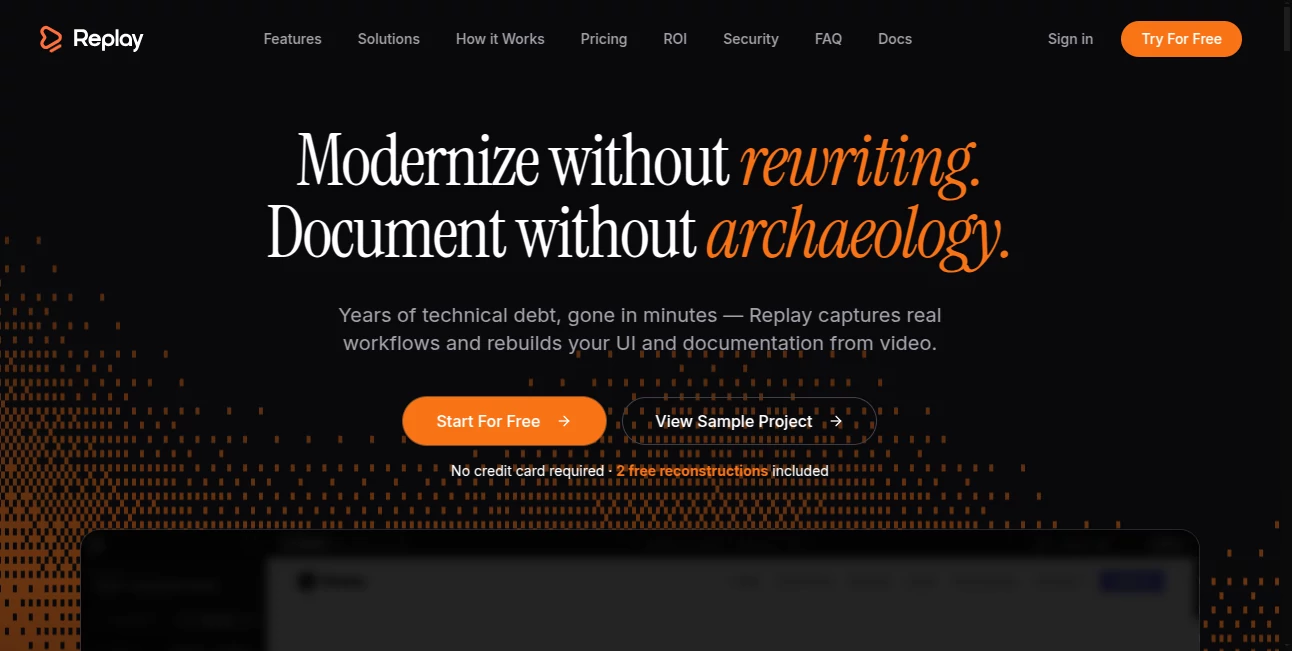
What is Replay.build?
Modern digital teams rely heavily on clear communication, especially when demonstrating products, sharing workflows, or reviewing complex processes. This platform is designed to simplify that entire experience by allowing users to capture interactive sessions and turn them into shareable, replayable content.
Instead of static screenshots or long explanations, teams can now communicate ideas through real, visual interactions. It feels closer to watching someone live inside the product, making onboarding, support, and collaboration significantly smoother.
Key Features
User Interface
The interface is clean, minimal, and intentionally designed for speed. Users can start recording sessions in just a few clicks without navigating complex settings. Everything is arranged so even non-technical users can operate it comfortably.
Accuracy & Performance
The system focuses on capturing high-quality interactions without lag or distortion. Actions are recorded smoothly, ensuring that every click, scroll, and transition is preserved clearly for later viewing.
Capabilities
- Record interactive product walkthroughs in real time
- Create shareable replay sessions for teams and clients
- Embed recordings into documentation or support workflows
- Collaborate through timestamped feedback and comments
- Organize sessions for training and onboarding purposes
Security & Privacy
Security is treated as a core priority. Recorded sessions can be managed with access controls, ensuring that sensitive workflows remain visible only to authorized users. This makes it suitable for internal teams and customer-facing use cases alike.
Use Cases
- Product demonstrations for potential customers
- Internal training and onboarding of new employees
- Customer support explanations with visual context
- Bug reporting and debugging workflows
- Team collaboration across remote environments
Pros and Cons
Pros
- Simplifies complex communication through visual replay
- Easy to use without technical background
- Improves collaboration across distributed teams
- Reduces need for repeated live explanations
Cons
- May require time to integrate into existing workflows
- Advanced collaboration features may feel unnecessary for small users
Pricing Plans
The platform typically follows a flexible pricing approach, often including a free tier for basic usage and paid plans for teams requiring advanced collaboration, storage, and security controls. Larger organizations can benefit from custom enterprise solutions depending on their needs.
How to Use the Platform
Getting started is straightforward. After signing in, users can begin by initiating a new recording session. Once the interaction is captured, it can be saved, shared, or embedded depending on the workflow.
- Start a new recording session from the dashboard
- Perform the actions you want to capture
- Stop and save the session
- Share the replay link with teammates or clients
- Add comments or notes for collaboration
Comparison with Similar Tools
Compared to traditional screen recording tools, this platform focuses more on interactive replay experiences rather than simple video output. While standard tools create passive videos, this solution allows viewers to explore workflows more dynamically, improving engagement and clarity.
Conclusion
For teams looking to improve communication, streamline onboarding, and reduce repetitive explanations, this tool offers a modern and efficient solution. It bridges the gap between static documentation and live demonstrations, making collaboration more intuitive and effective.
Frequently Asked Questions (FAQ)
What is this platform used for?
It is used for capturing and sharing interactive product experiences for training, support, and collaboration.
Do I need technical skills to use it?
No, the platform is designed to be user-friendly and accessible for non-technical users.
Can teams collaborate on recordings?
Yes, users can add comments, feedback, and share sessions across teams.
Is it suitable for customer support?
Absolutely, it helps support teams explain issues visually and more effectively.
AI Recording , AI Productivity Tools , AI Team Collaboration , AI Video Recording .
These classifications represent its core capabilities and areas of application. For related tools, explore the linked categories above.

Replay.build Alternatives Product

LorePanic

TryApplyNow

Liftburst

Presenti AI

PineBill

CodeProt

DemoDash

Enji

Vibe Coding …
