
















LorePanic
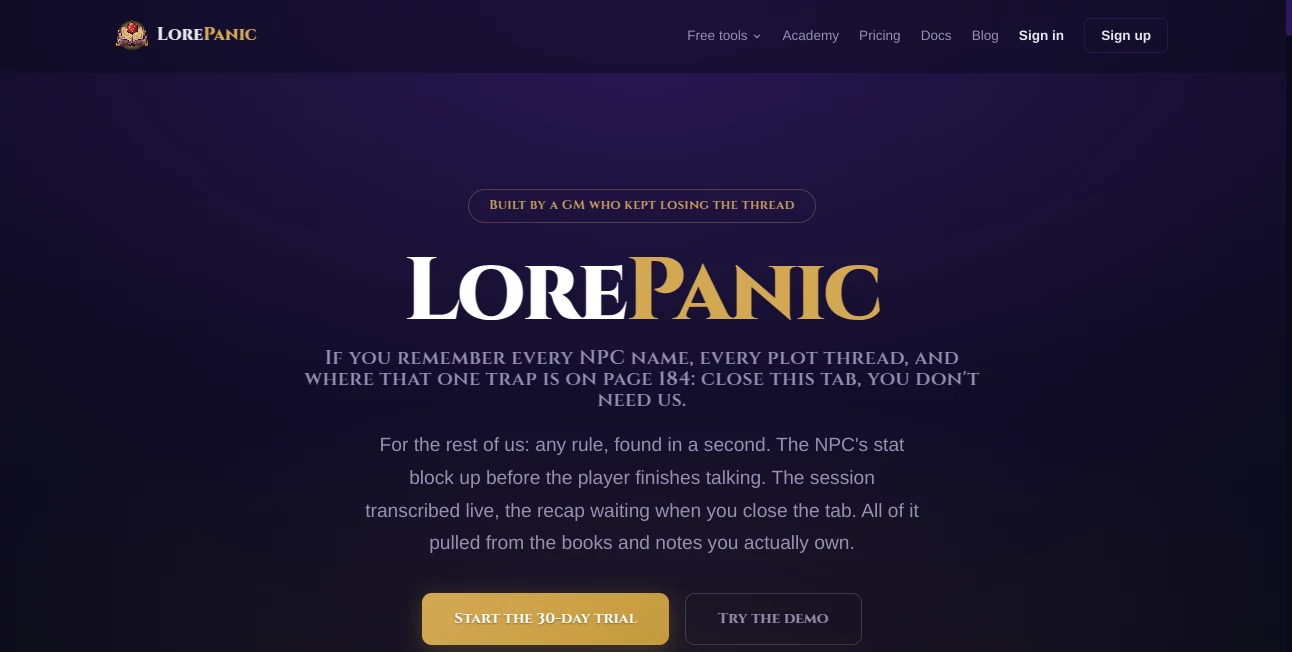
What is LorePanic?
Let’s be real for a second. Running a tabletop RPG session is a lot like juggling flaming swords while riding a unicycle. You have to keep track of the rules, manage the NPCs, remember where you hid the MacGuffin, and somehow keep your players engaged. It’s exhausting. And honestly? Most Game Masters have that one nightmare session where they completely forgot a key detail, or spent ten minutes flipping through a rulebook while everyone checked their phones.
That’s exactly where this tool comes in to save the day. It’s not just another chatbot pretending to know about dungeons and dragons. This is a specialized co-pilot built from the ground up for people like you who spend hours prepping just to watch the party go in the completely wrong direction. It listens, it learns, and it remembers everything so you don't have to. Think of it as having a super-smart assistant sitting next to you, whispering "hey, don't forget that goblin had a secret key" right when you need it most.
Key Features
What makes this platform stand out from the endless sea of generic writing tools? It’s all about context. Most AI tools treat every conversation like a blank slate. This one is different because it actually lives inside your campaign world.
User Interface
The dashboard is surprisingly clean for a tool that does so much. You aren't hit with a million buttons or confusing sliders. The main workspace is divided into three smart zones: your library of uploaded books, the live chat area for quick rule lookups, and the session recorder that sits quietly until you need it. I’ve tested a lot of clunky RPG tools that look like they were designed in 2005, but this interface feels modern and responsive. It doesn’t get in the way of your flow. When you are mid-combat and need to know how grappling works, you don't have time to hunt through menus. Everything is just a quick click away.
Accuracy & Performance
This is where the magic actually happens. Because the system uses OCR and full-text indexing, searching through a 300-page rulebook takes milliseconds. I uploaded a messy homebrew document filled with handwritten-style notes, and it found the specific paragraph about a custom magic sword in under two seconds. It cites its sources too, so you know it isn't just making things up. The speech recognition is optimized for tabletop talk, which is impressive because it can tell the difference between you describing a scene (which needs to be saved) and your players arguing about pizza toppings (which doesn't).
Capabilities
Let’s break down what you can actually do. First, you can upload any PDF. Adventure paths, splat books, or that napkin you scribbled lore on three years ago. Second, the campaign-aware chat feature means you can ask complex questions like "Which NPC in this town owes the party money?" and it will scan your session history to give you an answer. Third, the live session tools are a game-changer. It records, transcribes, and generates a recap automatically. No more writing five pages of notes after a four-hour session. You just close your laptop and go to sleep.
Security & Privacy
Privacy is a huge concern when you are uploading your personal creative work or even official PDFs. The platform takes this seriously. Your data isn't being used to train public models. Your campaign files stay in your private workspace. For Game Masters who sell their homebrew content or stream their sessions online, this level of security is non-negotiable. You own your world, and the tool just helps you run it.
Use Cases
Who actually gets the most value out of this? The list is longer than you think.
- The Busy Parent: You love D&D but you have two hours a week to prep. This tool cuts your prep time from three hours to thirty minutes. Just upload the module and ask the AI for the "Cliff Notes" version of the plot.
- The Improv Master: You hate writing notes. You prefer to wing it. This tool records your sessions and turns your improv rambling into a coherent timeline. You can finally remember the name of the bartender you invented on the spot six months ago.
- The Rules Lawyer (in a good way): You need to find specific grappling rules or spell descriptions fast. The instant search ends the dreaded "pause for lookup" that kills session momentum.
- The Streamer: You run an actual play podcast or YouTube series. You need detailed recaps for your audience and accurate transcripts for editing. This tool automates that entire backend workflow.
Pros and Cons
Nothing is perfect, but this comes pretty close for GMs. Let’s look at the good and the slightly annoying.
Pros:
The search speed is incredible. It actually understands TTRPG terminology, which generic AIs often don't. The live transcription feature saves hours of post-session work. It works with off-the-shelf adventures and your weird homemade weirdness equally well. Plus, the context awareness is spooky good; it remembers who betrayed whom three sessions ago.
Cons:
If you are a player who never runs games, this tool isn't really for you. It's built for the person behind the screen. Also, while the free tier is generous, you might find yourself wanting the higher limits if you run multiple weekly games. The OCR works best with clean PDFs; scanned images from old books can be a little slower, though they still work.
Pricing Plans
You usually get what you pay for, and this tool offers a fair shake for everyone. There is a freemium model that lets you test the core features without dropping cash. The paid tiers unlock higher upload limits, longer session transcriptions, and priority processing speeds. If you are a heavy user who runs a weekly campaign, the upgrade is a no-brainer. If you just dabble, the free version is still surprisingly usable. Check their website for the exact current numbers, but the value for money is solid compared to hiring a personal assistant to do this manually.
How to Use LorePanic
Getting started takes about five minutes, maybe less if you drink your coffee fast. First, sign up for an account. Second, upload your rulebooks or campaign notes into the library. The system will index them, which might take a few minutes for huge books, but you only have to do it once. Third, start a new session. Hit the record button when you start talking. As you play, use the chat sidebar to ask questions like "What's the AC of that monster again?" After the game ends, stop the recording. The tool will spit out a summary, a list of new NPCs, and the key events. Copy that into your campaign wiki or just save it for next week. That’s it.
Comparison with Similar Tools
There are plenty of generic AI writing assistants out there. Tools like ChatGPT or Claude are brilliant, but they have a fatal flaw for GMs: they forget everything once the conversation ends. You have to paste your campaign notes into every single chat. That gets old fast. This tool keeps that memory active. Compared to standard transcription software like Otter.ai, this one understands "Initiative roll" versus "persuasion check." It’s domain-specific. While a generalist AI might confuse the name of your rogue with the name of your ranger, this tool holds onto the context of your specific party. It just fits the workflow of a Game Master better than a generic Swiss Army knife ever could.
Conclusion
If you are tired of post-it notes everywhere and forgetting that one important clue, you owe it to yourself to try this. It respects your time, which is the most valuable resource a Game Master has. The ability to search your library instantly and get session recaps automatically removes the two biggest pains of running a long-term campaign. It feels like the software finally caught up to how we actually play the game. Stop panicking about forgotten lore and start focusing on making your players laugh and gasp. This tool has your back.
Frequently Asked Questions (FAQ)
Does this work with games other than Dungeons & Dragons?
Absolutely. It works with Pathfinder, Call of Cthulhu, Cyberpunk Red, or any system you can throw at it. Because you upload the specific rulebooks, the AI learns whatever system you feed it. It even handles homebrew content seamlessly.
Is my data safe?
Yes. Your uploaded documents and session transcripts are private. The platform does not sell your data or use your campaigns to train public AI models. You maintain full ownership of your creative content.
Can my players use it too?
Generally, the interface is designed for the Game Master as the primary user. However, you could share your screen during a remote game to let the tool answer rules questions for the whole table. It works great as a shared reference.
Does it work with physical books?
You would need to scan your physical books into PDF format first. The tool works with digital files, not physical paper directly. Once you have a decent scan or PDF, the OCR handles the rest beautifully.
What if the transcription messes up my player's voices?
The speech recognition is surprisingly robust. It handles different accents and background chatter fairly well. You can always edit the transcript after the session if a specific joke or quote didn't get captured perfectly, but I have found it gets about 95% of the words right even in a loud room.