


















Replay.io
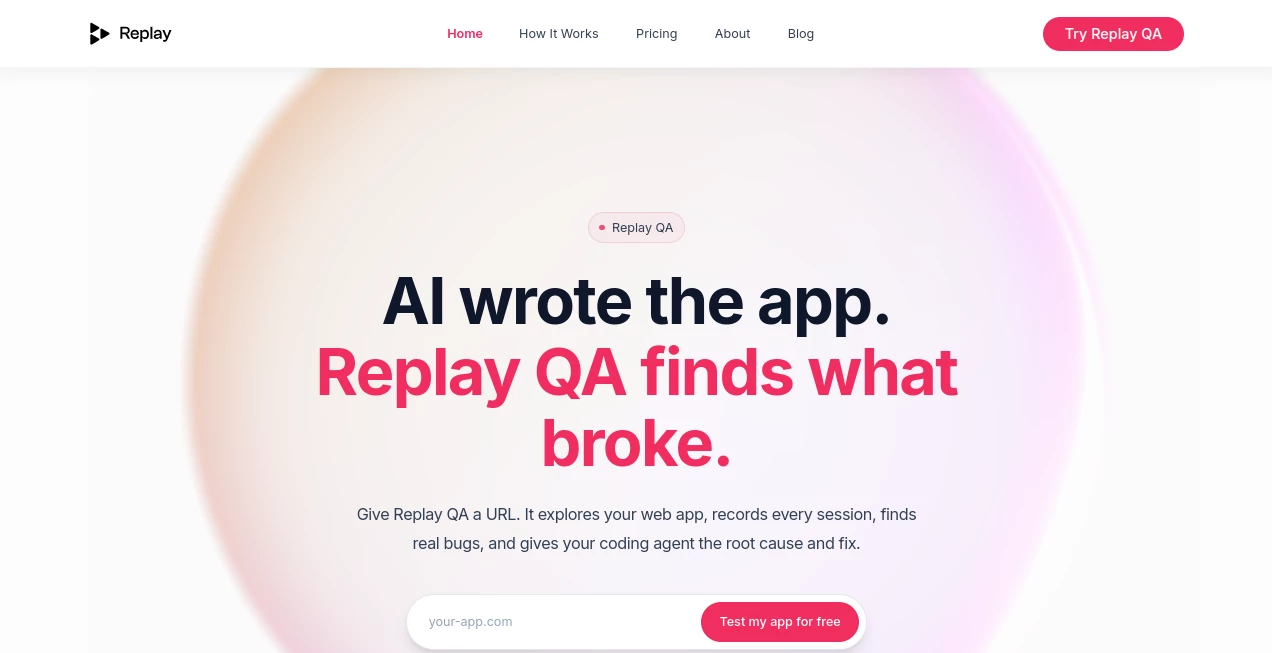
What is Replay.io?
In modern web development, understanding what users actually experience inside your application is often harder than writing the code itself. This platform is built to solve exactly that problem by giving teams a complete, visual replay of real user sessions. Instead of guessing what went wrong, developers can literally watch how users interact with their product, step by step.
It brings clarity to debugging, reduces back-and-forth between teams, and helps companies ship better software with confidence. Whether you're building a small SaaS product or scaling a complex web application, having this level of visibility changes the way teams approach product quality.
Key Features
User Interface
The interface is designed to be clean and developer-focused. Sessions are easy to navigate, with timelines, events, and network logs organized in a way that feels intuitive even for first-time users. Everything is built to reduce friction when diagnosing issues.
Accuracy & Performance
One of the strongest aspects of this tool is how accurately it reconstructs user sessions. Clicks, navigation flows, API calls, and even subtle UI changes are recorded with precision. Despite the depth of data, performance overhead on the actual application remains minimal.
Capabilities
It goes far beyond simple screen recording. Developers can inspect console logs, network requests, and performance bottlenecks alongside the session replay. This combination allows for faster root-cause analysis and more efficient debugging workflows.
Security & Privacy
Security is a core priority. Sensitive data can be masked or fully hidden, ensuring compliance with privacy standards. Teams can configure what gets recorded and what remains private, making it suitable for enterprise-grade applications.
Use Cases
- Debugging frontend issues without needing user screenshots or descriptions
- Understanding user behavior and improving UX flows
- Reducing support ticket resolution time
- Collaborating between engineering and product teams
- Identifying performance bottlenecks in real-world usage
Pros and Cons
Pros
- Highly detailed session replay with event tracking
- Strong developer tools integration
- Helps reduce debugging time significantly
- Improves cross-team collaboration
Cons
- May require initial setup effort for advanced configurations
- Can feel overwhelming for non-technical users
- Pricing may be less suitable for very small projects
Pricing Plans
The platform typically follows a tiered pricing model based on usage volume, session recording limits, and advanced features. Smaller teams can start with entry-level plans, while larger organizations benefit from custom enterprise solutions with enhanced security and scalability options.
How to Use Replay.io
Getting started is straightforward. After integrating a small script into your web application, the system begins capturing user sessions automatically. From there, developers can access a dashboard where sessions are searchable, filterable, and replayable. Each session provides a timeline view along with technical data like logs and network activity, making debugging much more efficient.
Comparison with Similar Tools
Compared to other analytics and session recording solutions, this platform stands out due to its developer-first approach. While many tools focus heavily on marketing analytics, this one prioritizes engineering workflows, making it especially powerful for debugging and performance optimization rather than just behavioral tracking.
Conclusion
For teams that care deeply about product quality and fast debugging cycles, this platform becomes an essential part of the development toolkit. It bridges the gap between users and developers, turning invisible bugs into visible, actionable insights. The result is a smoother workflow, faster fixes, and a better overall user experience.
Frequently Asked Questions (FAQ)
Is this tool suitable for small projects?
Yes, it can be used for small projects, although it becomes most valuable as complexity and user volume increase.
Does it affect website performance?
The impact is minimal, as the system is optimized to run in the background without slowing down the user experience.
Can sensitive user data be protected?
Yes, masking and privacy controls allow teams to hide or exclude sensitive information from recordings.
Is technical knowledge required?
Basic integration requires development knowledge, but day-to-day usage is straightforward for product and engineering teams.
What makes it different from analytics tools?
Unlike traditional analytics platforms that show numbers and charts, this tool shows actual user behavior through full session replays.
AI Testing & QA , Code & IT , AI Developer Tools , AI Monitor & Report Builder .
These classifications represent its core capabilities and areas of application. For related tools, explore the linked categories above.

Replay.io Alternatives Product

Defapi

Discord Time…

UpMocker

langextract.…

Vibe Coding …

Dedoctive

AIQualityHQ

You.bot

AI Wire
