
Roadbase
What is Roadbase?
Turning a rough client brief into a realistic project plan and quote can take almost as much time as the project itself. Creative teams often have to read scattered notes, work out deliverables, estimate hours, assign roles, build a timeline, and then make sure the final price actually reflects the work involved.
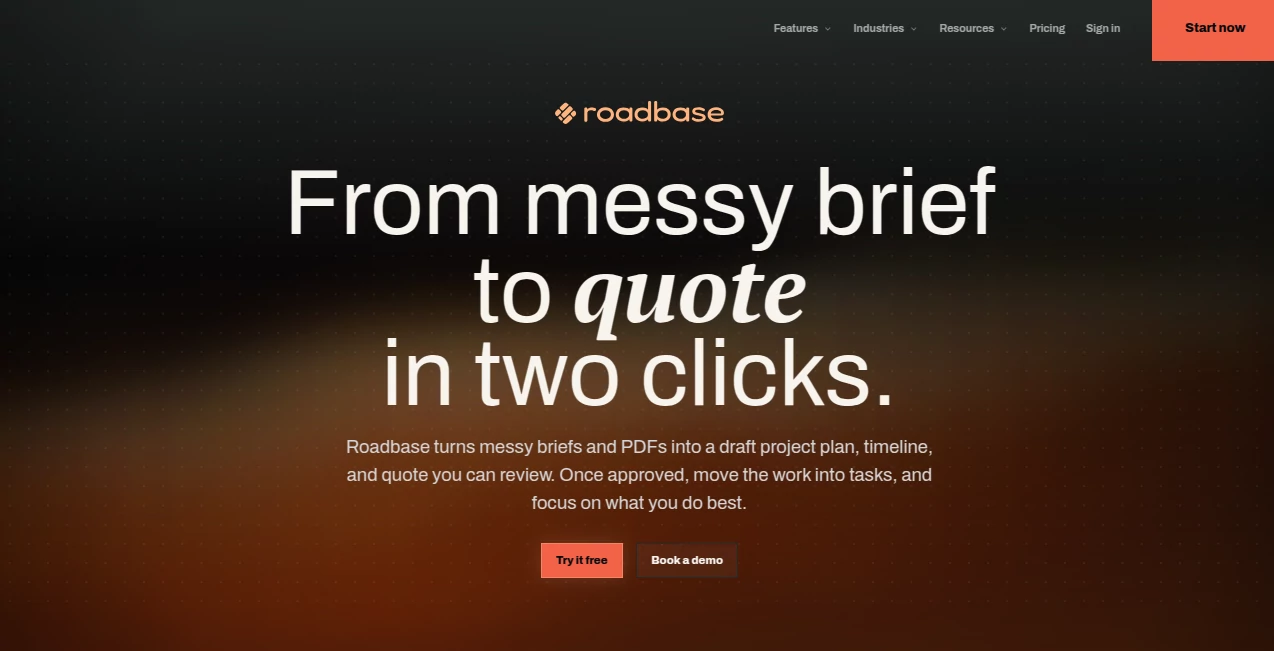
Roadbase brings those steps into one workspace. Built for freelancers, agencies, and creative service teams, it uses AI to turn messy briefs or uploaded PDFs into a structured project plan with phases, tasks, roles, estimated hours, assumptions, timing, and pricing. The result is a practical starting point that teams can review and adjust before sending a proposal to a client.
What makes the approach particularly useful is the connection between scope, schedule, and price. Instead of treating a quote as a separate spreadsheet exercise, the platform keeps the numbers connected to the work behind them.
Key Features
- AI-assisted conversion of project briefs and PDFs into structured project plans
- Automatic breakdown of phases, tasks, roles, estimated hours, and timelines
- Gantt-style roadmap for visual project planning
- Role-based costing for different types of work
- Support for overhead, expenses, margins, and contingency
- Integrated time tracking for comparing actual work with estimates
- Kanban-style project management after a quote is approved
- Editable PDF proposal export
- Historical project data that can help improve future estimates
User Interface
The interface is designed around the actual workflow of preparing and delivering client work. Instead of forcing users to jump between a proposal document, spreadsheet, project planner, and time-tracking application, the main workspace connects these pieces together.
The roadmap provides a visual way to move phases and tasks around, while the underlying hours, roles, and pricing remain connected. For a small agency preparing several client proposals, this can make the process much easier to follow than working from a collection of disconnected spreadsheets.
Accuracy & Performance
The AI-generated project plan should be treated as a strong starting point rather than a final commercial decision. The platform extracts goals, deliverables, gaps, and assumptions from the supplied brief, then proposes a structured breakdown. Teams can review the result and adjust the scope before committing to a quote.
One interesting part of the system is its use of previous projects. Historical estimates can help identify where a team has consistently underestimated or overestimated work by role. Over time, this gives future estimates a more practical reference point instead of relying entirely on guesswork.
Capabilities
The platform covers more than basic AI project planning. Users can move from an initial brief to a structured roadmap, refine the estimate, create a quote, and then continue managing the approved work.
Pricing can account for role-specific rates, agency overhead, direct expenses, and risk reserves. Time tracking then provides another layer of useful information by allowing teams to compare actual hours with the original estimate.
The workflow is also flexible enough to support different delivery approaches, including Double Diamond, Agile, waterfall, or a team's own process. This makes it more suitable for creative work where every project may have a slightly different structure.
Security & Privacy
When working with client briefs, teams should always consider the sensitivity of the information they upload to any cloud-based service. Project documents may contain commercial details, budgets, creative concepts, or other confidential material.
Users should review the provider's current privacy policy and terms before uploading sensitive client information and should follow their own organization's requirements for handling confidential documents. The platform's role is to help structure project information; final decisions about what data can be uploaded should remain with the user or agency.
Use Cases
Creative agencies can use the platform to turn campaign briefs into detailed work breakdowns before preparing a proposal. A campaign involving branding, packaging, video production, and event assets, for example, can be separated into phases with estimated durations, roles, and costs.
Freelancers can use it when a client provides a vague request and expects a clear price. Instead of manually creating every task from scratch, they can start with the brief and refine the generated roadmap.
Design and production teams can also benefit from the connection between estimates and time tracking. Once work begins, actual hours can be compared with the original plan, creating useful information for future proposals.
Small studios may find the workflow especially practical because it brings estimating, project planning, quoting, and time tracking closer together without requiring a large enterprise system.
Pros and Cons
Pros
- Turns unstructured briefs into organized project plans quickly
- Connects project scope directly with pricing and scheduling
- Useful for agencies and freelancers handling complex client work
- Includes role-based costing, overhead, expenses, and contingency
- Combines project planning and time tracking in the same workflow
- Historical project data can improve future estimation
- Offers a free plan for trying the core workflow
Cons
- AI-generated estimates still need human review before being sent to clients
- The platform is primarily focused on project-based creative and professional services work
- Teams with very specialized enterprise project-management requirements may need additional software
- Pricing and scope decisions still depend on the quality of the original project brief and the team's own rates
Pricing Plans
The platform currently offers a free option alongside paid plans. The Free plan is listed at $0 per month and supports one active project, time tracking, 20 one-time tokens, and watermarked PDF exports.
The Starter plan is listed at $10 per month and adds unlimited projects and phases, 100 tokens per month, standard PDF export, time tracking, and AI project pricing.
The Pro plan is listed at $16 per month and is positioned for users who need more AI capacity. A separate token pack is also available for $5 as a one-time purchase, providing 50 additional AI tokens. Annual billing is advertised with a 15% saving.
Pricing can change as the product develops, so users should check the current plans before subscribing.
How to Use It
- Start with a project brief by pasting your notes or uploading a PDF.
- Let the AI extract the project's goals, deliverables, gaps, and assumptions.
- Review the generated phases, tasks, roles, estimated hours, and timeline.
- Adjust the roadmap using the visual planning interface.
- Set role costs, overhead, expenses, margin, and contingency where appropriate.
- Review the resulting project price and make any necessary changes.
- Export the proposal as a PDF when the scope is ready for the client.
- Once approved, move the project into production and track actual work against the original estimate.
Comparison with Similar Tools
Traditional project-management software is usually strongest after a project has already been won. The distinctive idea here is starting earlier in the process, when a vague client request still needs to become a defined scope and commercially realistic quote.
Compared with a spreadsheet-based workflow, the advantage is the connection between tasks, estimated hours, roles, timing, and pricing. Compared with a conventional proposal tool, the focus is more heavily placed on building the underlying project plan before presenting the price.
It is therefore best suited to teams that repeatedly quote complex creative projects rather than businesses looking only for a basic task list or simple invoicing application.
Conclusion
For creative freelancers and agencies, the difficult part of a project often begins before anyone starts designing, writing, coding, or producing. A vague brief has to become a realistic plan, and that plan has to support a price that makes commercial sense.
This platform takes an interesting approach by connecting those steps. Its AI can turn rough project information into a structured roadmap, while human users remain in control of scope, rates, assumptions, and the final quote. The addition of time tracking and historical estimation data makes the workflow even more useful after the proposal has been accepted.
For teams that regularly prepare quotes for multi-phase creative work, it offers a practical way to replace part of the manual estimating process with a repeatable workflow.
Frequently Asked Questions (FAQ)
What is this platform used for?
It is designed to help freelancers and agencies turn project briefs into structured scopes, timelines, estimates, quotes, and active project workspaces.
Can it create a project plan from a PDF?
Yes. Users can upload a PDF or paste project notes, after which the AI can extract relevant goals, deliverables, gaps, and assumptions and use them to create a draft project structure.
Does it include project management?
Yes. Approved projects can be moved into active workspaces where users can assign tasks, manage phases, use a roadmap or Kanban-style workflow, and track progress.
Does it track time?
Yes. Time tracking is integrated into the workflow, allowing teams to compare actual hours with the original estimates.
Can it calculate project pricing?
Yes. Pricing can be built around role-specific rates and can include overhead, expenses, margin, and contingency.
Is there a free plan?
Yes. The current pricing page lists a Free plan at $0 per month with one active project, time tracking, 20 one-time tokens, and watermarked PDF export.
Who can benefit most from it?
Freelancers, creative agencies, design studios, production teams, and other professional service businesses that regularly estimate and deliver multi-stage client projects are likely to get the most value from it.
Should AI-generated estimates be accepted without review?
No. AI-generated scopes and estimates should be reviewed by the people responsible for delivery. Rates, hours, assumptions, expenses, feasibility, and client requirements should be validated before a proposal is finalized.
Can past projects influence future estimates?
Yes. The platform is designed to use historical project information to help identify estimation patterns by role, giving future scopes a more informed starting point.
AI Workflow Management , AI Project Management , AI Productivity Tools .
These classifications represent its core capabilities and areas of application. For related tools, explore the linked categories above.

Roadbase Alternatives Product

Duct Tape 3

globalize.now

Toolquix

Oasis

Nifty

Monkey Eatin…

DemoDash

bridger west…

EntreDash