RouterBase
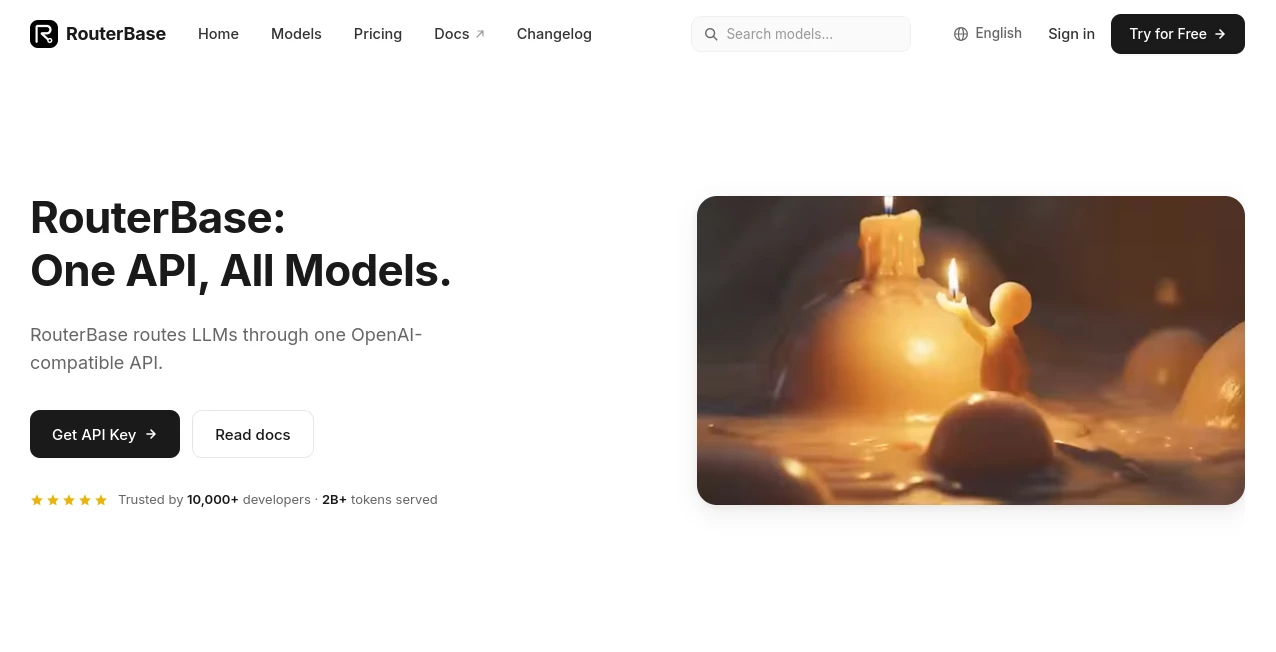
What is RouterBase?
Modern AI development often means juggling multiple providers, different SDKs, separate API keys, and several billing dashboards. This platform removes that complexity by offering a single OpenAI-compatible API that connects developers to hundreds of leading AI models from major providers. Instead of rewriting code every time a project requires a different model, developers can simply switch the model name while keeping the same integration.
Whether you're building AI chatbots, automation platforms, coding assistants, image generation apps, or multimodal workflows, the unified infrastructure makes deployment significantly easier. Smart routing automatically selects providers based on availability, latency, or pricing, while automatic failover keeps applications running even if an upstream service experiences downtime. The result is a faster development cycle with lower maintenance costs and improved reliability.
Key Features
User Interface
The dashboard is clean and developer-focused. API keys, request logs, usage reports, supported models, pricing information, and analytics are all organized in a straightforward layout. Developers can quickly browse available models, monitor API consumption, and inspect request history without navigating through multiple provider dashboards.
Accuracy & Performance
Instead of depending on a single AI provider, intelligent routing allows applications to use the most appropriate model for each request. Developers can optimize for speed, pricing, or availability while benefiting from automatic provider fallback. Support for streaming responses, multimodal requests, tool calling, structured JSON outputs, and prompt caching helps deliver consistent performance across production environments.
Capabilities
- Access to more than 200 frontier AI models
- OpenAI-compatible API endpoint
- Support for text, image, video, and audio generation
- Smart routing based on latency, cost, or availability
- Automatic failover between providers
- Unified billing and centralized analytics
- SDK compatibility for Python, Node.js, Go, Ruby, and other OpenAI-compatible clients
- Streaming responses and tool calling
- Vision-enabled AI models
- Prompt caching for lower operating costs
- API key management with rate limits and IP whitelisting
- Detailed request logs and usage monitoring
Security & Privacy
Security features are designed with production environments in mind. API keys can be protected using IP whitelisting and configurable rate limits. Usage logs help teams monitor activity, while generated media and task records follow defined retention policies. Developers retain control over authentication while managing all supported AI providers through one secure interface.
Use Cases
- Building AI SaaS applications
- Developing coding assistants
- Creating AI-powered customer support systems
- Running multimodal applications with text, images, audio, and video
- Comparing outputs from different large language models
- Reducing AI infrastructure complexity
- Managing enterprise AI integrations
- Deploying production-ready AI APIs with automatic failover
Pros and Cons
Pros
- Single API for hundreds of AI models
- No need to maintain multiple provider integrations
- Automatic routing improves uptime
- Unified billing simplifies cost management
- Works with existing OpenAI SDKs
- Supports multiple AI modalities
- Comprehensive analytics and logging
- Developer-friendly documentation
Cons
- Advanced features may require familiarity with API development
- Production workloads still depend on external AI providers' availability
- Enterprise requirements may involve custom pricing discussions
Pricing Plans
A free tier is available for developers who want to test the platform before deploying production workloads. Pricing generally follows a pay-as-you-use model based on the selected AI models and API usage. Professional and enterprise options provide higher limits, additional management capabilities, and advanced deployment features.
How to Use RouterBase
Create an account and generate an API key from the dashboard. Configure your existing OpenAI SDK by replacing the base URL with the provided endpoint and choose any supported AI model when sending requests. From there, monitor usage, review logs, compare model performance, and adjust routing preferences as your application scales. Most developers can migrate existing OpenAI integrations with only minimal code changes.
Comparison with Similar Tools
Unlike traditional AI APIs that connect to only one provider, this solution acts as a centralized gateway for numerous leading AI vendors. Competing API gateways may support multiple models, but the combination of OpenAI compatibility, intelligent routing, automatic failover, unified billing, prompt caching, and broad multimodal support makes it particularly attractive for teams building scalable AI products. For organizations managing several AI providers simultaneously, this approach dramatically reduces operational complexity.
Conclusion
Managing multiple AI providers no longer has to be complicated. By combining hundreds of leading models behind one familiar API, developers gain flexibility without sacrificing reliability or performance. Smart routing, centralized analytics, unified billing, and production-ready security features make this platform an excellent choice for startups, SaaS companies, enterprise teams, and independent developers looking to simplify AI infrastructure while keeping future model choices completely open.
Frequently Asked Questions (FAQ)
Does it support OpenAI SDKs?
Yes. Existing OpenAI-compatible SDKs can typically be used with minimal configuration changes.
Can I access multiple AI providers through one API?
Yes. The platform provides access to more than 200 AI models from leading providers using a unified API.
Is it suitable for production applications?
Yes. Features such as smart routing, automatic failover, usage analytics, rate limiting, and IP whitelisting are designed for production environments.
Does it support image, video, and audio models?
Yes. Besides language models, it also supports image, video, and audio generation APIs.
Is there a free plan?
Yes. Developers can start with a free tier before upgrading as their projects grow.
AI Chatbot , AI API Design , Large Language Models (LLMs) , AI Developer Tools .
These classifications represent its core capabilities and areas of application. For related tools, explore the linked categories above.

RouterBase Alternatives Product

GOLANG COLLE…

Kimi K2.5

GPTLocalhost

langextract.…

JSON to TOON…

JSON-Tools

CodeProt

CodeSpy AI

Sendmux