Scrollsequence
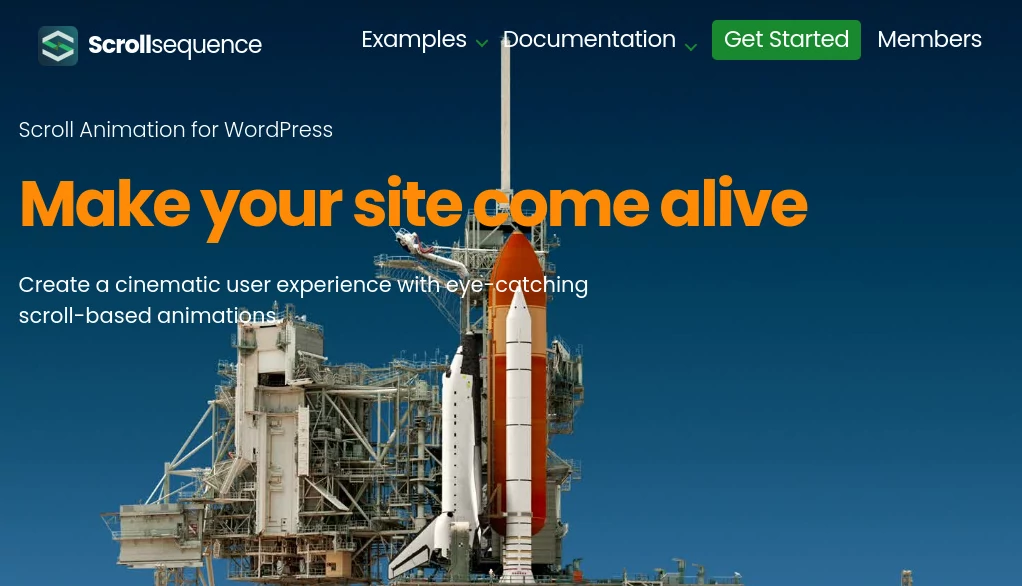
What is Scrollsequence?
Modern web experiences are no longer about static pages and passive reading. Visitors expect movement, storytelling, and interaction that feels alive as they scroll. This platform brings that idea to life by transforming ordinary web content into dynamic, cinematic-style scroll experiences that feel more like visual storytelling than traditional websites.
Instead of presenting information in fixed blocks, it allows creators, designers, and marketers to build immersive journeys where motion, animation, and timing are all synchronized with user scroll behavior. The result is a smoother, more engaging way to communicate ideas that would otherwise feel flat on a standard page.
Key Features
User Interface
The interface is designed with simplicity in mind, making it accessible even for users who are not experienced developers. Everything is organized visually, allowing users to map out animations and scroll effects in a structured timeline-like environment. This makes experimentation fast and intuitive.
Accuracy & Performance
Scroll-based animations are optimized to run smoothly across modern browsers. The system focuses on maintaining performance even when multiple animated layers are active, ensuring that storytelling remains fluid without slowing down the user experience.
Capabilities
It supports layered animations, scroll-triggered events, image sequencing, and text transitions. These capabilities allow creators to build interactive landing pages, storytelling campaigns, and visual presentations that feel highly polished and modern.
Security & Privacy
Projects are handled in a secure environment where user content remains protected. The platform ensures that creative assets and project data are not exposed, making it suitable for both personal and professional use.
Use Cases
- Interactive marketing landing pages
- Product storytelling pages for startups and brands
- Digital storytelling and editorial experiences
- Portfolio presentations for designers and creatives
- Educational content with visual explanations
Pros and Cons
Pros:
- Highly engaging scroll-based storytelling format
- Easy-to-use visual interface
- Great for marketing and branding experiences
- Supports rich animations without heavy coding
Cons:
- May require optimization for very large projects
- Advanced effects may take time to master
- Not ideal for simple static websites
Pricing Plans
The platform typically offers flexible pricing options depending on usage needs. There is usually an entry-level plan for individuals or small creators, along with more advanced tiers for agencies and professional teams that require higher limits, collaboration features, and extended capabilities.
How to Use This Tool
Getting started begins with selecting a template or blank canvas. Users can then import visual assets such as images, videos, or text blocks and arrange them along a scroll timeline. Each element can be assigned animations or triggers that activate as the user scrolls through the page.
Once the structure is built, creators can preview the experience in real time, adjust timing, and refine transitions. After final adjustments, the project can be published and embedded into a website or shared as a standalone experience.
Comparison with Similar Tools
Compared to traditional web design tools, this platform focuses more on storytelling through motion rather than static layout building. While standard website builders prioritize structure and responsiveness, this approach emphasizes narrative flow and visual engagement.
Unlike basic animation tools, it is specifically designed around scroll behavior, making it easier to create synchronized motion without complex coding or manual scripting.
Conclusion
This tool stands out for its ability to transform ordinary content into immersive visual journeys. It bridges the gap between web design and storytelling, offering a creative space where motion and narrative work together. For marketers, designers, and creators looking to make a stronger impression, it provides a refreshing way to communicate ideas in a more memorable format.
Frequently Asked Questions (FAQ)
Is coding required to use this platform?
No, most features are accessible through a visual editor, making it suitable for non-developers.
Can it be used for business websites?
Yes, it is often used for marketing pages, product launches, and branded storytelling experiences.
Does it support animations on mobile devices?
Yes, scroll-based interactions are optimized for both desktop and mobile environments.
What makes it different from a regular website builder?
It focuses on scroll-driven motion and storytelling rather than static page layouts.
AI Animated Video , AI Video Generator , AI Website Designer , AI Design Generator .
These classifications represent its core capabilities and areas of application. For related tools, explore the linked categories above.

Scrollsequence Alternatives Product

v04 ai

Kling 3.0 – …

Faceless vid…

Seedance 3.0…
AI Best

sulphur 2

Nano Banana …

Omnigen Stud…

Seedance 2.0…