

















sulphur 2
What is sulphur 2?
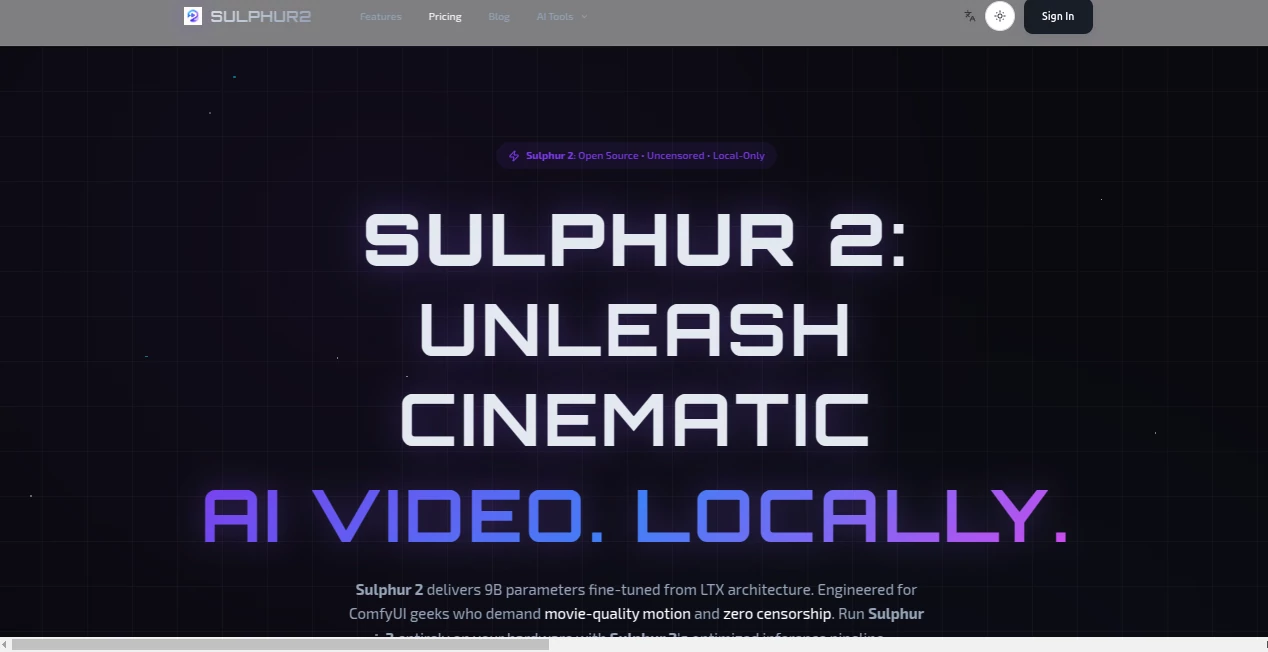
There’s something powerful about hitting “generate” on your own machine and watching a cinematic scene unfold—smooth camera moves, natural motion, consistent characters, all without sending your prompts to someone else’s server. Sulphur 2 delivers exactly that feeling. Built as a 9B parameter model fine-tuned from the LTX architecture, it’s designed for creators who want movie-grade results running completely locally. No subscriptions, no content filters, no waiting in cloud queues. Just you, your GPU, and ideas turning into video faster than you expected.
Introduction
Most AI video tools today force you into a compromise: either low quality, heavy censorship, or slow cloud processing. Sulphur 2 refuses that trade-off. It’s open-source, uncensored, and built to run entirely on your hardware through ComfyUI. The model shines at understanding cinematic language—how light moves, how actions flow, how a scene should feel emotionally. Indie filmmakers, animators, and motion designers are already using it to prototype shots, create visuals for music tracks, or generate entire short sequences without leaving their desk. The best part? Once you set it up, every generation belongs to you—no usage limits beyond what your hardware can handle.
Key Features
User Interface
Through ComfyUI, the workflow feels intuitive once you load the official Sulphur 2 nodes. You drop in a prompt, add an optional image reference, tweak motion strength or camera moves, and queue it up. The interface stays out of your way, letting you focus on creativity rather than fighting settings. Preview nodes give you quick looks at motion coherence before committing to full generation. It’s technical enough for power users but approachable for anyone comfortable with ComfyUI workflows.
Accuracy & Performance
The temporal coherence stands out—characters and objects keep their identity across frames, motion feels natural rather than floaty, and camera movements follow cinematic logic. On recommended hardware (24GB+ VRAM), it delivers sharp, high-quality output with impressive detail retention. It handles complex prompts involving multiple subjects, dynamic actions, and stylized looks without falling apart. The results often look closer to traditional animation or film than typical local AI video.
Capabilities
Strong text-to-video and image-to-video modes, support for cinematic camera moves, natural physics, and consistent character appearance across shots. It excels at both realistic and stylized content, from documentary-style wildlife scenes to dramatic action sequences. Being fully local and open-source (MIT license), you can fine-tune, modify, or integrate it into larger pipelines without restrictions. No daily limits, no content policies—just raw creative freedom limited only by your hardware.
Security & Privacy
Everything runs on your machine. Your prompts, reference images, and generated videos never leave your computer. No cloud dependency means no risk of data leaks or third-party access. For creators working on sensitive projects, client work, or personal art, that complete local control is incredibly valuable.
Use Cases
An indie filmmaker prototypes key story moments to pitch investors with moving visuals instead of static boards. A music producer creates official visuals that perfectly sync with the track’s energy. A game studio generates reference footage for environment animations or character tests. A content creator builds consistent character-driven shorts without daily filming. The common thread is speed and ownership—getting high-quality motion fast while keeping everything under your control.
Pros and Cons
Pros:
- Completely local and private—no cloud, no censorship, no recurring fees.
- Strong cinematic quality with excellent motion coherence.
- Open-source (MIT) so you own your workflow and can modify it.
- Once set up, generations are limited only by your hardware.
Cons:
- Requires a powerful GPU (24GB+ VRAM recommended for best results).
- Setup involves ComfyUI, which has a learning curve for complete beginners.
- Not a simple web app—it's a local model for serious creators.
Pricing Plans
The model weights are completely free and open-source. You pay nothing for the AI itself. The only real “cost” is the hardware needed to run it well. No subscriptions, no credit systems, no hidden limits. Download, set up once in ComfyUI, and generate as much as your GPU allows. That one-time investment in powerful hardware quickly pays off compared to ongoing cloud video generation costs.
How to Use Sulphur 2
Install ComfyUI, download the Sulphur 2 model weights from Hugging Face, load the official workflow, and start prompting. Write your scene description, optionally add an image reference for stronger guidance, adjust settings like resolution or motion strength, then queue the generation. Preview, iterate on the prompt if needed, and export the video. With practice, the whole process from idea to clip becomes remarkably fast and repeatable.
Comparison with Similar Tools
Cloud-based tools often feel restricted by filters and usage limits. Other local models frequently struggle with coherence or require heavy post-processing. Sulphur 2 stands out with its strong cinematic understanding, excellent motion quality, and complete lack of censorship. It gives creators who already run local setups a powerful, unrestricted option that feels purpose-built for high-quality video work.
Conclusion
Sulphur 2 brings professional-grade AI video generation back into the hands of creators who want full control. It’s fast, uncensored, and runs entirely on your machine—exactly what many serious creators have been waiting for. Whether you’re prototyping films, making music visuals, or building game assets, it turns ambitious ideas into moving reality without compromises on privacy or creative freedom. For anyone tired of cloud limitations, this is a genuine game-changer.
Frequently Asked Questions (FAQ)
What hardware do I need?
24GB+ VRAM is recommended for full quality. 12-16GB works with reduced settings.
Is it really uncensored?
Yes—completely local and open-source with no built-in content filters.
Do I need ComfyUI?
Yes, Sulphur 2 is optimized as a ComfyUI custom model/workflow.
Can I use it commercially?
Yes—the MIT license allows full commercial use.
Is there a cloud version?
No—this is designed as a fully local experience only.