
Seedance 2.0
What is Seedance 2.0?
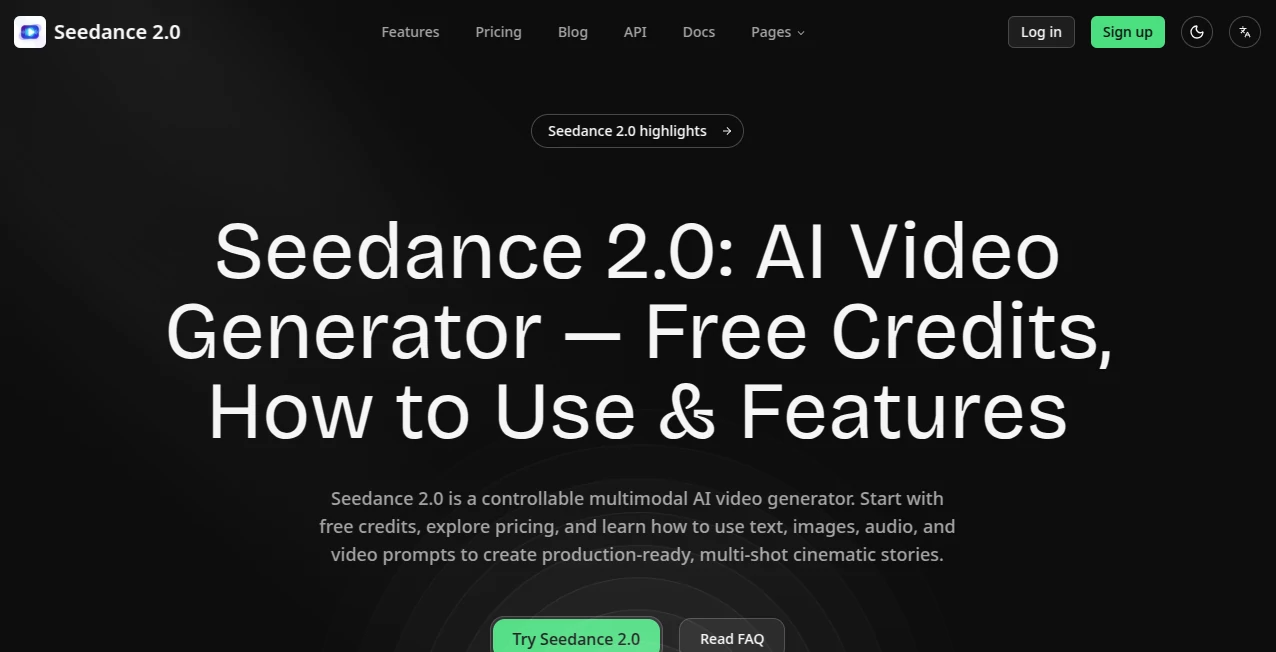
Creating professional AI-generated videos no longer requires advanced editing skills or expensive production software. This platform brings together text, images, video references, and audio inputs to generate cinematic results in a streamlined workflow. Whether you're building marketing campaigns, social media content, educational materials, or creative storytelling projects, it provides an efficient environment for turning ideas into polished videos with remarkable speed.
Designed for creators, developers, businesses, and digital agencies, the platform supports multiple generation methods including text-to-video, image-to-video, and multimodal video creation. Instead of limiting creativity to a single prompt, users can combine visual references, motion examples, and audio elements to guide the final output. The result feels more controllable and flexible than many traditional AI video generators available today.
Another standout advantage is its developer-friendly API, allowing businesses to integrate AI video generation directly into their own applications and automated workflows. This makes it equally valuable for individual creators and enterprise teams looking to scale content production without sacrificing quality.
Key Features
User Interface
The interface is clean, modern, and approachable even for first-time users. Creating a project only requires selecting the desired generation mode, entering a prompt, uploading optional reference assets, choosing the video duration and resolution, and starting the rendering process. Everything is organized logically, reducing the learning curve while still providing enough customization for experienced creators.
Accuracy & Performance
The platform delivers impressive visual consistency, realistic motion, and detailed scene composition. It supports multiple resolutions including HD options while maintaining smooth animation and coherent object movement. Generated videos typically preserve the intended style, camera direction, and subject appearance throughout each sequence, making them suitable for commercial content creation.
Capabilities
- Generate videos directly from text prompts.
- Convert static images into animated video sequences.
- Use multiple images, videos, and audio files as creative references.
- Support multimodal AI video generation.
- Create videos in different aspect ratios.
- Choose various output durations and resolutions.
- API access for developers and software integration.
- Suitable for advertising, storytelling, education, entertainment, and social media production.
Security & Privacy
User accounts are protected through authenticated access, while API keys are generated individually for secure application integration. Projects remain associated with each user's account, helping teams manage their creative workflow more safely. For organizations building production systems, authenticated API access adds another layer of operational security.
Use Cases
- Creating promotional videos for products and services.
- Producing engaging social media content.
- Generating educational explainers.
- Building short cinematic stories.
- Creating concept videos for game development.
- Producing marketing assets at scale.
- Generating visual content for presentations.
- Automating AI video creation inside business applications through the API.
Pros and Cons
- Pros
- Supports text, image, audio, and video inputs.
- High-quality cinematic video generation.
- Developer-friendly API.
- Flexible duration and resolution options.
- Suitable for both individuals and enterprise teams.
- Modern and intuitive interface.
- Cons
- Rendering time depends on server demand.
- Higher-quality outputs consume more credits.
- Some advanced capabilities may require paid access.
Pricing Plans
The platform offers usage-based pricing with costs depending on selected model, output resolution, and video duration. Developers can purchase credits for API usage, while creators can choose plans that fit their production needs. This flexible pricing model allows occasional users and high-volume businesses to scale according to demand.
How to Use Seedance 2
- Create an account.
- Select a video generation mode.
- Write a descriptive prompt.
- Upload optional reference images, videos, or audio.
- Choose the preferred aspect ratio, duration, and resolution.
- Start the generation process.
- Review the completed video and download the final result.
Comparison with Similar Tools
Compared with many AI video generators that focus primarily on text prompts, this solution offers a broader multimodal workflow by allowing users to combine images, videos, and audio references within a single project. The developer API further expands its usefulness, making it an attractive option for businesses that want automated video generation alongside creative professionals seeking greater control over visual storytelling.
Conclusion
For anyone looking to produce high-quality AI videos efficiently, this platform provides an excellent balance of creativity, flexibility, and technical capability. Its support for multimodal inputs, cinematic output quality, developer integration, and user-friendly workflow makes it a compelling solution for creators, marketers, software companies, and enterprise teams alike. Whether generating a quick promotional clip or building a scalable content pipeline, it offers the tools needed to transform ideas into engaging visual experiences.
Frequently Asked Questions (FAQ)
Can beginners use this platform?
Yes. The interface is designed to be simple enough for newcomers while still providing advanced options for experienced creators.
Does it support image-to-video generation?
Yes. Users can animate static images into dynamic videos and even combine multiple reference assets.
Is there an API available?
Yes. Developers can integrate video generation into their own software using the available API.
Can videos be generated from text prompts?
Yes. Text-to-video generation is one of the platform's primary capabilities.
Who is this platform best suited for?
It is suitable for marketers, content creators, educators, developers, agencies, startups, and businesses that require scalable AI-powered video production.
AI Image to Video , AI Video Generator , AI Text to Video , AI Developer Tools .
These classifications represent its core capabilities and areas of application. For related tools, explore the linked categories above.

Seedance 2.0 Alternatives Product

Sora AI Vide…

Wan AI Video…

Omnigen Stud…

Seedance 2.5

RunwayAI

seedream vid…

Gemini AI vi…

veo 4

Sora AI Vide…