
















Spark Robin AI
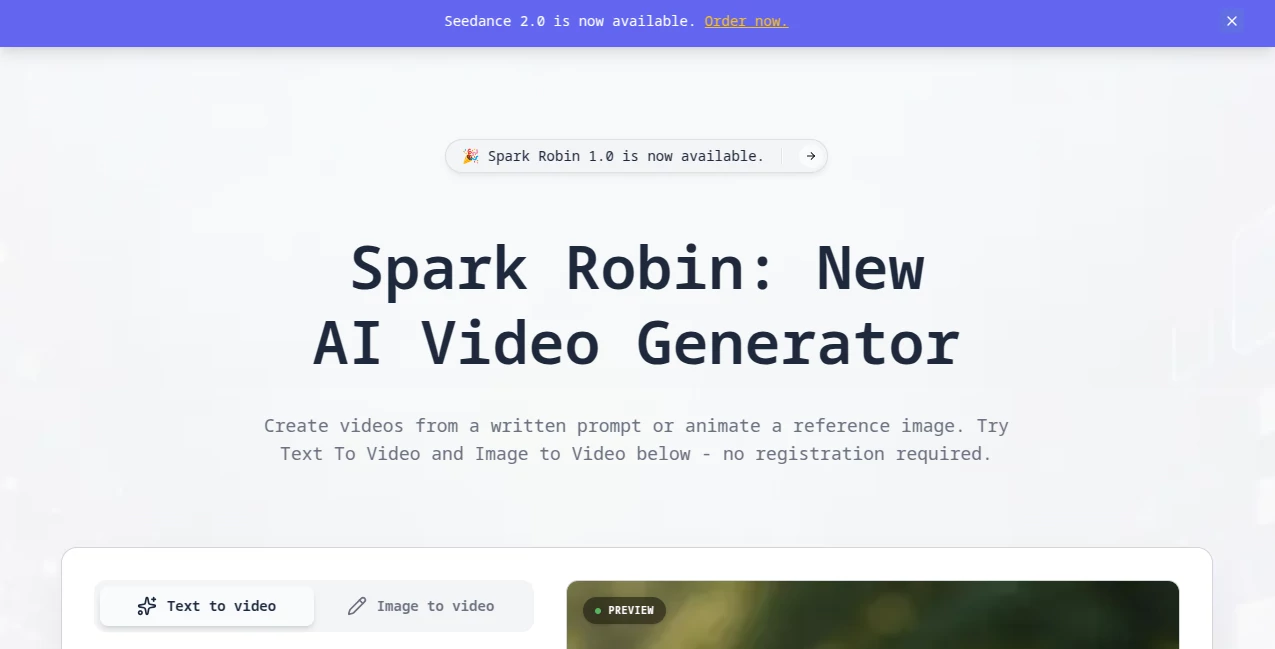
What is Spark Robin AI?
Let’s be real for a second. Traditional video editing is a pain. You spend hours cutting clips, syncing audio, fiddling with keyframes, and rendering timelines. By the time you’re done, the creative spark that made you want to make the video in the first place has long fizzled out.
That’s where this tool comes into the picture. It’s built for people who have great ideas but don’t have the time or patience for complicated software. Whether you’re a marketer trying to pump out social media reels, a designer looking to add motion to static work, or just someone who loves experimenting with AI, this platform feels like a breath of fresh air. You simply type what you want to see, or upload an image you love, and within moments, you get a polished, dynamic video clip ready to go.
Key Features
It strips away all the complexity of traditional production. Instead of learning timelines and transition effects, you just focus on the story or the vibe you want to create.
User Interface
You won’t find any confusing dashboards here. The interface is clean, minimal, and gets straight to the point. There is a text box for your prompts, an upload button for your images, and a generation button. That’s pretty much it. It feels less like operating software and more like having a conversation with a very talented visual artist who works at lightning speed.
Accuracy & Performance
The engine behind the scenes is surprisingly sharp. When you describe a specific action—like "a woman walking through a neon-lit city in the rain" or "a 3D animated cat drinking coffee"—it generally sticks to the script. It understands the difference between cinematic lighting and flat illustration styles. In terms of speed, you aren't left waiting for ages. Most clips generate in a timeframe that feels natural for rapid brainstorming, which is crucial when you have a deadline looming.
Capabilities
It supports two main workflows. The first is Text-to-Video, where your imagination is the only limit. The second is Image-to-Video, which is a game-changer for brand owners. You can take a logo or a static product shot and breathe life into it, adding motion that makes it pop on a crowded Instagram feed. It specializes in short-form content—the kind of stuff that performs best on TikTok, Reels, and YouTube Shorts.
Security & Privacy
Nobody wants their unreleased campaign assets floating around on the internet. While details on long-term data retention vary, the standard practice for these creative platforms usually involves using your prompts to generate the asset without claiming ownership of your final output. It’s always smart to check the terms, but for most creators, the peace of mind comes from the fact that your raw source images aren't being plastered across a public gallery by default.
Use Cases
I’ve seen content creators use this to turn stale blog post headers into looping background videos. Social media managers love it for creating eye-catching "hooks" in the first three seconds of a video. E-commerce store owners are using it to animate product images—imagine a pair of sneakers that look like they are slowly rotating on a pedestal, or a mug that has steam actually rising from it. If you need motion but don't have a budget for a video team, this fills that gap perfectly.
Pros and Cons
Pros:
It’s incredibly fast, which saves you hours of rendering time. The learning curve is basically non-existent; if you can type a sentence, you can use it. The ability to animate existing images is a killer feature that unlocks a lot of creative potential without needing 3D modeling skills.
Cons:
Like most AI video tools, it works best for short clips. If you need a 5-minute documentary, this isn’t the right tool. Sometimes, complex physics (like hands holding objects) can get a little warped, but that is true for almost any AI model on the market right now. You might need to generate a few variations to get the perfect take.
Pricing Plans
Pricing structures for cutting-edge AI video generation vary, but platforms like this often operate on a credit-based system or a monthly subscription. The general rule of thumb is that you pay for speed and volume. Usually, there is a free tier or a "try it out" quota so you can test the engine with a simple prompt before you commit your wallet. For professional creators, the paid plans are almost always worth it because the time you save on editing pays for the subscription ten times over.
How to Use Spark Robin
First, navigate to the website. You don’t need to install any heavy software—it all runs in your browser. Once you’re in, you are presented with two main options. You can either type a detailed description of the video you want in the prompt box, or you can upload a static image file from your computer. After that, hit the generate button. The AI will process your request and usually spit out a few variations or a single high-quality clip within seconds. From there, you simply download the MP4 file and drop it straight into your social media scheduler or editing timeline. It really is that simple.
Comparison with Similar Tools
You might be thinking, "Can’t I just do this with Runway or Pika Labs?" The answer is yes, but the difference is often in the friction. Some competitors are great for specific tasks like lip-syncing or inpainting, but they can feel bloated with features. This tool focuses specifically on raw generation speed and ease of use. While Pika Labs is excellent for turning images into motion, this tool tends to have a faster turnaround time for basic text-to-video tasks. If you look at platforms like Midjourney, they stop at images—this tool takes it that one crucial step further into motion, saving you the step of having to use a secondary service to animate your stills.
Conclusion
If you have been waiting for the moment when AI video becomes accessible enough for daily use, that moment is here. This isn't a clunky tech demo. It is a legitimate creative assistant that handles the heavy lifting of motion design so you can focus on storytelling. It has its quirks, sure, but the speed and quality of the output make it an essential bookmark for anyone who creates digital content. Give it a shot with a silly idea first—you’ll probably be surprised at how watchable the result is.
Frequently Asked Questions (FAQ)
Q: Do I need a powerful computer to run this?
A: No. Everything happens on the cloud. If you can browse the web, you can use this tool. Your laptop fan will stay quiet.
Q: Can I use the videos for commercial projects?
A: Generally, yes, most AI generation tools grant you the rights to the output, but it is always best to glance at the specific license terms on the site to ensure you are covered for paid advertising.
Q: How long are the videos?
A: The platform is optimized for short-form content, usually ranging from 3 to 10 seconds. This makes it perfect for social media loops and transitions.
Q: It generated a weird-looking hand. Can I fix it?
A: You can try adjusting your prompt to be more specific (e.g., "behind the back") or regenerate the clip. Sometimes running the same prompt a second time yields a better result thanks to the randomness of the AI.
Q: What languages does it understand?
A: It works best with English prompts, as most training data for these models is in English, but you can often get decent results with other major languages too.