

















minimax H3
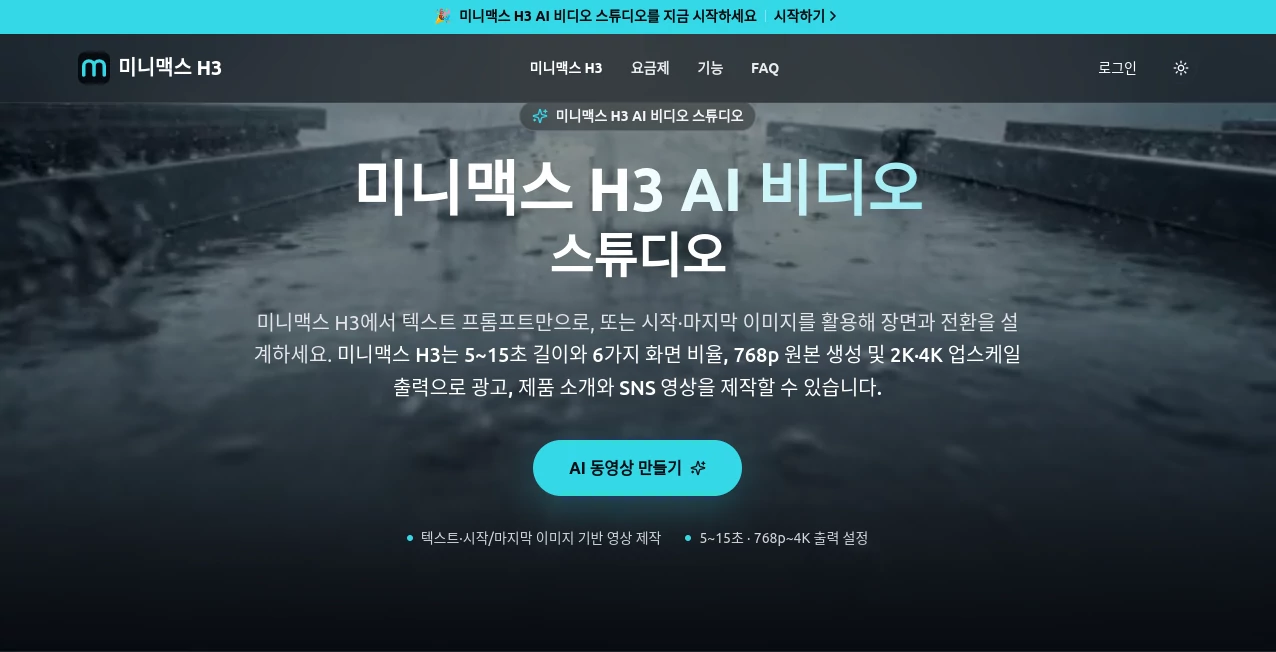
What is minimax H3?
MiniMax H3 is a multimodal AI video creation system designed to turn text, images, video references, and audio into short, polished video scenes. It is particularly interesting for creators who want more control than a simple text-to-video prompt can provide. The platform supports 5–15 second generations, multiple aspect ratios, native stereo audio, and high-resolution output options.
What makes the workflow practical is the ability to combine different reference materials. Instead of describing every visual detail from scratch, creators can provide images, video clips, or audio and use them as part of the creative direction. This can be useful for product demonstrations, social media campaigns, cinematic concepts, and short promotional videos.
Key Features
- Text-to-video generation using detailed natural-language prompts.
- Support for image, video, and audio references within the same creative workflow.
- Generation of 5–15 second video clips.
- Native stereo audio generation alongside video.
- Support for multiple aspect ratios, including landscape, square, and vertical formats.
- First-frame and last-frame control for more predictable transitions.
- Natural-language editing for changing selected elements while preserving other parts of a scene.
- Support for prompts of up to 7,000 characters.
- 2K output and 4K upscaling options through the available plans.
User Interface
The interface follows a straightforward video-generation workflow. Users can begin with a written prompt or add visual references, then choose the desired duration and aspect ratio before starting generation. This approach keeps the creative process focused instead of forcing users through a long list of technical settings.
The reference workflow is especially useful when visual consistency matters. For example, a product image can provide the visual foundation while the prompt describes camera movement, lighting, environment, and action. First and last frames can also be used when a particular transition needs to be controlled more carefully.
Accuracy & Performance
The system is built to interpret complex multimodal instructions rather than relying exclusively on a short text description. Its underlying model supports combined text, image, video, and audio context, which gives creators more ways to communicate what a scene should look and sound like.
Performance also benefits from the relatively short generation range. Five-to-fifteen-second clips are well suited to testing ideas quickly, producing social content, creating advertising concepts, and iterating on individual scenes before assembling a longer production.
Capabilities
One of the strongest capabilities is multimodal reference control. The platform can work with up to nine images, three video clips, and three audio tracks as reference material. This makes it possible to combine several assets when a single reference image is not enough to describe the desired result.
Another useful feature is natural-language editing. Instead of rebuilding an entire scene after every small change, users can request adjustments such as replacing a product, changing a sign, modifying dialogue, switching a daytime environment to nighttime, or adding and removing objects.
The system also supports camera direction through prompts. Creators can describe movements such as zooming, panning, or fixed-camera shots alongside the subject, environment, lighting, and action. For marketing teams, this can make early video concepts considerably easier to produce.
Security & Privacy
Privacy options depend on the selected subscription. The available plans include private generation, meaning creators can work with their content without making generated results public. Commercial use is also included in the listed subscription plans.
Payments on the platform are processed through Stripe, with supported payment methods including major cards, PayPal, and Apple Pay. As with any AI service, users working with confidential customer material should review the current privacy policy and terms before uploading sensitive assets.
Use Cases
- Product advertising: Create short product reveals, promotional scenes, and visual campaign concepts.
- Social media: Produce vertical clips for short-form platforms without building every scene manually.
- E-commerce: Turn product imagery into dynamic presentation videos and promotional content.
- Brand campaigns: Combine brand images, visual references, and audio to develop consistent creative concepts.
- Film and creative development: Test camera movements, environments, characters, and cinematic ideas before full production.
- Content prototyping: Quickly explore several visual directions before investing time in conventional production.
Pros and Cons
Pros
- Strong multimodal workflow combining text, images, video, and audio.
- Native stereo audio can be generated with the video.
- Useful first-frame and last-frame controls.
- Natural-language editing makes iterative changes easier.
- Supports several aspect ratios for different publishing formats.
- High-resolution output and upscaling options are available.
- Commercial use is included in the listed paid plans.
Cons
- Generated clips are relatively short at 5–15 seconds.
- Higher-resolution and larger-scale production require paid credits.
- Credit limits can become restrictive for users generating many variations.
- Complex scenes may still require several prompt iterations to achieve the intended result.
- Users looking for traditional timeline-based video editing will still need a dedicated editor for detailed post-production.
Pricing Plans
The platform uses a credit-based subscription model with Basic, Pro, and Enterprise options. The listed annual prices are approximately ₩179,000 for Basic, ₩359,000 for Pro, and ₩1,079,000 for Enterprise, with promotional discounts shown on the site at the time of review.
The Basic plan provides 250 credits per month, while Pro increases this to 600 credits and Enterprise provides 1,900 credits per month. All three plans include private generation, commercial use, and 2K/4K upscaling options. Higher plans add benefits such as faster queues, priority support, team support, and expanded generation history.
Credit consumption depends on the generation settings, so users producing many variations should check the current credit requirements before choosing a plan.
How to Use It
- Start with a text description or upload an image that represents the scene you want to create.
- Describe the subject, environment, movement, lighting, camera direction, and audio requirements as clearly as possible.
- Add reference images, video clips, or audio when greater control over the visual or sound direction is needed.
- Choose the desired duration, aspect ratio, and available output settings.
- Generate the video and review the result.
- If a particular element needs improvement, refine the prompt or use natural-language editing to request a targeted change.
- Repeat the process until the scene fits the intended campaign, social post, product presentation, or creative project.
Comparison with Similar Tools
Many AI video platforms focus primarily on turning a text prompt into a short clip. This system takes a broader approach by combining text-to-video generation with multimodal references, native audio, first-and-last-frame control, and conversational-style editing.
That distinction matters when the goal is not simply to generate something visually appealing, but to reproduce a particular creative direction. A marketer working from a product photograph, for example, can provide that image as a reference and then describe the desired movement and environment. A filmmaker can use reference assets to guide the appearance and transition of a scene.
It is therefore better suited to users who value control and iteration than to someone looking only for a basic prompt-to-video generator.
Conclusion
This AI video studio offers a compelling workflow for creators who want to move from an idea to a finished short scene without managing several separate generation tools. Its combination of text, image, video, and audio inputs gives users considerably more flexibility than a purely text-driven workflow.
The strongest use cases are promotional videos, product content, social media clips, cinematic experiments, and rapid creative prototyping. The short output duration means it is not a replacement for a complete video-editing suite, but that is not necessarily its purpose. Its real strength is making individual scenes easier to create, control, revise, and reuse.
Frequently Asked Questions (FAQ)
What is this AI video generator?
It is a multimodal AI video generation system that can use text, images, video, and audio as creative input. It can produce short videos with native stereo audio and supports several output formats.
How long can generated videos be?
Available generations range from 5 to 15 seconds, depending on the selected settings and current platform configuration.
Can I use images as references?
Yes. Multiple images can be supplied as references. The platform currently lists support for up to nine images in a generation workflow.
Can it use video and audio references?
Yes. The multimodal workflow supports up to three video clips and three audio tracks in addition to image references.
Does it generate sound?
Yes. Native stereo audio generation is one of its notable capabilities, allowing video and sound to be produced as part of the same generation process.
Can I generate vertical videos?
Yes. Multiple aspect ratios are supported, including vertical formats that are suitable for short-form social media content.
Is commercial use allowed?
Commercial use is included in the listed Basic, Pro, and Enterprise subscription plans. Users should still review the current terms for specific commercial projects.
Does it support video editing?
It supports natural-language modifications to generated scenes, including changing selected objects, text, dialogue, lighting, and other elements. It is better viewed as AI generation and scene editing rather than a replacement for a full traditional timeline editor.
Is there a free option?
The service is presented as a credit-based platform, and available access or promotional credits can change over time. Users should check the current offering before creating an account.
What is the best way to get better results?
Give the model clear information about the subject, environment, movement, camera direction, lighting, and sound. When visual consistency is important, adding reference images or other assets can provide much stronger guidance than relying on text alone.