TalkCody
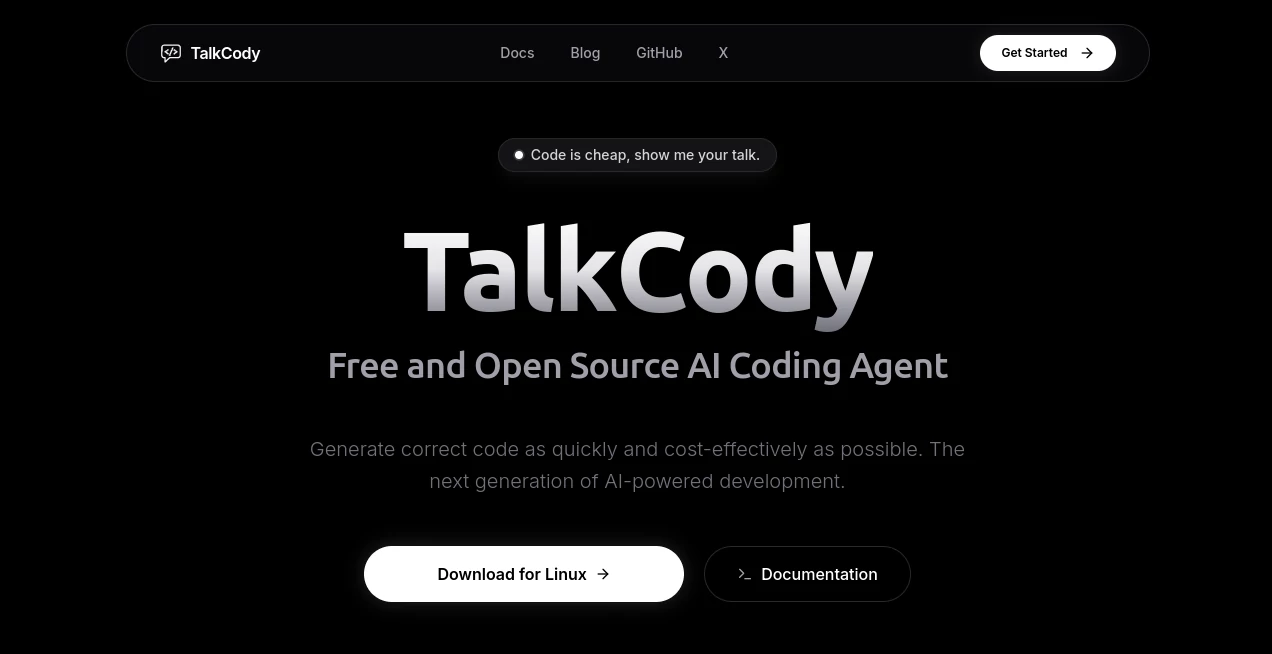
What is TalkCody?
I’ve tried my share of AI coding assistants, and most of them feel like they’re fighting against how I actually work — slow, expensive, and locked into someone else’s cloud. Then I found this one, and it finally clicked. Built by developers who clearly understand the frustration of waiting on responses or paying per token, it runs fast, gives you real control, and best of all, it’s completely free and open source. You can use your own models, run everything locally if you want, and still get serious work done without the usual compromises.
Introduction
Modern coding should feel fluid — you think, you type, you build. Too many AI tools break that flow with delays, costs, or rigid workflows. TalkCody was created to fix exactly that. It’s a native desktop app that supports parallel thinking at multiple levels (project, task, agent, and tool), so complex features get built faster. You’re not stuck with one provider or model. Switch between OpenAI, Anthropic, local Ollama models, or anything else on the fly. The result is an AI coding companion that feels like an extension of your own process instead of something you have to work around.
Key Features
User Interface
The app feels native and snappy, built with Rust and Tauri for that smooth desktop experience. The chat interface is clean, with easy access to your project files, terminal, and agents. You can talk to it via text or voice, drop in images, and see it reason step by step. Everything stays organized so you don’t lose context even on long sessions. It’s the kind of interface that disappears when you’re in flow and reappears exactly when you need it.
Accuracy & Performance
Four-level parallelism makes a noticeable difference. While other tools wait sequentially, this one works on multiple fronts at once, delivering faster and often smarter results. It handles large codebases better than most because it actually understands context across files. In practice, I’ve seen it complete features that would normally take hours in a fraction of the time, with fewer hallucinations and more relevant suggestions.
Capabilities
It goes far beyond simple code completion. You get full agent workflows, a skills marketplace for community agents, multimodal input (text, voice, images), built-in terminal, MCP server support for extending capabilities, and complete customizability. Use any model from any provider, run locally for full privacy, or mix and match. The flexibility means you can tailor it exactly to how you like to work, whether you’re a solo developer or part of a larger team.
Security & Privacy
Privacy is baked in from the start. Everything can run completely offline with local models. Your code never leaves your machine unless you explicitly choose a cloud provider. Full open-source transparency means you can audit everything. For developers who care about IP and security, that level of control is a breath of fresh air.
Use Cases
A full-stack developer uses it to rapidly prototype new features while maintaining context across frontend and backend. A solo indie hacker builds entire MVPs faster by letting agents handle repetitive tasks. A team adopts it to standardize workflows while still giving individuals freedom to use their preferred models. Even students learning to code get patient, contextual help that adapts to their project. It shines anywhere real coding happens and speed plus control matter.
Pros and Cons
Pros:
- Completely free and open source with no usage limits on local models.
- Excellent performance through true parallel processing.
- Full model freedom — use what you want, when you want.
- Strong privacy and offline capabilities.
- Native desktop app that feels fast and reliable.
Cons:
- Initial setup for local models takes a bit more effort than pure cloud tools.
- Some advanced enterprise features are still evolving.
Pricing Plans
The core experience is completely free and open source. You can run it entirely locally with no costs. Cloud model usage follows your own provider pricing (OpenAI, Anthropic, etc.). There are optional paid tiers for hosted convenience and premium support, but you’re never forced into them. It’s one of the most developer-friendly pricing models I’ve seen — maximum freedom with minimum friction.
How to Use TalkCody
Download the app for your operating system, open it, and point it at your project folder. Start chatting in the main window — describe what you want to build, ask questions about your codebase, or have it generate specific functions. Use voice mode for hands-free flow, drop in images or files when needed, and watch it work across multiple agents in parallel. Switch models anytime, customize prompts, or add community skills from the marketplace. The more you use it, the more it feels like a true coding partner.
Comparison with Similar Tools
Many popular AI coding assistants lock you into their cloud, charge per use, or feel slow on large projects. This one gives you freedom of choice, runs locally when you want, and uses smart parallelism for noticeably better speed. It combines the power of modern agents with the privacy and control developers actually want. For those tired of vendor lock-in and surprise bills, it’s a refreshing alternative that often outperforms the bigger names in daily use.
Conclusion
Coding with AI should accelerate your thinking, not slow it down with restrictions and costs. TalkCody delivers exactly that — powerful assistance that respects your workflow, your privacy, and your budget. Whether you’re building the next big thing or just trying to ship features faster, it feels like the kind of tool developers have been asking for. Try it once, and you’ll quickly see why so many are switching.
Frequently Asked Questions (FAQ)
Is it really free?
Yes — core features and local models are completely free and open source.
Can I run it completely offline?
Absolutely — with Ollama or LM Studio, you can work with no internet connection.
Does it support my favorite models?
Yes — OpenAI, Anthropic, Google, local models, and more. Switch anytime.
Is my code private?
Yes — when using local models, nothing leaves your machine.
Can teams use it together?
Yes — shared workflows and skills marketplace make collaboration easy.
AI Code Assistant , AI Code Explanation , AI Code Generator , AI Developer Tools .
These classifications represent its core capabilities and areas of application. For related tools, explore the linked categories above.