

















TalkToType
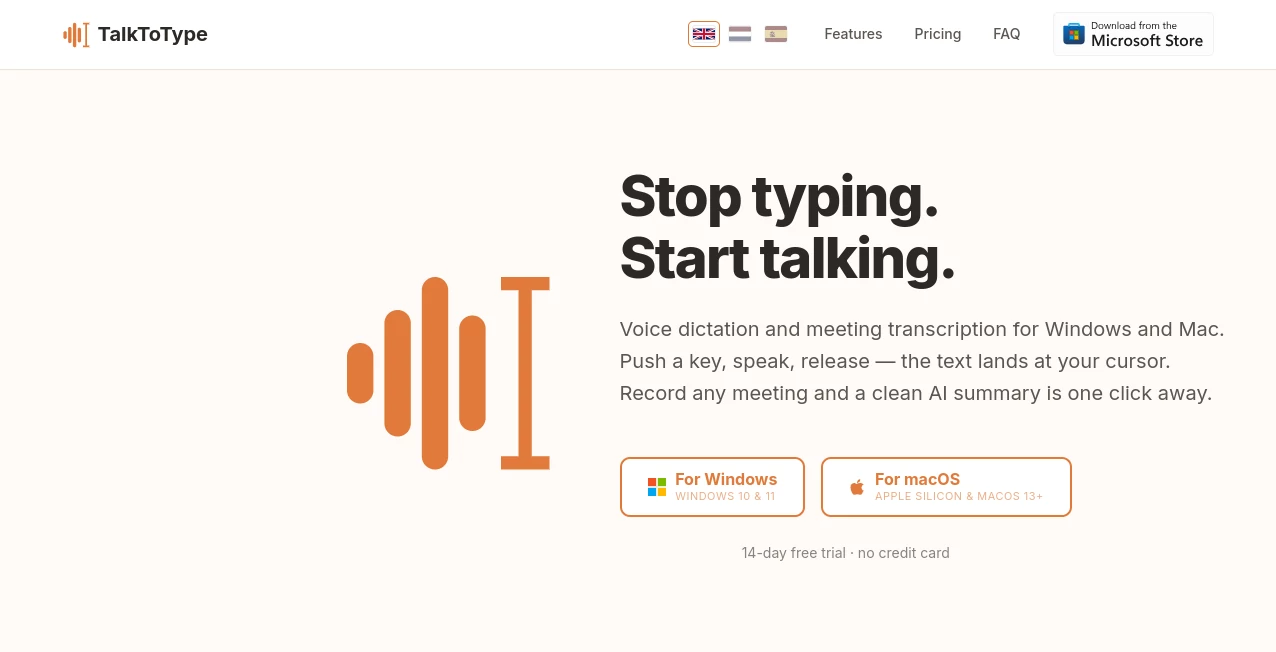
What is TalkToType?
In a world where speed and productivity matter more than ever, voice-driven writing has quietly become one of the most practical shifts in how people create content. This platform is designed to transform spoken words into clean, readable text in real time, helping users reduce typing effort and focus more on ideas rather than keyboard work.
Whether you are drafting emails, writing notes, or capturing thoughts on the go, the experience feels natural and surprisingly fluid. Instead of stopping to type, you simply speak—and your words appear almost instantly in text form. It is especially useful for professionals, students, and creators who deal with constant writing tasks throughout the day.
Key Features
User Interface
The interface is intentionally minimal, allowing users to start speaking without distraction. Everything is designed to reduce friction, so even first-time users can understand it within seconds. Buttons and controls are kept simple, focusing only on what truly matters: capturing speech accurately and turning it into text.
Accuracy & Performance
One of the strongest aspects of this tool is its ability to recognize natural speech patterns. It handles pauses, sentence structure, and everyday language smoothly. While accents and speaking speed may influence results slightly, the overall output remains clean and usable with minimal editing.
Capabilities
Beyond basic dictation, the system is capable of supporting longer-form writing sessions. Users can dictate paragraphs, brainstorm ideas, or even structure entire documents without breaking flow. This makes it suitable for both quick notes and more serious writing tasks.
Security & Privacy
User data protection is treated as a priority. Speech input is processed with attention to privacy, ensuring that personal content is not unnecessarily stored or exposed. This gives users confidence when dictating sensitive information such as business notes or private messages.
Use Cases
- Writing emails quickly without typing
- Creating meeting notes in real time
- Drafting blog posts or articles through speech
- Assisting users with limited typing ability or accessibility needs
- Capturing ideas while multitasking or traveling
Pros and Cons
Pros
- Fast and intuitive voice-to-text conversion
- Simple interface with minimal learning curve
- Useful for productivity and multitasking
- Reduces dependency on manual typing
Cons
- Performance may vary with background noise
- Requires clear speech for best accuracy
- Advanced formatting still needs manual editing
Pricing Plans
The platform generally follows a flexible pricing approach, often offering a free entry option for basic usage along with potential premium upgrades for users who need extended features or higher usage limits. This structure makes it accessible for casual users while still supporting more demanding workflows.
How to Use This Tool
Getting started is straightforward. Users typically open the interface, allow microphone access, and begin speaking naturally. As words are spoken, they appear instantly as text on the screen. From there, the text can be edited, copied, or exported depending on the user’s workflow.
For best results, speaking clearly and at a moderate pace helps improve accuracy. It also works better in quieter environments, especially when handling longer dictation sessions.
Comparison with Similar Tools
Compared to traditional typing tools or basic dictation features built into devices, this solution feels more focused and streamlined. While many alternatives offer voice input as an add-on feature, this platform centers the entire experience around speech-to-text efficiency.
Some competitors may provide more advanced editing or AI rewriting features, but they often come with added complexity. Here, the emphasis remains on speed, simplicity, and reliability, which makes it appealing for users who just want to speak and write without distractions.
Conclusion
For anyone looking to save time and reduce repetitive typing, this voice-to-text solution offers a practical and modern approach. It blends simplicity with functionality, making it suitable for everyday use as well as professional writing tasks. While it may not replace full-scale writing suites, it serves as a powerful companion for faster content creation.
Frequently Asked Questions (FAQ)
Is it suitable for long writing sessions?
Yes, it can handle extended dictation, making it useful for articles, notes, and brainstorming.
Does it work with different accents?
It generally supports a variety of accents, though clarity of speech improves accuracy.
Can I edit the text after speaking?
Yes, the generated text can be edited, copied, or reused in other applications.
Is it beginner-friendly?
Absolutely. The interface is designed so that even first-time users can start immediately without setup complexity.
Does it require installation?
In most cases, it runs directly through the browser, making it quick to access and use.
AI Productivity Tools , AI Speech Recognition , AI Speech to Text , AI Writing Assistants .
These classifications represent its core capabilities and areas of application. For related tools, explore the linked categories above.
TalkToType details
Website unavailable — View Alternatives
Pricing
- Free
Apps
- Web App
- Windows App
- Mac App
Categories

TalkToType Alternatives Product

InPage AI

Adobe Podcast

Black Screen

LLaMaRush

Whisper AI

Klyra AI

nano banana …

UPDF AI

David One
