
















Whisper AI
What is Whisper AI?
Turning spoken conversations into clean, searchable text no longer needs complicated software or hours of manual work. This browser-based transcription platform makes the process remarkably simple, allowing users to upload audio or video, record directly, or import media links for fast and accurate transcripts. With support for more than 100 languages and powerful editing tools, it is an excellent choice for professionals, students, creators, and remote teams.
Key Features
User Interface
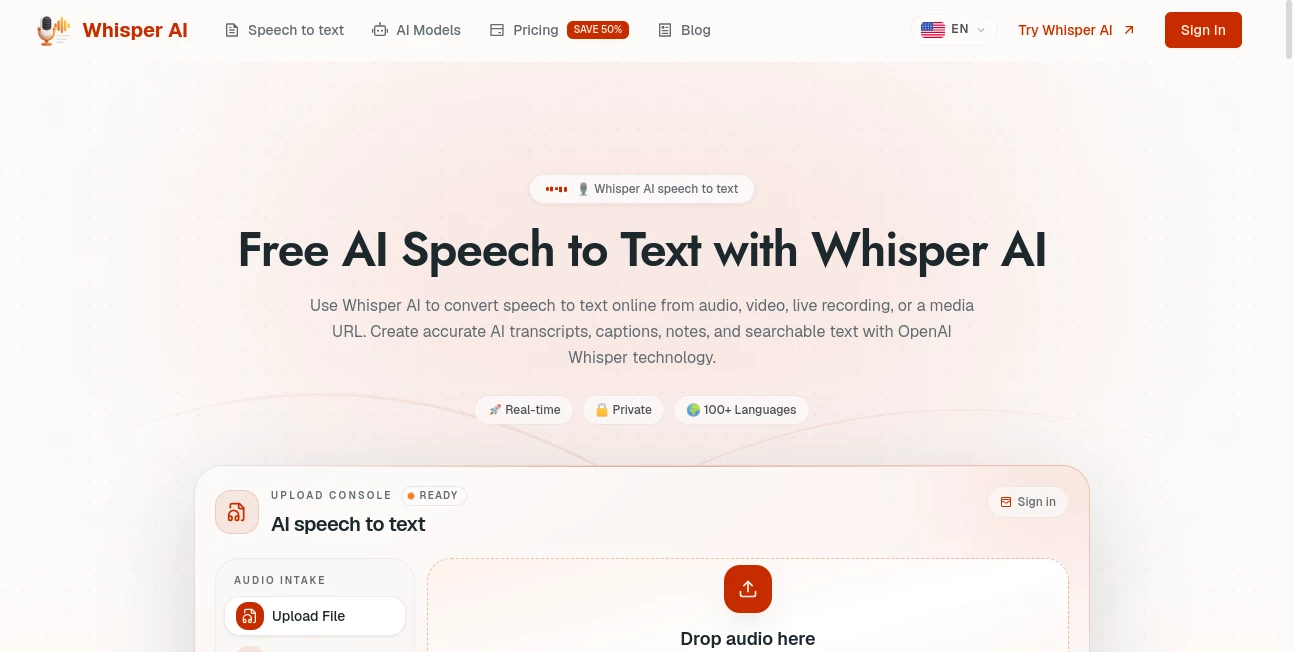
The workspace is clean and intuitive. Files can be uploaded with drag-and-drop, recordings can start in a single click, and transcripts appear in an editable panel that is easy to search and organize.
Accuracy & Performance
Built on OpenAI Whisper technology, the platform delivers reliable transcription even when dealing with different accents, background noise, technical terminology, or multilingual conversations. Processing is fast enough for everyday business and creative workflows.
Capabilities
- Speech-to-text conversion from audio and video.
- Browser-based recording without software installation.
- Automatic language detection for 100+ languages.
- Speaker labels for meetings and interviews.
- Transcript editing, search, and export in multiple formats including TXT, DOCX, JSON, and subtitle files.
- AI-powered summaries, translations, and transcript analysis on higher plans.
Security & Privacy
The service is designed with privacy in mind, allowing users to process recordings online while offering secure transcript management and private storage options for premium users.
Use Cases
- Recording meeting notes.
- Interview transcription.
- Podcast production.
- Video subtitle creation.
- Lecture and webinar documentation.
- Research and content writing.
Pros and Cons
- Pros
- Simple browser-based workflow.
- Excellent multilingual support.
- Accurate speaker recognition.
- Multiple export formats.
- Free trial available.
- Cons
- Advanced AI features require a paid subscription.
- Large projects consume transcription minutes on lower plans.
Pricing Plans
A free plan lets new users test the service with limited transcription time. Paid subscriptions add more transcription minutes, larger uploads, AI summaries, transcript translation, speaker labels, editing tools, and expanded export options.
How to Use Whisper AI
Upload an audio or video file, record directly in the browser, or import a media link. Choose automatic language detection or select a language manually, start transcription, review the generated text, make edits if necessary, and export the finished transcript in the preferred format.
Comparison with Similar Tools
Compared with traditional transcription services, this platform combines fast processing, multilingual support, browser-based convenience, and practical editing tools in one workspace. Features such as transcript search, speaker labeling, AI summaries, and flexible export options make it suitable for both personal and professional projects.
Conclusion
For anyone who regularly works with meetings, interviews, lectures, podcasts, or video content, this transcription solution offers a dependable and efficient workflow. Its combination of high accuracy, clean interface, broad language support, and useful AI enhancements makes it a valuable productivity tool for transforming spoken content into organized text.
Frequently Asked Questions (FAQ)
Can I use it for free?
Yes. A free plan is available with limited transcription minutes for testing the service.
Does it support multiple languages?
Yes. It supports automatic detection and transcription in more than 100 languages.
Can I upload video files?
Yes. Both audio and video files are supported for transcription.
Can transcripts be edited?
Yes. The built-in editor allows users to review, search, and modify transcripts before exporting them.
Which export formats are available?
Users can export transcripts in formats such as TXT, DOCX, JSON, and subtitle files including SRT.