
Toonly AI
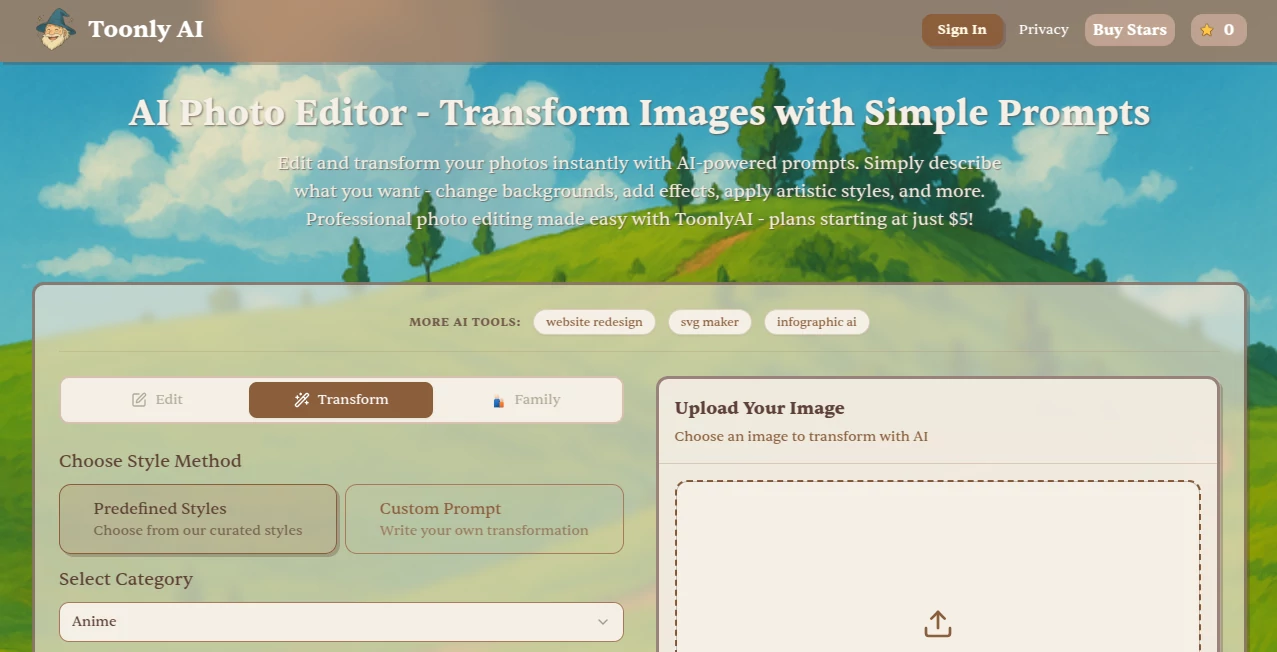
What is Toonly AI?
Creating animated videos no longer requires advanced design skills or expensive production teams. This platform makes it easy for anyone to build engaging cartoon explainer videos using a simple drag-and-drop editor. Whether you're promoting a product, teaching a lesson, or creating content for social media, the workflow feels smooth and approachable.
Key Features
User Interface
The clean workspace is designed for beginners. Characters, props, backgrounds, and scenes can be added with a few clicks, making video creation fast and enjoyable.
Accuracy & Performance
Animations run smoothly, while built-in assets help produce professional-looking videos without spending hours on editing. Projects can be exported in high quality for different platforms.
Capabilities
- Create cartoon explainer videos with drag-and-drop editing.
- Access a large library of characters, props, and backgrounds.
- Add voiceovers, music, and text animations.
- Build marketing videos, tutorials, presentations, and educational content.
Security & Privacy
The software is designed for personal and business use, giving creators full control over their projects while working in a reliable production environment.
Use Cases
- Marketing and promotional videos.
- Educational lessons and online courses.
- Product demonstrations.
- Business presentations.
- Social media content.
Pros and Cons
- Pros
- Easy for beginners.
- Large collection of ready-made assets.
- No animation experience required.
- Fast video production workflow.
- Cons
- Focused mainly on cartoon-style videos.
- Advanced animation customization is limited.
Pricing Plans
Several paid plans are available with different feature sets and asset libraries. Users can choose the option that best fits individual or business needs.
How to Use Toonly
Start a new project, select a background, drag characters into the scene, add animations, insert voiceovers or music, preview the result, and export the finished video in just a few steps.
Comparison with Similar Tools
Compared with many traditional animation editors, this solution focuses on speed and simplicity. It is an excellent choice for marketers, educators, and small businesses that want attractive animated videos without a steep learning curve.
Conclusion
If you need an efficient way to produce eye-catching cartoon explainer videos, this software delivers an enjoyable editing experience with plenty of creative assets. It helps transform ideas into engaging animations in far less time than traditional animation software.
Frequently Asked Questions (FAQ)
Is it beginner-friendly?
Yes. The drag-and-drop editor is designed for users with no animation experience.
Can I create business videos?
Yes. It works well for marketing, product demos, presentations, and training materials.
Does it include ready-made assets?
Yes. It offers a wide selection of characters, props, scenes, and backgrounds.
Can I add my own audio?
Yes. Voiceovers, music, and sound effects can be included in your projects.
AI Animated Video , AI Video Generator , AI Video Editor , AI Marketing Plan Generator .
These classifications represent its core capabilities and areas of application. For related tools, explore the linked categories above.

Toonly AI Alternatives Product
PDF to Video

v04 ai
veo 4

Rank++

seedancetwo2…

AI Best
Seedance 2.0

seedance 2.0

Seedance 2.0…