


















tteg
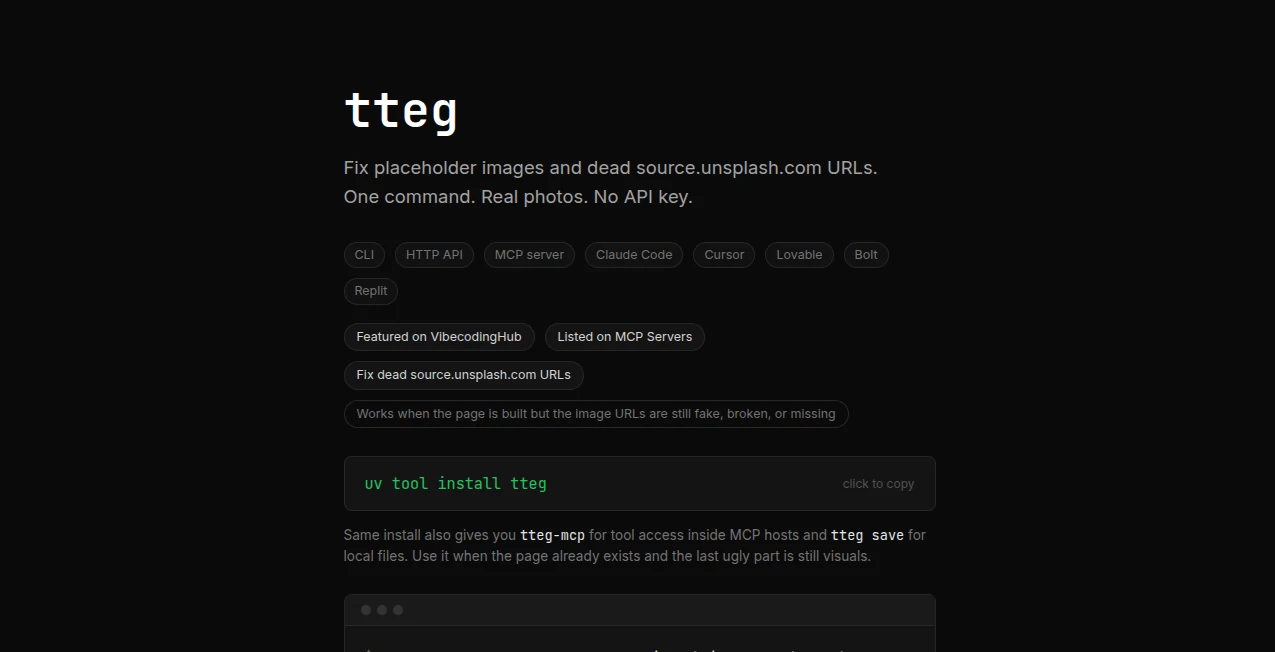
What is tteg?
Nothing kills the momentum of a beautiful SaaS landing page faster than a broken hero image or a generic gray placeholder that screams “work in progress.” This tool quietly solves that frustration in seconds. You give it a description of what you need (“modern SaaS dashboard hero with clean analytics”), and it returns a high-quality, relevant image that actually fits your design. No more hunting through stock libraries or dealing with dead Unsplash links that 404 right before launch. I’ve seen founders replace five broken placeholders in under two minutes and suddenly their demo looks polished and professional. It’s one of those small but powerful fixes that makes everything else feel more complete.
Introduction
Building landing pages, mockups, or internal tools often means relying on placeholder images that never quite get replaced. Unsplash links break, stock photos feel generic, and finding the right visual can eat hours. This platform cuts through that noise. It’s simple, fast, and focused on one thing: giving you context-aware, high-quality images that match your product or page without the usual hassle. Whether you’re launching a new SaaS, updating an old one, or just need clean visuals for a pitch deck, it turns the most annoying part of design into something almost enjoyable. The results look intentional, not like an afterthought.
Key Features
User Interface
The experience is refreshingly minimal. A single prominent text box where you describe what you need, a few optional style hints, and a clear generate button. No complicated filters or account walls for basic use. Results appear quickly with multiple variations so you can pick the one that feels right. It’s the kind of interface that respects your time—you describe it, you get it, you move on.
Accuracy & Performance
It understands context surprisingly well. Ask for a “clean SaaS analytics dashboard” and it delivers images that actually look like modern software interfaces rather than random stock photos. Generation is fast, usually under 10 seconds, and the outputs are high-resolution and web-ready. The consistency across similar prompts is strong, which means you can generate a cohesive set of visuals for an entire site without major style drift.
Capabilities
Beyond basic image generation, it excels at SaaS-specific visuals: dashboards, hero sections, feature illustrations, onboarding flows, and mock device screens. You can guide it with keywords for style (minimal, vibrant, dark mode, etc.) and it handles both landscape and portrait needs. The images are clean enough for production use right away—no weird artifacts or watermarks on standard generations. It’s particularly strong for tech products where generic stock photos fall flat.
Security & Privacy
Your prompts and generated images aren’t stored long-term or used for training unless you explicitly save them. No forced accounts for basic generations, so you can experiment privately. For teams working on unreleased products, that light-touch approach is a welcome relief.
Use Cases
A solo founder building a new productivity tool generates a full set of dashboard and hero images in one sitting, giving their landing page an immediate professional feel. A design agency uses it to quickly mock up client concepts during discovery calls. A marketer replaces broken Unsplash links across ten product pages before a big campaign launch. Even non-designers creating pitch decks or Notion templates use it to make their work look polished without spending hours hunting for the right visuals.
Pros and Cons
Pros:
- Extremely fast and focused on exactly what SaaS builders need.
- Images feel modern and on-brand rather than generic stock.
- No account required to start generating quality visuals.
- Great at understanding tech/dashboard contexts specifically.
- Multiple variations per prompt help you find the perfect match.
Cons:
- Still growing its style range compared to massive general-purpose generators.
- Best results come from clear, specific prompts.
- Advanced batch features and higher limits require paid access.
Pricing Plans
Free tier offers generous daily generations—more than enough for small projects or testing ideas. Paid plans unlock unlimited generations, higher resolution, priority speed, and commercial licensing options. Pricing stays reasonable for the time and frustration it saves, especially when you consider how much better your product pages look with proper visuals.
How to Use tteg
Go to the generator page, type a clear description of the image you need (be as specific as possible about style, content, and mood), optionally add keywords like “dark mode” or “minimal.” Hit generate and review the variations. Download your favorite in high resolution and drop it straight into your project. For multiple assets, describe them one by one or use batch mode on paid plans. The whole process is fast enough that you can refresh an entire landing page in a single focused session.
Comparison with Similar Tools
General AI image generators often produce beautiful but off-brand or unrealistic tech visuals. Stock photo sites have the opposite problem—generic and overused. This tool sits in the sweet spot: fast like AI but tuned specifically for SaaS and product contexts. It saves the back-and-forth of refining generic outputs and gives more relevant results than broad stock libraries, especially for dashboards and software interfaces.
Conclusion
Great products deserve visuals that match their quality. This tool removes one of the last annoying bottlenecks in launching or updating digital products—finding the right images. It’s simple, effective, and focused on delivering results that make your work look finished and professional. For indie makers, agencies, and teams who want to move faster without sacrificing polish, it’s quietly become an essential part of the toolkit.
Frequently Asked Questions (FAQ)
How specific should my prompt be?
The more detail you give (style, colors, mood, layout), the better the results. Start broad and refine if needed.
Can I use the images commercially?
Yes—paid plans include full commercial rights for your projects and client work.
Is there a limit on free generations?
Yes, but it’s generous enough for most small projects and testing.
Does it work for non-SaaS images?
It does, but it shines brightest on dashboards, product interfaces, and tech-related visuals.
How fast are generations?
Usually 5–15 seconds, fast enough to keep your creative flow going.
These classifications represent its core capabilities and areas of application. For related tools, explore the linked categories above.

tteg Alternatives Product

Pixelied

Uni-1

AI Image Enh…

Freepik

Ernie Image

Square Image

Seedream 5.0

Lexica AI

Simplified
