


















Twibird
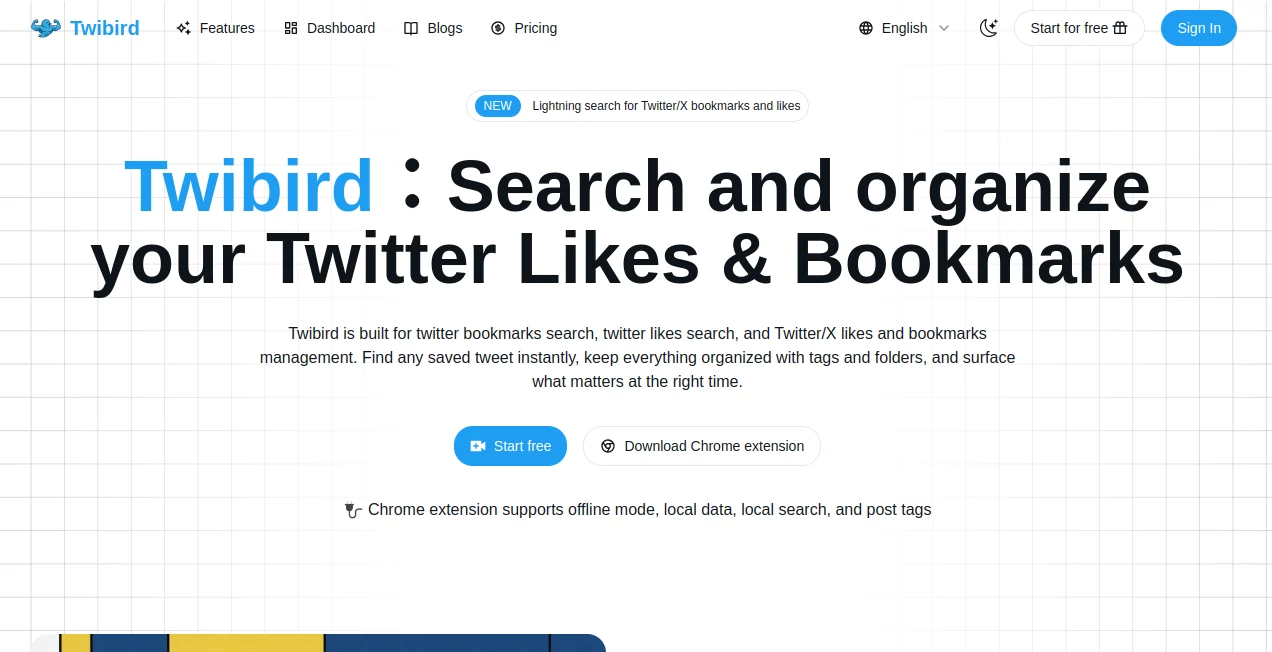
What is Twibird?
Keeping track of valuable posts on X (formerly Twitter) becomes difficult once your collection of likes and bookmarks starts to grow. This platform transforms scattered saved posts into a searchable, well-organized knowledge library that is easy to revisit whenever inspiration strikes. Whether you save tutorials, industry news, marketing ideas, coding tips, or research threads, everything becomes much easier to find instead of endlessly scrolling through your profile.
Designed for creators, researchers, marketers, developers, and teams, the platform combines lightning-fast search with folders, tags, filters, and export options. The result is a workspace that helps users spend less time searching and more time learning, creating, and sharing valuable content.
Key Features
User Interface
The interface is clean, modern, and focused on productivity. Saved posts can be grouped into folders, labeled with custom tags, and filtered using reusable search criteria. Navigation feels intuitive, allowing users to locate important content within seconds rather than browsing hundreds or thousands of saved tweets manually.
Accuracy & Performance
Full-text search scans tweet content, authors, notes, and media, making retrieval remarkably fast even for large collections. Incremental synchronization ensures newly saved content appears automatically without requiring repeated manual exports. Local search capabilities also improve responsiveness while keeping workflows efficient.
Capabilities
- Search across likes and bookmarks instantly.
- Create folders for different projects or topics.
- Organize collections with custom tags.
- Save reusable search filters.
- Export collections to CSV or Notion.
- Maintain cloud backups of saved content.
- Share organized collections with teammates.
- Set reminders for important saved posts.
- Support browser-based synchronization.
- Provide offline search through the browser extension.
Security & Privacy
Privacy is one of the strongest aspects of the platform. Data synchronization happens through the browser extension, avoiding password sharing while limiting permissions to reading likes and bookmarks only. It never publishes posts or interacts with the user's social account, giving users greater confidence when managing their saved content. Offline functionality also gives users additional control over their own data.
Use Cases
- Organizing research material collected from X.
- Building marketing inspiration libraries.
- Managing programming tutorials and development resources.
- Saving educational threads for future study.
- Collecting startup and business ideas.
- Creating content inspiration databases.
- Sharing curated collections with team members.
- Maintaining long-term archives of valuable posts.
Pros and Cons
- Pros
- Extremely fast full-text search.
- Excellent organization with folders and tags.
- Offline search support.
- CSV and Notion export options.
- Automatic synchronization.
- Privacy-focused architecture.
- Simple learning curve.
- Cons
- Focused specifically on X bookmarks and likes.
- Some advanced collaboration features require paid plans.
- Browser extension is required for synchronization.
Pricing Plans
A generous free plan allows users to synchronize and organize up to 1,000 likes and bookmarks while accessing search, tagging, manual sync, and CSV export. Paid subscriptions expand storage capacity, enable automatic synchronization, cloud preservation, Notion export, unlimited saved filters, API access, AI knowledge base functionality, team collaboration, and priority support for larger workflows.
How to Use Twibird
- Install the browser extension.
- Import your existing likes and bookmarks.
- Allow synchronization to build your searchable library.
- Create folders for different topics.
- Add tags to organize content.
- Use keyword search to instantly find saved posts.
- Export collections whenever needed.
- Keep synchronization enabled so new saves appear automatically.
Comparison with Similar Tools
Unlike generic bookmark managers, this solution is built specifically for X users who rely heavily on saved tweets. Traditional bookmarking services usually store links without understanding the structure of social content. Here, users benefit from full-text search, dedicated tweet organization, browser-based synchronization, reminders, tagging, folders, and specialized workflows designed around social media knowledge management. For professionals who regularly discover valuable information on X, the experience feels purpose-built rather than adapted from a general bookmarking application.
Conclusion
Finding an important post weeks or months after saving it should never feel impossible. This platform turns scattered bookmarks and likes into an organized personal knowledge base that remains searchable, structured, and accessible. With its thoughtful interface, strong privacy approach, reliable synchronization, and powerful organizational tools, it delivers a practical solution for anyone who depends on X as a daily source of information and inspiration.
Frequently Asked Questions (FAQ)
Can saved posts be searched by keywords?
Yes. Full-text search helps locate tweets using keywords, authors, notes, and other searchable content.
Is offline access available?
Yes. The browser extension supports offline search and locally stored data for added convenience.
Can collections be exported?
Yes. Users can export their organized collections to CSV, and higher plans also support Notion exports.
Does it automatically sync new bookmarks?
Automatic synchronization is available, allowing new likes and bookmarks to appear without manual importing.
Who benefits the most from this platform?
Researchers, content creators, marketers, developers, educators, founders, and anyone who frequently saves valuable posts on X will gain the greatest benefit.
AI Research Tool , AI Knowledge Management , AI Productivity Tools , AI Team Collaboration .
These classifications represent its core capabilities and areas of application. For related tools, explore the linked categories above.
Twibird details
Website unavailable — View Alternatives
Pricing
- Free
Apps
- Web App
- Chrome Extensions
Categories

Twibird Alternatives Product

Alai

Hintder AI

Linkflare

Skywork Supe…

SlideStorm AI

gpt-plus.ai

YTVidHub-you…

WhatIsThisMo…

Gemini Omni
