
Lore
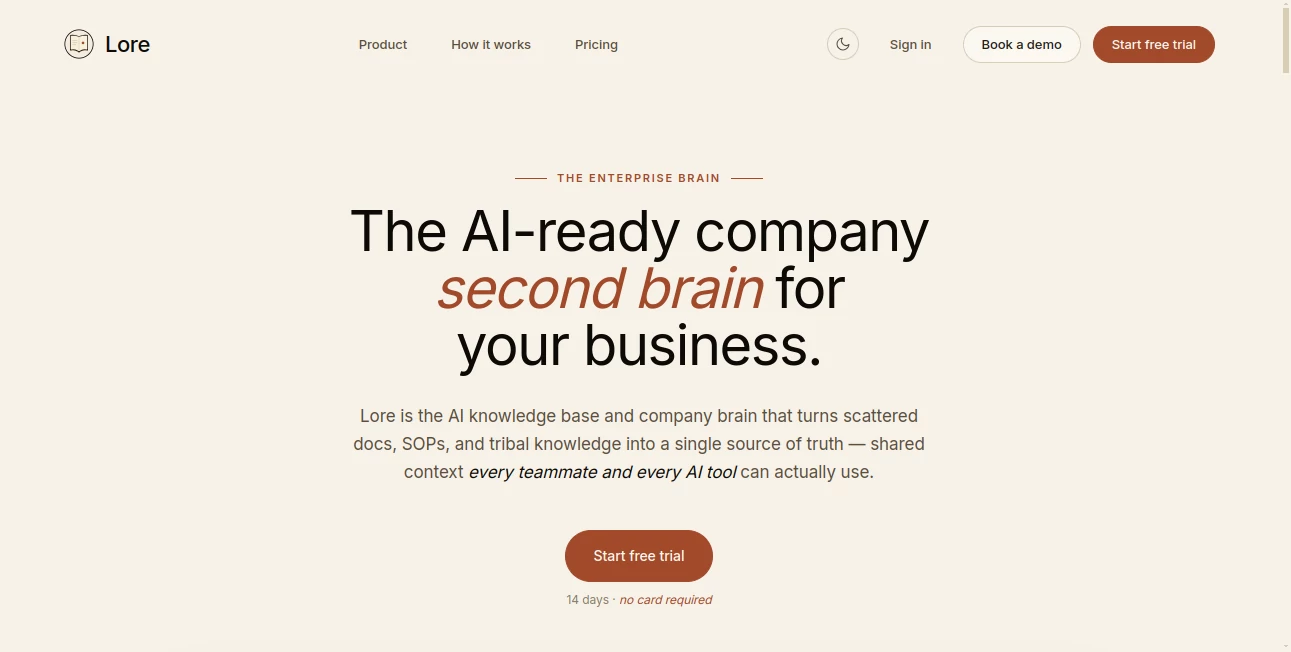
What is Lore?
Great ideas rarely appear while sitting in front of a screen. They happen during walks, spontaneous conversations, brainstorming sessions, and casual discussions with colleagues. Unfortunately, many of those valuable insights disappear before anyone has the chance to write them down. This platform changes that experience by quietly capturing conversations, identifying decisions, organizing action items, and transforming spoken ideas into structured knowledge.
Instead of distracting participants with note-taking, it works in the background so conversations remain natural and productive. After the discussion ends, users receive organized summaries, extracted decisions, draft documents, and visual context that can immediately fit into existing workflows. It bridges the gap between creative thinking and practical execution, making every meaningful conversation a lasting business asset.
Key Features
User Interface
The interface is intentionally minimal. Users simply begin a conversation while walking or meeting with others, allowing the application to handle transcription and processing automatically. A lightweight lock-screen experience keeps interruptions to an absolute minimum, helping everyone stay engaged instead of constantly checking a display.
Accuracy & Performance
Advanced speech recognition captures conversations in real time while intelligent processing identifies key decisions, commitments, and discussion points. Rather than producing generic transcripts, the platform organizes information into practical outputs such as action items, summaries, drafts, and conversation maps that save valuable follow-up time.
Capabilities
- Real-time conversation transcription.
- Automatic decision detection.
- Action item extraction.
- Conversation summaries.
- Mind map generation for discussions.
- Draft creation from spoken ideas.
- Long-term conversation history.
- Organizational knowledge preservation.
- Background recording without interrupting meetings.
- Integration with popular productivity platforms.
- Context tracking across multiple conversations.
- Workflow automation for follow-up tasks.
Security & Privacy
Business conversations often contain confidential information. The platform is designed with professional teams in mind, allowing organizations to preserve important discussions while maintaining appropriate control over shared knowledge. Its focus on structured organizational memory makes it suitable for teams that need reliable documentation of important decisions.
Use Cases
- Walking meetings between team members.
- Executive strategy discussions.
- Product planning sessions.
- Startup brainstorming meetings.
- Sales conversations and customer discovery.
- Remote and hybrid collaboration.
- Project management follow-ups.
- Leadership decision tracking.
- Research interviews.
- Cross-functional team collaboration.
Pros and Cons
Pros
- Captures conversations without requiring manual notes.
- Automatically identifies decisions and action items.
- Keeps participants focused on discussions instead of screens.
- Creates useful drafts immediately after meetings.
- Builds searchable organizational memory over time.
- Works alongside popular productivity tools.
Cons
- Best experience depends on clear audio quality.
- Some advanced integrations may require supported third-party services.
- Availability may vary while early access continues.
Pricing Plans
The platform is currently providing early access through a waitlist. Users can request access to explore its capabilities while additional availability is gradually expanded. Future pricing details may be announced as the service becomes more widely available.
How to Use Lore
Start by joining the early access program and installing the mobile application. Begin a conversation before a meeting or while walking with colleagues. Continue speaking naturally without worrying about taking notes. After the session ends, review the generated summaries, extracted decisions, action items, drafts, and conversation maps. Finally, share the results with your preferred collaboration or project management tools to keep work moving forward.
Comparison with Similar Tools
Many meeting assistants focus primarily on recording online video calls or producing simple transcripts. This solution approaches collaboration differently by emphasizing in-person conversations and walking meetings. Instead of encouraging more screen time, it supports natural discussion while transforming spoken ideas into structured work products. Its ability to remember previous conversations and build organizational knowledge also provides long-term value beyond individual meeting summaries.
Conclusion
Modern teams generate countless valuable ideas every week, yet many disappear before becoming actionable work. This platform offers an elegant solution by preserving conversations, highlighting decisions, organizing follow-up tasks, and creating useful documentation automatically. For founders, managers, researchers, and collaborative teams that value thoughtful discussions, it offers a refreshing way to transform everyday conversations into meaningful progress while allowing people to remain fully present during every interaction.
Frequently Asked Questions (FAQ)
Can it record conversations without interrupting the discussion?
Yes. It is designed to operate quietly in the background so participants can focus on talking naturally.
Does it only generate transcripts?
No. It also extracts decisions, creates summaries, prepares drafts, identifies action items, and organizes conversation context.
Can teams preserve knowledge over multiple meetings?
Yes. Conversations accumulate over time, creating a searchable knowledge base of decisions, insights, and historical context.
Does it integrate with productivity software?
Yes. It supports connections with several popular collaboration, documentation, task management, and project tracking platforms.
Who benefits most from this platform?
Business leaders, startup founders, product teams, consultants, researchers, and collaborative organizations can all benefit from turning conversations into organized work.
AI Productivity Tools , AI Team Collaboration , AI Meeting Assistant , AI Notes Assistant .
These classifications represent its core capabilities and areas of application. For related tools, explore the linked categories above.

Lore Alternatives Product

Miro

Sourcetable

Video To Text
Thinkesta

Debate Tello…

Ovulation Ca…

Jamy.ai | Au…

Chrome Sidek…

BetterAntisp…