


















Video Notes
What is Video Notes?
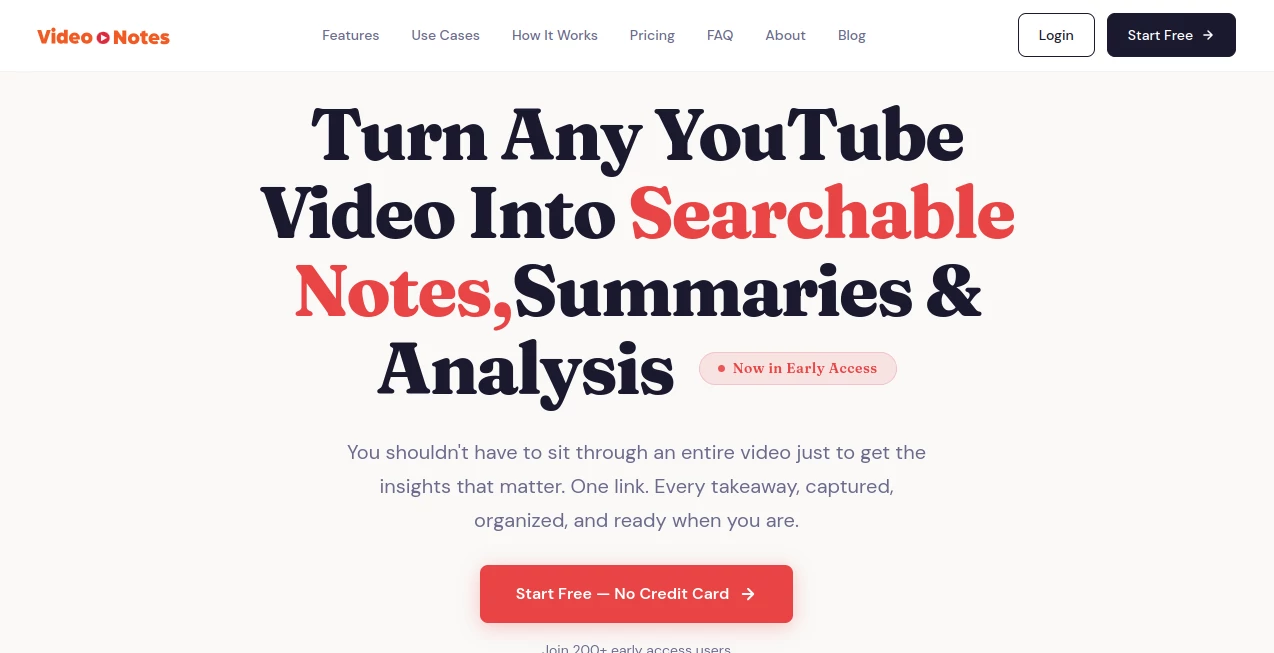
Learning from YouTube is easier than ever, but remembering every useful detail is another story. This platform turns long videos into structured notes, searchable transcripts, concise summaries, and detailed analysis in less than a minute. Instead of replaying the same tutorial or podcast, users can quickly find the exact information they need and keep every valuable insight organized in one place.
Key Features
User Interface
The clean dashboard makes the entire process simple. Paste a video link, wait a few moments, and everything is neatly organized into summaries, timestamps, transcripts, and an interactive chat section. Even first-time users can navigate it without any learning curve.
Accuracy & Performance
The platform delivers detailed transcripts and well-structured summaries for public YouTube videos. Most content is processed in under a minute, allowing users to review hours of material without wasting valuable time.
Capabilities
- Generate timestamped summaries.
- Create searchable transcripts.
- Extract key insights and action points.
- Chat with video content using AI.
- Export notes as Text, PDF, or Markdown.
- Store videos inside a searchable personal library.
- Support multiple transcript languages.
- Chrome extension for one-click extraction.
Security & Privacy
User data is encrypted during transfer and storage, while personal notes remain private. Users also have the option to request complete account and data deletion whenever needed.
Use Cases
- Summarizing educational lectures.
- Researching podcasts and interviews.
- Reviewing programming tutorials.
- Collecting insights from business presentations.
- Building a searchable knowledge library.
Pros and Cons
- Pros
- Very fast processing.
- Accurate timestamped notes.
- AI-powered question answering.
- Multiple export formats.
- Simple and distraction-free interface.
- Cons
- Works primarily with YouTube videos.
- Some advanced features require a paid subscription.
Pricing Plans
A free 30-day trial is available without requiring a credit card. Paid plans begin at approximately $7 per month, with higher-tier options for users who process larger numbers of videos.
How to Use Video Notes
Sign up for an account, paste a YouTube link or use the Chrome extension, and let the system generate transcripts, summaries, and analysis automatically. The finished notes can then be searched, exported, or revisited anytime from the personal library.
Comparison with Similar Tools
Unlike traditional transcription services that only provide raw text, this solution combines transcripts with intelligent summaries, timestamped sections, AI-powered conversations, deep content analysis, and long-term note organization. It feels more like a personal knowledge manager than a simple transcription tool.
Conclusion
For anyone who regularly learns from YouTube, this platform removes the frustration of searching through long videos for one important idea. Fast processing, organized notes, and powerful search features make it an excellent companion for students, professionals, researchers, and content creators who want to remember more while spending less time rewatching videos.
Frequently Asked Questions (FAQ)
Does it work with every YouTube video?
It supports public and unlisted videos with available audio.
Can notes be exported?
Yes. Notes can be downloaded as Text, PDF, or Markdown files.
Is there a free version?
Yes. A 30-day free trial includes several video extractions.
Can I search old notes?
Yes. Processed videos are saved in a searchable personal library for quick access.
Is my information protected?
Yes. Data is encrypted, kept private, and can be permanently deleted upon request.
AI Video Search , AI Summarizer , AI Education Assistant , AI Notes Assistant .
These classifications represent its core capabilities and areas of application. For related tools, explore the linked categories above.

Video Notes Alternatives Product

Instantly Id…

Mexty AI

Zloth

aipen.ink

Ryne AI

FLINT AI

morse code t…

VideoDubber'…

Linkflare
