
VideoMule
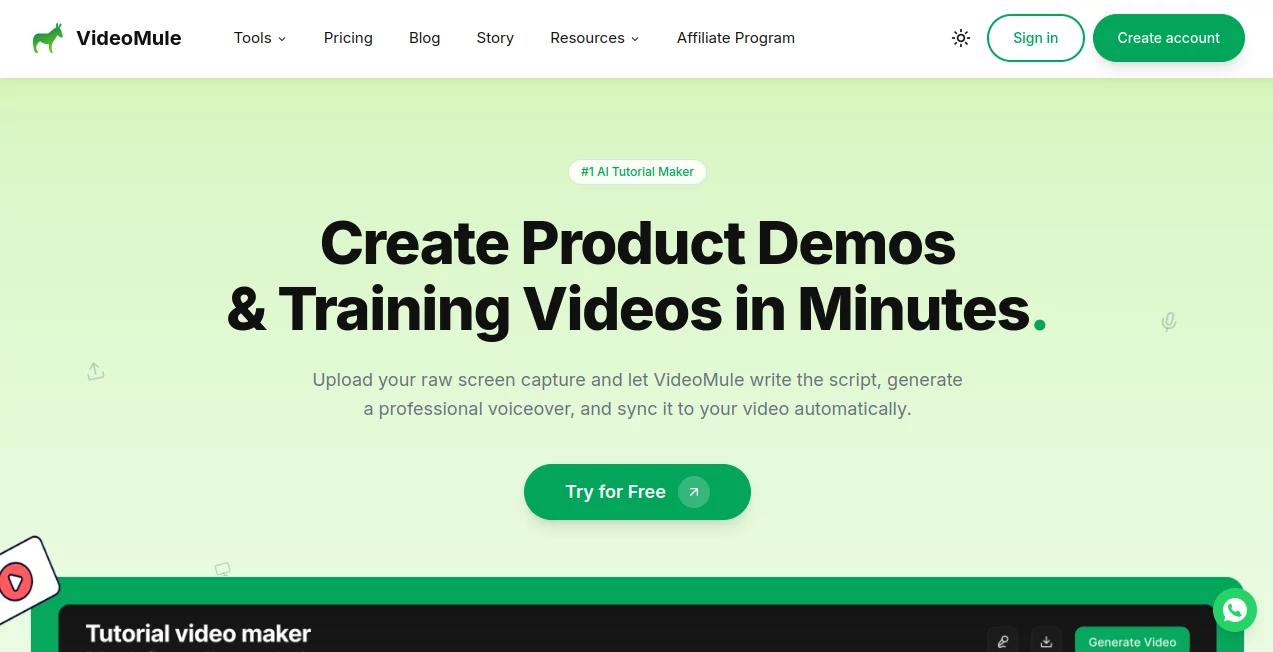
What is VideoMule?
Creating high-quality videos used to require expensive software, technical skills, and hours of editing. Today, AI-powered tools are changing that reality, making video production faster, simpler, and more accessible. This platform is designed to help creators, marketers, and businesses transform ideas into engaging video content without the traditional complexity.
Whether you’re building social media content, promotional ads, or educational visuals, it offers a streamlined experience that focuses on speed, creativity, and output quality. The goal is simple: remove friction from video creation so users can focus on storytelling instead of technical hurdles.
Key Features
User Interface
The interface is designed with simplicity in mind. Users can navigate easily through creation tools without feeling overwhelmed. Everything is structured in a way that reduces learning time and speeds up production.
Accuracy & Performance
AI-driven rendering ensures smooth performance and reliable output quality. Videos are generated with consistent visual structure, making them suitable for both personal and professional use cases.
Capabilities
- Text-to-video generation for quick content creation
- AI-powered scene structuring and automation
- Support for marketing and storytelling formats
- Flexible output for social media platforms
- Fast rendering optimized for productivity
Security & Privacy
User data and uploaded content are handled with standard security practices to ensure privacy and protection. Projects remain accessible only to the account owner, maintaining confidentiality throughout the creation process.
Use Cases
- Marketing campaigns and digital advertisements
- Social media content creation for platforms like TikTok, Instagram, and YouTube
- Educational explainers and tutorials
- Product demos and startup pitches
- Creative storytelling and short films
Pros and Cons
Pros:
- Fast and intuitive video creation process
- No advanced editing skills required
- Suitable for multiple content formats
- AI-assisted automation saves time
Cons:
- Advanced manual editing options may be limited
- Output quality depends on input clarity
- Requires internet connection for processing
Pricing Plans
The platform typically follows a flexible pricing structure, offering free access with limited features and premium plans for users who need higher output quality, faster rendering, or extended usage limits. This makes it accessible for beginners while still scalable for professionals and businesses.
How to Use the Platform
- Start by entering your script or idea
- Choose a video style or template
- Let the AI generate scenes automatically
- Preview and make adjustments if needed
- Export the final video in your preferred format
Comparison with Similar Tools
Compared to other AI video generation solutions, this platform focuses more on simplicity and speed rather than complex manual editing. While some competitors offer deeper customization, this solution prioritizes accessibility and fast content production, making it ideal for creators who value efficiency over technical control.
Conclusion
In a world where video content dominates digital communication, having a fast and reliable creation tool is essential. This platform offers a practical balance between automation and creative control, making it a strong choice for individuals and teams who want to produce videos without technical barriers. It stands out as a useful solution for modern content workflows.
Frequently Asked Questions (FAQ)
What is this platform used for?
It is used to create AI-generated videos from text or ideas quickly and efficiently.
Do I need video editing experience?
No, the system is designed for beginners and requires no prior editing knowledge.
Can I use it for social media content?
Yes, it is well-suited for platforms like YouTube, Instagram, and TikTok.
Is it suitable for business use?
Yes, many businesses use it for marketing, ads, and product presentations.
Does it support customization?
Basic customization is available to adjust style and output preferences.
AI Image to Video , AI Video Generator , AI Video Editor , AI Video Enhancer .
These classifications represent its core capabilities and areas of application. For related tools, explore the linked categories above.

VideoMule Alternatives Product

VIGGLE

Kling Motion

Sisif

RenderFlow AI

kling 5.0

Ultra Face S…

ModelsLab

happyhorse

VideoDubber