
Vidocu
What is Vidocu?
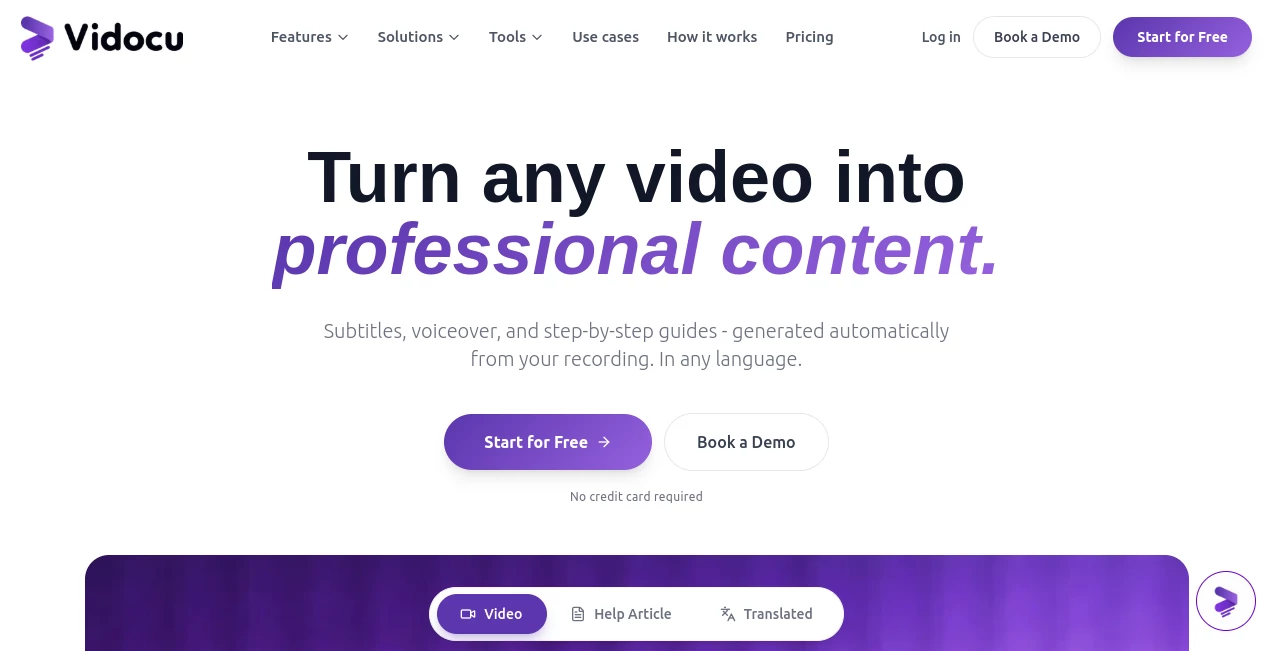
Creating professional educational videos often involves much more than recording a screen. Captions, voiceovers, translations, documentation, screenshots, and editing can quickly become the most time-consuming part of the process. This platform simplifies the entire workflow by automatically converting a single video into polished multimedia content that is ready to publish.
Designed for businesses, educators, product teams, marketers, and customer support professionals, the platform combines AI-powered transcription, multilingual localization, documentation generation, and browser-based video editing in one workspace. Instead of switching between several editing tools and documentation platforms, users can complete everything from a single dashboard, dramatically reducing production time while maintaining a professional result. It supports more than 65 languages, creates natural-sounding voiceovers, generates step-by-step help articles with screenshots, and even offers AI-assisted video editing for teams that need to publish content quickly and consistently.
Key Features
User Interface
The interface is refreshingly straightforward. Upload a recording, wait a few moments while the AI processes the content, and review everything inside an organized editor. The timeline combines subtitles, narration, documentation, and media editing into one workspace, making revisions simple even for users without video production experience. Built-in editing tools eliminate the need for complicated desktop software while still providing advanced controls for professionals.
Accuracy & Performance
The platform delivers fast processing with automatic speech recognition, synchronized subtitles, intelligent screenshot extraction, and high-quality AI narration. Videos are transformed into complete documentation within minutes instead of hours. Support for over 65 languages allows organizations to localize tutorials and training materials without recording multiple versions manually. These automation capabilities significantly reduce repetitive production work while maintaining consistent quality across every project. :contentReference[oaicite:0]{index=0}
Capabilities
- Generate subtitles automatically in multiple languages.
- Create natural AI voiceovers without recording audio.
- Translate videos for international audiences.
- Produce step-by-step documentation with screenshots.
- Create SOPs, help articles, and knowledge base content.
- Edit videos directly in the browser.
- Add annotations, zoom effects, transitions, and highlights.
- Include background music from a royalty-free library.
- Create AI-powered presenter videos using digital avatars.
- Export subtitles, videos, articles, and documentation in multiple formats.
Security & Privacy
Security is clearly treated as a priority. Uploaded content remains private within each workspace, data is encrypted during storage and transmission, and customer files are not used to train AI models. The platform also highlights GDPR compliance together with independently examined security controls, making it suitable for organizations handling internal documentation or customer-facing materials. :contentReference[oaicite:1]{index=1}
Use Cases
- Creating multilingual product demonstrations.
- Producing customer onboarding videos.
- Building searchable knowledge bases.
- Generating internal training materials.
- Writing software documentation from screen recordings.
- Publishing help center articles automatically.
- Repurposing webinars into blog posts and tutorials.
- Supporting global marketing campaigns with localized content.
- Improving educational courses with subtitles and narration.
- Creating professional sales presentations.
Pros and Cons
Pros
- Combines video editing, documentation, subtitles, and translation in one platform.
- Supports over 65 languages.
- Natural AI voice generation.
- Automatic documentation with screenshots.
- Browser-based editor with no software installation.
- Built-in collaboration features for teams.
- Helpful for technical writers, educators, marketers, and support teams.
Cons
- Advanced editing professionals may still prefer specialized desktop software for highly complex productions.
- AI-generated documentation may occasionally benefit from manual review for highly technical workflows.
- Some premium capabilities are reserved for paid plans.
Pricing Plans
A free plan is available for users who want to explore the platform before upgrading. Paid subscription plans unlock additional processing capacity, advanced editing capabilities, expanded collaboration features, and higher usage limits for professional teams and businesses. Enterprise options are also available for organizations with larger operational requirements. :contentReference[oaicite:2]{index=2}
How to Use Vidocu
Begin by uploading a screen recording, tutorial, webinar, or demonstration video. The AI analyzes the content and automatically creates subtitles, voice narration, translations, screenshots, and written documentation. Review the generated materials inside the integrated editor, make adjustments if needed, and publish your finished video together with help articles, knowledge base documents, subtitles, or blog-ready content in just a few clicks.
Comparison with Similar Tools
Many video platforms specialize in editing, while documentation tools focus only on written content. This solution stands out by bringing both workflows together. Rather than requiring separate applications for subtitles, narration, translation, documentation, screenshots, and editing, everything is produced from a single upload. Teams creating tutorials, product documentation, onboarding materials, or educational content can significantly reduce production time while maintaining consistent quality across every published asset.
Conclusion
For organizations that regularly produce tutorials, walkthroughs, product demonstrations, or educational content, this platform provides a remarkably efficient workflow. The combination of AI-generated subtitles, multilingual voiceovers, browser-based editing, automated documentation, and collaboration tools removes many repetitive production tasks that traditionally consume hours of work. Whether the goal is customer education, employee training, technical documentation, or global content distribution, it offers an impressive all-in-one solution that balances automation with creative control.
Frequently Asked Questions (FAQ)
What types of videos can be uploaded?
Screen recordings, tutorials, webinars, walkthroughs, product demonstrations, and many other educational or instructional videos are supported.
Can subtitles be translated into different languages?
Yes. The platform supports subtitle translation and AI voiceovers in more than 65 languages.
Does it generate written documentation automatically?
Yes. It creates structured help articles, documentation, SOPs, and knowledge base content complete with screenshots.
Can users edit AI-generated content?
Absolutely. Subtitles, documentation, narration, and videos can all be edited before publishing.
Is a free version available?
Yes. Users can begin with a free plan before upgrading to premium subscription options.
AI Documents Assistant , AI Video Generator , AI Video Editor , AI Speech to Text .
These classifications represent its core capabilities and areas of application. For related tools, explore the linked categories above.

Vidocu Alternatives Product

Read PDF Alo…

Seedance 2 V…
DomoAI

ImagineToVid…

FinalLayer

Seedance 2.0

Voor AI

Gemini AI vi…

Shoorts AI