


















PixVerse
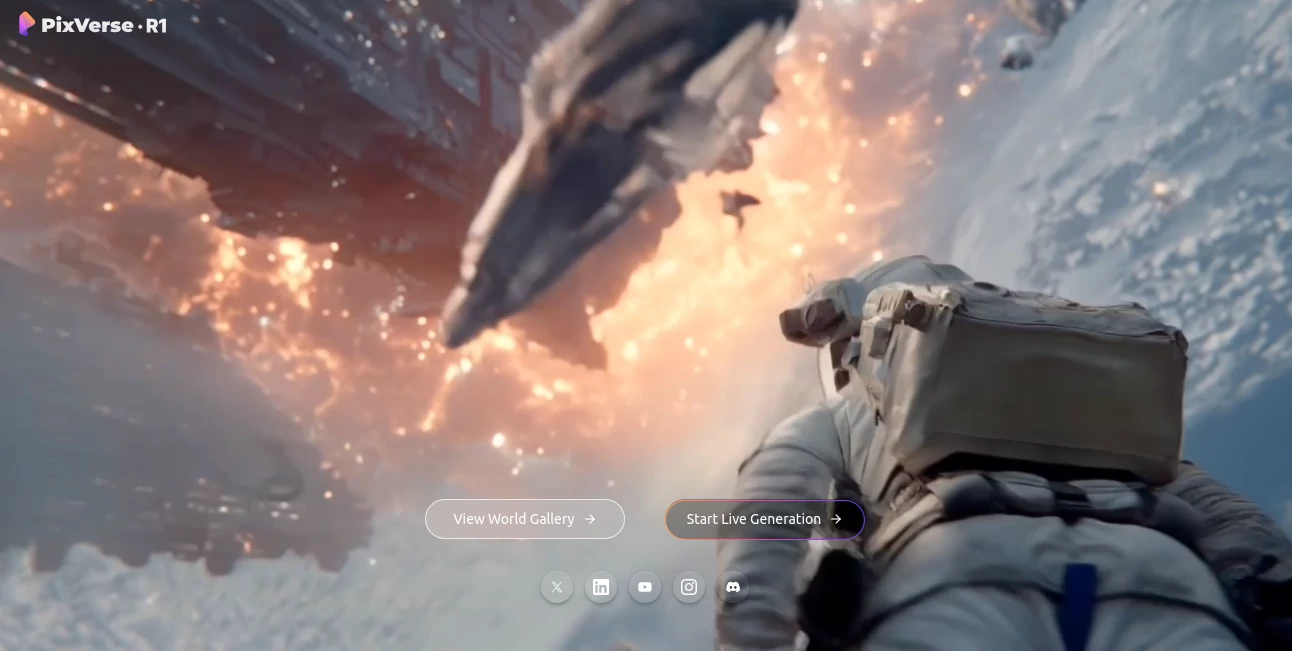
What is PixVerse?
Creating professional-quality videos once required expensive software, advanced editing skills, and hours of production work. Today, AI has changed that landscape completely. This platform stands out by transforming simple text prompts, images, and creative ideas into dynamic videos with impressive motion, cinematic effects, and high-resolution output.
Designed for creators, marketers, storytellers, educators, and businesses, the platform simplifies video production while maintaining impressive visual quality. Whether someone wants to create social media content, promotional campaigns, animated scenes, or engaging visual stories, the entire process feels remarkably accessible. The combination of automation and creative control makes it attractive to both beginners and experienced professionals.
Key Features
User Interface
One of the strongest aspects of the platform is its clean and intuitive interface. Users can quickly move from idea to finished video without navigating complicated menus. Templates, generation options, and editing controls are organized logically, allowing even first-time users to create content with minimal learning time.
The workflow feels streamlined. Uploading an image, entering a prompt, selecting a style, and generating a video can be completed in just a few steps. This simplicity helps creators focus on storytelling rather than technical complexity.
Accuracy & Performance
Video generation quality has improved significantly with recent model updates. Motion appears smoother, camera movements feel more natural, and scenes maintain stronger visual consistency than many earlier AI video tools. Prompt interpretation is generally accurate, allowing users to achieve results that closely match their creative vision.
Performance is another major advantage. Videos are generated quickly, enabling rapid experimentation and iteration. Creators can test multiple concepts before selecting the strongest version for final production.
Capabilities
The platform supports a broad range of creative functions that go beyond basic text-to-video generation.
- Text-to-video creation from detailed prompts.
- Image-to-video animation with realistic movement.
- Multi-shot storytelling for cinematic sequences.
- Lip-sync generation for character-driven content.
- Built-in audio generation, including sound effects and music.
- Character consistency across scenes.
- Advanced camera movement controls.
- High-definition video output suitable for commercial projects.
These capabilities allow creators to build everything from short-form social media content to promotional videos and narrative projects.
Security & Privacy
The platform provides private generation options for users who want greater control over their content. Commercial usage rights are also available through paid plans, making it suitable for businesses and agencies creating client-facing projects.
For organizations handling sensitive creative assets, private workflows help maintain confidentiality while benefiting from AI-powered production tools.
Use Cases
- Creating engaging social media videos for TikTok, Instagram, YouTube Shorts, and other platforms.
- Producing promotional content for products and services.
- Developing marketing campaigns with cinematic visuals.
- Generating animated storytelling content.
- Creating educational and training materials.
- Building video advertisements without traditional production costs.
- Producing concept videos and visual prototypes.
- Enhancing content creation workflows for agencies and creative teams.
Pros and Cons
Pros
- Fast video generation process.
- Supports text-to-video and image-to-video workflows.
- Modern and beginner-friendly interface.
- Built-in audio and lip-sync capabilities.
- Strong visual quality with cinematic effects.
- Character consistency features improve storytelling.
- Free plan available for testing.
- Commercial usage options for professional creators.
Cons
- Advanced projects may consume credits quickly.
- Long-form video production remains more challenging than short-form content.
- Complex prompts occasionally require multiple iterations for perfect results.
- Premium features require a paid subscription.
Pricing Plans
The platform offers a flexible credit-based pricing structure suitable for different types of users.
- Free Plan: Includes complimentary credits for testing core features.
- Standard Plan: Provides a larger monthly credit allowance and faster generation.
- Professional Plan: Offers significantly more credits, private generations, commercial rights, and priority processing.
This structure allows casual users to experiment while giving professional creators access to higher production capacity.
How to Use PixVerse
Getting started is straightforward and requires only a few steps.
- Create an account and access the generation dashboard.
- Choose between text-to-video or image-to-video creation.
- Enter a descriptive prompt or upload an image.
- Select style preferences and generation settings.
- Generate the video and review the output.
- Refine prompts if needed to achieve the desired result.
- Export the final video for publishing or commercial use.
Many users find that combining an uploaded image with a detailed prompt produces especially strong results, particularly for character-focused projects.
Comparison with Similar Tools
Compared with many AI video generators on the market, this platform balances speed, quality, and affordability exceptionally well. While some competitors focus primarily on cinematic output or advanced editing, this solution offers an appealing mix of accessibility and creative flexibility.
Its support for image-to-video generation, multi-scene storytelling, integrated audio creation, and character consistency provides a comprehensive production workflow in a single environment. For content creators who need fast iteration and reliable visual quality, it delivers strong value without overwhelming complexity.
Conclusion
AI video creation continues to evolve rapidly, and this platform represents one of the most compelling solutions available today. It combines powerful generation technology with an approachable user experience, allowing creators to produce professional-looking content in minutes rather than days.
From social media campaigns and marketing videos to animated storytelling and creative experiments, the platform empowers users to transform ideas into engaging visual experiences. Its combination of speed, quality, flexibility, and commercial readiness makes it an excellent choice for modern content creation.
Frequently Asked Questions (FAQ)
Can beginners use this platform?
Yes. The interface is designed to be accessible, allowing users with little or no video editing experience to create professional-looking videos.
Does it support image-to-video generation?
Yes. Users can upload images and transform them into animated video sequences with realistic motion and effects.
Can videos be used commercially?
Commercial usage rights are available through eligible paid plans, making the platform suitable for business and marketing projects.
Does it include audio generation?
Yes. The platform supports built-in audio generation, including music, sound effects, and synchronized dialogue features.
Is there a free version?
Yes. New users can access free credits to explore the platform and test its core video generation capabilities before upgrading.
AI Animated Video , AI Image to Video , AI Video Generator , AI Text to Video .
These classifications represent its core capabilities and areas of application. For related tools, explore the linked categories above.

PixVerse Alternatives Product
Kling 3 AI

seedance 3.0

kling 3 AI

Grok Imagine…
seedance2-pro

Seedance 2.0

Motion Contr…

Sora by Open…

Kling 5.0
