
















AI Anime Pro
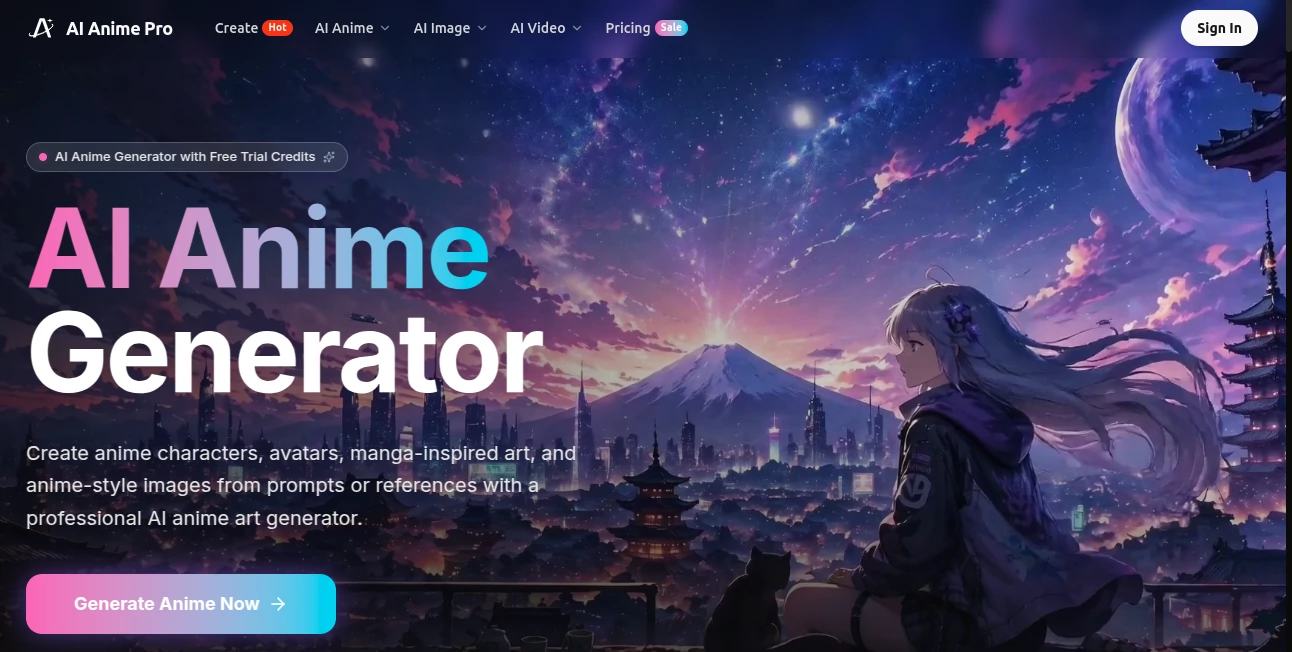
What is AI Anime Pro?
Let’s be real for a second: not everyone can draw anime like a professional artist. I've tried. Trust me, it wasn't pretty. But here’s the thing—you shouldn’t need years of practice just to bring a cool character idea to life. That’s where this platform steps in, and honestly, it’s a bit of a game changer for anyone who loves the anime aesthetic.
This isn’t just another generic image generator that happens to spit out big-eyed characters once in a while. It’s built specifically for that gorgeous, expressive Japanese animation style we all know and love. Whether you’re daydreaming about your own manga series, need a fresh profile picture that doesn’t look like everyone else’s, or just want to mess around and create something fun, this tool makes the whole process feel effortless.
I’ve spent some time clicking around, testing prompts, and seeing what it can actually do. And yeah—it’s impressive. The quality is sharp, the style is consistent, and it doesn’t feel like you’re fighting against the software to get what you want. It’s built for creators, by people who clearly get anime.
Key Features
What makes this platform stand out in a sea of AI art tools? A few things, actually. It’s not trying to do everything under the sun—it focuses on one thing and does it really, really well.
- Text-to-Anime Generation: Type what you want to see, and watch it appear. Simple as that.
- Custom Avatar Creation: Make unique profile pictures that actually feel like you—or your dream anime version of you.
- Reference Image Support: Got a sketch or a specific pose in mind? Upload it, and the AI works its magic.
- Manga-Inspired Artwork: Perfect for comic panels, fan art, or standalone illustrations.
- Fast Rendering: You’re not waiting around forever. A few seconds, and your art is ready.
User Interface
I hate cluttered dashboards. You know the ones—where you have to click through fifteen menus just to find the generate button. This isn’t that. Everything is right where you’d expect it to be. A clean input box for your prompt, easy-to-spot upload buttons for reference images, and settings that don’t require a computer science degree to understand.
Even if you’ve never touched an AI tool before, you’ll figure this out in under a minute. That’s not an exaggeration. My friend who still struggles with copy-paste got the hang of it immediately. The layout is intuitive, the feedback is instant, and honestly, that makes all the difference when you’re in a creative flow.
Accuracy & Performance
Here’s where a lot of anime generators fall short. They promise great results, but what you actually get is a weird, melted-face creature that barely resembles anything from your favorite shows. This one? Different story. The AI understands anime anatomy—the proportions, the facial expressions, the way hair flows, even those dramatic action lines.
I tested it with some pretty specific prompts: “sad girl with blue hair under cherry blossom tree at sunset” and “cyberpunk samurai holding a glowing katana in a rainy street.” Both came out clean, detailed, and—most importantly—recognizably anime. No weird extra fingers or distorted eyes. Just solid, usable artwork. It’s fast too. Most generations finish in five to ten seconds, which means you can iterate and experiment without losing momentum.
Capabilities
You’re not just limited to one type of output. Want a full-body character standing heroically? Done. A close-up portrait with soft, romantic lighting? Easy. An action scene with motion blur and dramatic angles? It handles that surprisingly well. The tool works with different styles too—from the bright, colorful vibe of shonen anime to the softer, more detailed look of shojo.
You can also use reference images to guide the composition. Let’s say you have a rough sketch or even just a photo of a pose you like. Upload it, and the AI will use that as a base while transforming everything into anime style. It saves so much time when you already know what you want but don’t have the skills to draw it yourself.
Security & Privacy
No one wants their half-finished anime projects floating around the internet without permission. The platform takes privacy seriously. Your prompts and uploaded images aren’t just automatically shared or sold to train other models. What you create is yours. The site also uses standard encryption to protect your data, so you don’t have to worry about someone snooping on your creative process.
It’s also worth mentioning that the tool is legitimate and safe to use. There’s no weird malware hiding behind the download button because there’s nothing to download—it all runs in your browser. That alone saves a lot of headaches.
Use Cases
The beauty of this tool is how flexible it is. Different people use it for totally different reasons, and it works for all of them. Here are a few ways creators are putting it to work:
- Indie Game Developers: Need character portraits, concept art, or even cutscene illustrations on a budget? This gets you professional-looking assets without hiring a full art team.
- Content Creators & Streamers: Custom emotes, channel badges, and overlay art that fits your brand. Stand out from the crowd with unique visuals.
- Writers & Storytellers: Visualize your characters before you even write them into a scene. It helps with consistency and gives you something to show your readers.
- Social Media Users: Tired of the same boring selfies? Turn your photos into anime avatars that actually capture your personality.
- Anime Fans & Hobbyists: Just for fun. Create your dream waifu, design an OC (original character), or make posters for your room.
Pros and Cons
No tool is perfect. Let’s be honest about what works really well and where there’s still room to grow.
Pros:
The image quality is consistently high. You’re not gambling on whether the output will look decent. The anime style is accurate and stays true to what fans expect. It’s fast, browser-based, and doesn’t require any setup. The freemium model means you can test it out without spending a dime. And the reference image feature is a lifesaver for anyone who already has a starting point.
Cons:
Because it specializes in anime, you won’t get photorealistic or western cartoon styles from this tool—that’s just not what it’s for. The free tier has some limitations on resolution and how many images you can generate per day. For heavy users, that might get frustrating. Also, the fine control isn’t as deep as something like Stable Diffusion, but that’s also what keeps it simple and easy to use.
Pricing Plans
Money’s tight for a lot of creators, and I respect that. The good news is you can start completely for free. The free plan gives you access to the core features, though you might have watermarks on some exports or daily generation caps.
If you find yourself using it a lot—and honestly, you probably will—there are paid upgrades that unlock higher resolutions, faster processing, and commercial usage rights. The exact prices change from time to time, but it’s generally affordable, especially compared to hiring a human artist for every single piece of concept art. Most users will find the free tier perfectly fine for casual projects, while serious creators get real value from the paid plans.
How to Use This Tool
Getting started takes about thirty seconds. Seriously. Here’s the quick version:
- Head to the website. No download, no installation.
- Choose whether you want to start from a text prompt or upload a reference image.
- Type your idea. Be as specific or as vague as you want—the AI does a good job with both.
- Hit generate and wait just a few seconds.
- Download your image, tweak the prompt, or generate variations.
If you’re not happy with the first result, that’s totally normal. Play with the wording. Add details about lighting, expression, background, or mood. The more you experiment, the better you’ll understand how to get exactly what you’re picturing. And because it’s so fast, trying different approaches doesn’t feel like a chore.
Comparison with Similar Tools
You might be wondering: why this one instead of Midjourney, or PixAI, or any of the others out there? Fair question. Midjourney is powerful, but it lives inside Discord and its anime style isn’t the main focus unless you use specific modes. It’s also not free. PixAI is another solid option, but its interface can feel crowded, and the free tier is pretty limited in what it offers.
What sets this tool apart is the laser focus on anime and manga aesthetics. It’s not trying to be everything to everyone. The interface is cleaner, the results are more consistent for this specific art style, and the learning curve is basically nonexistent. For someone who just wants to make cool anime art without jumping through hoops, this is the better choice. It’s built for exactly that, and it shows in every generated image.
Conclusion
Look, AI art tools are everywhere now. I get it. But most of them feel like generic solutions tacked onto a trend. This one doesn’t. It feels like it was made by people who actually care about anime—who understand why fans love the style and what makes a character feel alive. The quality is legit, the speed is impressive, and the ease of use means you spend less time fighting software and more time creating.
Is it going to replace professional anime studios? No. But it doesn’t need to. What it does is give regular people—fans, writers, game devs, streamers, hobbyists—the power to bring their ideas to life without years of training. And honestly? That’s kind of amazing. If you’ve ever wished you could draw but couldn’t, or if you just want faster character concepts, give it a shot. You might surprise yourself with what you create.
Frequently Asked Questions (FAQ)
Do I need to download any software to use this?
Nope. It all runs right in your web browser. No installations, no updates, no compatibility headaches.
Is there a free version?
Yes. You can start generating images without paying anything. The free tier has some limits, but it’s more than enough to test things out and see if you like it.
Can I use the images commercially?
That depends on your subscription plan. Free users may have restrictions, but paid plans typically allow commercial use. Check the terms on the website to be sure.
How accurate is the anime style?
Very. The AI was trained specifically on anime and manga artwork, so it understands proportions, expressions, coloring, and composition in a way that general tools don’t.
Can I upload my own sketches?
Absolutely. The reference image feature lets you upload a drawing or photo to guide the generation. It’s great for keeping poses or compositions exactly how you want them.
What if I don’t know how to write good prompts?
Don’t worry about it. Start simple—“anime girl smiling” or “fighting scene with dragon”—and add more details as you go. The AI works well even with basic descriptions, and you’ll get better at prompting the more you use it.