

















AITuber
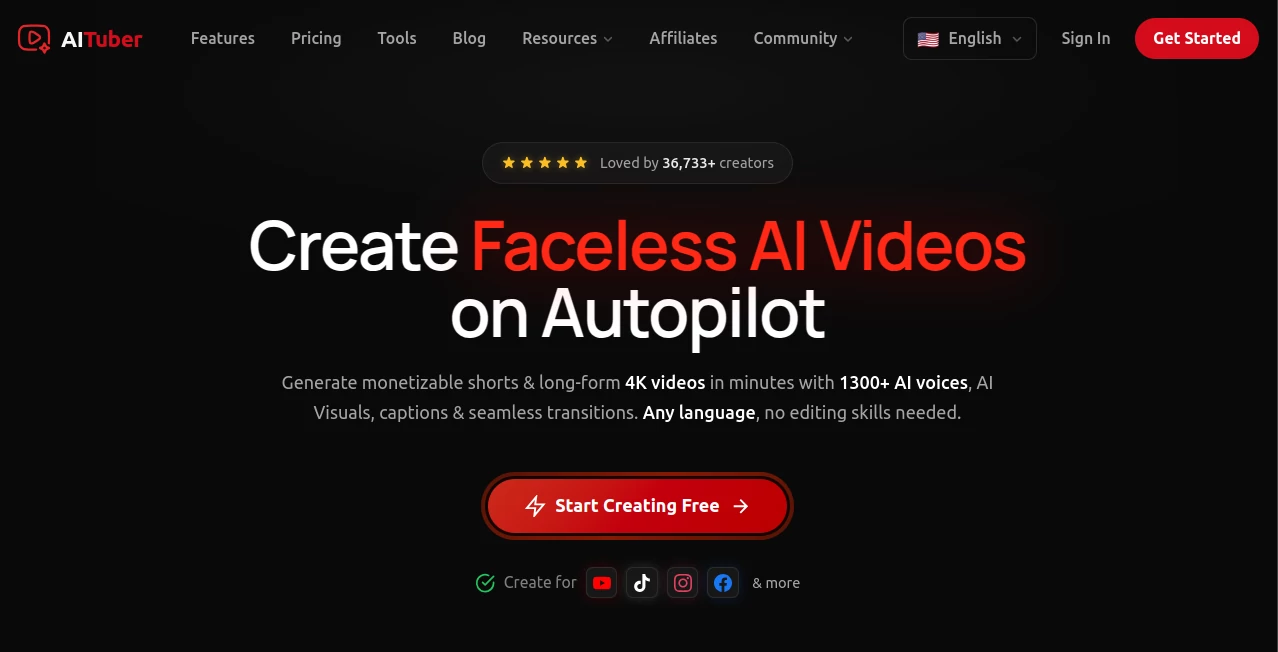
What is AITuber?
Picture this: you type a few lines of text or speak into your mic, and a charming animated character on screen starts talking back with natural lip movements, expressive facial expressions, and a voice that actually matches the personality you want. No green screen, no expensive motion capture suit, no team of animators. This tool makes that possible in minutes. I’ve seen shy creators who hated being on camera suddenly build loyal audiences because their digital self could stream for hours without burnout. It’s not just a novelty — it’s becoming a real way for people to show up consistently online.
Introduction
Content creation is exhausting when you have to be “on” all the time. AITuber removes that pressure by letting you create and control a virtual avatar that can stream, make videos, or interact with your audience while you stay behind the scenes. Whether you want a cute anime-style host, a professional presenter, or a fun mascot for your brand, the tool gives you the freedom to experiment without camera anxiety. What started as a fun experiment for VTuber enthusiasts has grown into a practical solution for educators, marketers, gamers, and storytellers who want to maintain a consistent on-screen presence without the physical toll.
Key Features
User Interface
The dashboard feels welcoming and straightforward. You pick or customize your avatar, type what you want it to say, choose a voice, and hit play. Everything lives in one clean window — avatar preview on the left, controls on the right. Real-time adjustments let you tweak expressions, head movement, or background on the fly. It’s simple enough for beginners but powerful enough that experienced creators don’t feel limited.
Accuracy & Performance
Lip synchronization is impressively natural — the mouth movements actually match the spoken words instead of generic flapping. Facial expressions react to tone and emotion in the script, and head tracking feels alive rather than robotic. Performance stays smooth even during longer sessions, with minimal latency when used for live streaming. The consistency across different voices and languages is one of its strongest points.
Capabilities
You can create custom avatars from scratch or use community templates, generate talking videos from text or audio, stream live to Twitch, YouTube, or TikTok, add background scenes, and even include basic interactions like reacting to chat. Multiple voice options, emotion controls, and gesture support give your avatar real personality. It works for pre-recorded content, live streams, and interactive experiences — basically any format where you want a digital presence.
Security & Privacy
Your avatar creations and scripts stay private by default. No forced public gallery unless you choose to share. The tool processes data locally where possible and doesn’t store sensitive recordings without your permission. For creators who want to maintain separate personal and virtual identities, that thoughtful privacy approach is very welcome.
Use Cases
A language teacher runs daily conversation practice sessions with an animated host that never gets tired. A gamer builds a fun VTuber persona for streaming so they can focus on gameplay instead of being on camera. A small business creates consistent product explainer videos without hiring actors. A storyteller brings fantasy characters to life for bedtime stories on YouTube. The common thread is consistency — showing up regularly becomes much easier when your digital self can handle the heavy lifting.
Pros and Cons
Pros:
- Removes camera anxiety while keeping a personal, expressive presence.
- Fast workflow from text to finished talking avatar.
- Strong lip sync and emotional range make the avatar feel alive.
- Great for both live streaming and pre-recorded content.
- Accessible pricing that works for hobbyists and growing creators.
Cons:
- Very complex conversations or rapid back-and-forth still need some manual guidance.
- Free tier has usage limits that serious creators quickly outgrow.
- Advanced custom avatar creation requires patience and good reference images.
Pricing Plans
The free plan lets you test the waters with decent quality and limited minutes — enough to fall in love with the concept. Paid tiers unlock longer sessions, higher quality voices, commercial usage rights, and advanced customization. Many creators say the Pro plan pays for itself quickly through saved time and increased content output.
How to Use AITuber
Sign up, choose or create your avatar, write or paste your script (or speak live), select a voice and language, adjust emotion and style settings, then generate or go live. Preview the result, tweak anything that doesn’t feel right, and export or stream directly. The more you use it, the better you get at writing prompts that bring out the avatar’s personality. Most people create their first complete video in under ten minutes.
Comparison with Similar Tools
Many avatar tools feel stiff or require complicated setup. This one stands out for its balance of quality, speed, and ease of use. Where others focus only on pre-recorded videos or only on live streaming, it handles both smoothly. The natural movement and emotional range put it ahead of most competitors in the “virtual YouTuber” space right now.
Conclusion
Creating content shouldn’t require sacrificing your comfort or free time. This tool gives you a digital version of yourself that can show up consistently, express personality, and connect with audiences — all while you stay in control behind the scenes. Whether you’re building a brand, teaching, entertaining, or just experimenting, it opens doors that used to feel closed to many creators. The future of on-screen presence isn’t always a real camera, and this platform makes that future feel fun and approachable right now.
Frequently Asked Questions (FAQ)
Do I need to show my real face?
Not at all — many users never appear on camera and run everything through their avatar.
Can I use it for live streaming?
Yes, it supports direct integration with major streaming platforms.
How natural does the lip sync feel?
Very natural for most languages. It handles emotional delivery surprisingly well.
Is commercial use allowed?
Yes on paid plans — you own the content you create.
AI Animated Video , AI Avatar Generator , AI Video Generator .
These classifications represent its core capabilities and areas of application. For related tools, explore the linked categories above.

AITuber Alternatives Product

Gemini Omni …
kling 5.0
MiniMax H3
Kling 3.0
Seedance 2.0…
Seedance 2.0…

seedream 5

seedance 3.0
VO4 AI
