

















MiniMax H3
What is MiniMax H3?
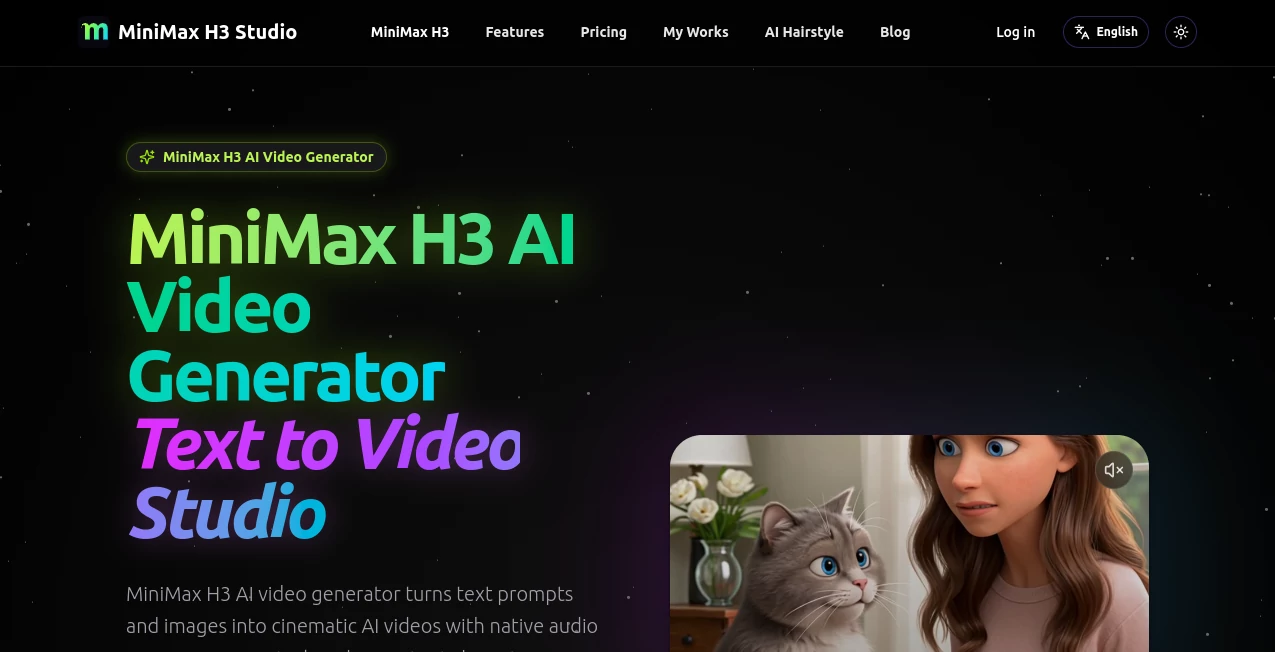
MiniMax H3 AI Video Generator is a creative workspace for turning written ideas and reference images into short, polished videos. It brings text-to-video and image-to-video generation together with native audio, camera controls, character consistency, and 2K output.
What makes the experience particularly appealing is that the video does not have to be treated as a silent visual first and an audio project later. Creators can describe dialogue, ambience, music, and sound effects as part of the scene and generate them alongside the footage. The result is a workflow that feels closer to directing a small production than simply entering a sentence into a video generator.
The platform is well suited to product demonstrations, social campaigns, cinematic experiments, storyboards, character scenes, and short-form content. Its reusable prompt examples also give newcomers a practical starting point instead of leaving them with a blank prompt box.
Key Features
- Text-to-video generation: Turn a detailed description into a short video with motion, lighting, camera direction, and audio.
- Image-to-video animation: Bring a still image to life while maintaining important visual elements such as the subject, clothing, colors, and lighting.
- Native audio generation: Add dialogue, ambience, music, and sound effects directly through the creative prompt.
- Character consistency: Designed to keep characters and visual identity more stable throughout generated footage.
- Camera control: Prompts can describe movements such as tracking, orbiting, dolly shots, crane movements, push-ins, and pull-outs.
- 2K video output: The service supports native 2K generation for projects that need more than basic preview quality.
- Flexible formats: Common landscape, portrait, square, and vertical formats make the output easier to adapt for different publishing channels.
- Reusable prompt cases: Examples covering advertising, anime, realism, product demonstrations, fantasy, and social content can be copied and adapted.
User Interface
The workflow is straightforward: choose a text or image-based creation method, describe the scene, select the desired format, and generate. This simplicity is useful for people who want to experiment quickly without learning a complicated editing application.
The prompt examples are also a nice touch. Someone working on a product advertisement, for example, can start with an existing cinematic concept and change the product, environment, camera movement, or action instead of building every instruction from scratch.
Accuracy & Performance
Video generation is particularly sensitive to vague instructions, so the quality of the final result depends heavily on how clearly the scene is described. The platform recommends including details such as the subject, environment, lighting, camera movement, action, pacing, and audio.
Its strongest area is the combination of these elements in a single generation workflow. Rather than focusing only on visual appearance, the system is designed to coordinate movement, character identity, camera behavior, and sound. Native 2K output is another advantage for creators who want their generated clips to look more polished when used in presentations, campaigns, or social media.
Capabilities
The tool covers a surprisingly broad range of short-form production tasks. A creator can describe an action sequence, animate an existing character image, build a product teaser, experiment with cinematic camera movements, or produce a social video in a vertical format.
Its motion capabilities are also useful for scenes involving gestures, dance, athletic movement, expressions, and multiple characters. Camera instructions can be included directly in the prompt, allowing users to request a particular visual language rather than relying entirely on automatic framing.
For marketers, this opens up practical possibilities. A single product concept can be explored through several visual treatments, while a creator producing Shorts or Reels can generate footage specifically for a vertical canvas rather than cropping a landscape video afterward.
Security & Privacy
The service's pricing information states that paid plans include private generations and commercial use. Payment processing is handled through Stripe, while the platform also provides privacy and terms pages for users who want to review its policies before creating an account.
As with any cloud-based creative service, users should avoid uploading confidential material unless they have reviewed the provider's current privacy terms and are comfortable with the way their content is handled.
Use Cases
- Product marketing: Create short product demonstrations, launch teasers, promotional clips, and visual concepts.
- Social media: Produce vertical videos for TikTok, Reels, Shorts, and other short-form channels.
- Storyboarding: Turn written scene ideas into visual references before investing in a larger production.
- Character content: Animate characters while maintaining a more consistent appearance between frames.
- Creative experimentation: Test cinematic compositions, camera movements, visual styles, and action sequences.
- Fitness and movement: Explore dance, athletic demonstrations, gestures, and other movement-heavy concepts.
- Advertising: Develop multiple creative directions for campaigns without filming every variation traditionally.
Pros and Cons
- Pros: Native audio and video generation, 2K output, text-to-video and image-to-video workflows, camera control, character consistency, flexible aspect ratios, commercial-use options on paid plans, and useful prompt examples.
- Cons: Generation credits are limited by the selected subscription, unused subscription credits do not roll over, and more frequent production requires a higher-priced plan.
Pricing Plans
The platform currently offers three main subscription options, with promotional discounts displayed on its pricing page.
- Basic: $9.90 per month with 250 credits, native 2K video with audio, private generations, commercial use, and standard processing speed.
- Pro: $19.90 per month with 600 credits, native 2K video with audio, private generations, commercial use, a faster queue, priority support, and saved history.
- Enterprise: $59.90 per month with 1,900 credits, native 2K video with audio, private generations, commercial use, the fastest queue, team-oriented support, and extended history.
The current pricing page also lists discounted yearly billing. Subscription credits refresh monthly and do not roll over, so the best plan depends largely on how frequently videos are generated.
How to Use the Tool
Start by deciding whether the project should be created from a written prompt or an existing image. For text-to-video, describe the subject, setting, movement, lighting, camera behavior, style, and sound. For image-to-video, upload the reference image and explain the motion you want to see.
Next, select an appropriate format. A 16:9 canvas works well for traditional widescreen content, while 9:16 is a natural choice for vertical social videos. Square formats can be useful for feed-based campaigns.
Finally, generate the clip and review the motion and audio. If something feels off, refine the prompt rather than completely changing the concept. Adding a specific camera instruction or clarifying the subject's movement can make a meaningful difference to the next attempt.
Comparison with Similar Tools
Many AI video platforms concentrate primarily on generating visual footage from text or images. This service takes a broader approach by combining video generation with native audio, camera direction, character consistency, and multiple aspect ratios in the same workflow.
It is particularly attractive for creators who want short clips that already include an audio layer rather than moving immediately into another application for basic sound design. Its 2K output and emphasis on camera movement also make it a strong option for users interested in cinematic-style experimentation rather than simple animated images.
That said, professional editors working on long-form productions will still need a conventional video editor for detailed timelines, extensive compositing, color grading, and complex post-production. The platform is better viewed as a fast generation and ideation environment than a replacement for a full editing suite.
Conclusion
This is a compelling choice for creators who want to move from an idea to a finished short video with fewer separate steps. The combination of text-to-video, image animation, native audio, camera control, character consistency, and 2K output gives it a useful range for both experimentation and commercial content.
Its biggest advantage is the way different parts of video direction can be expressed through one prompt. A creator can think about the subject, movement, camera, atmosphere, and sound together instead of treating each part as a separate production task. For social campaigns, product concepts, cinematic tests, and short-form storytelling, that can make the creative process considerably faster.
Frequently Asked Questions (FAQ)
What can this AI video generator create?
It can create short videos from text prompts or reference images, including product scenes, cinematic concepts, advertisements, character sequences, social clips, and visual storyboards.
Can it generate audio with the video?
Yes. Users can describe dialogue, ambience, music, or sound effects in the prompt, with audio generated together with the video.
Does it support image-to-video generation?
Yes. A reference image can be animated with instructions describing the desired movement while retaining important aspects of the original visual.
Does it support 2K video?
Yes. The platform offers native 2K output with audio on its paid plans.
What aspect ratios are available?
Common formats include 16:9, 9:16, 1:1, and 4:5, making the generated footage suitable for both widescreen projects and vertical social content.
Is commercial use available?
Yes. The listed paid plans include commercial use rights.
How can I get better results?
Use specific prompts. Describe the subject, setting, lighting, action, camera movement, pacing, and audio instead of relying on a short generic sentence. The more clearly the intended shot is described, the easier it is to communicate the desired result.
Is it suitable for social media videos?
Yes. Its vertical and square formats, short video workflow, native audio, and prompt-based creation make it well suited to short-form social content.