
APIMaster.ai
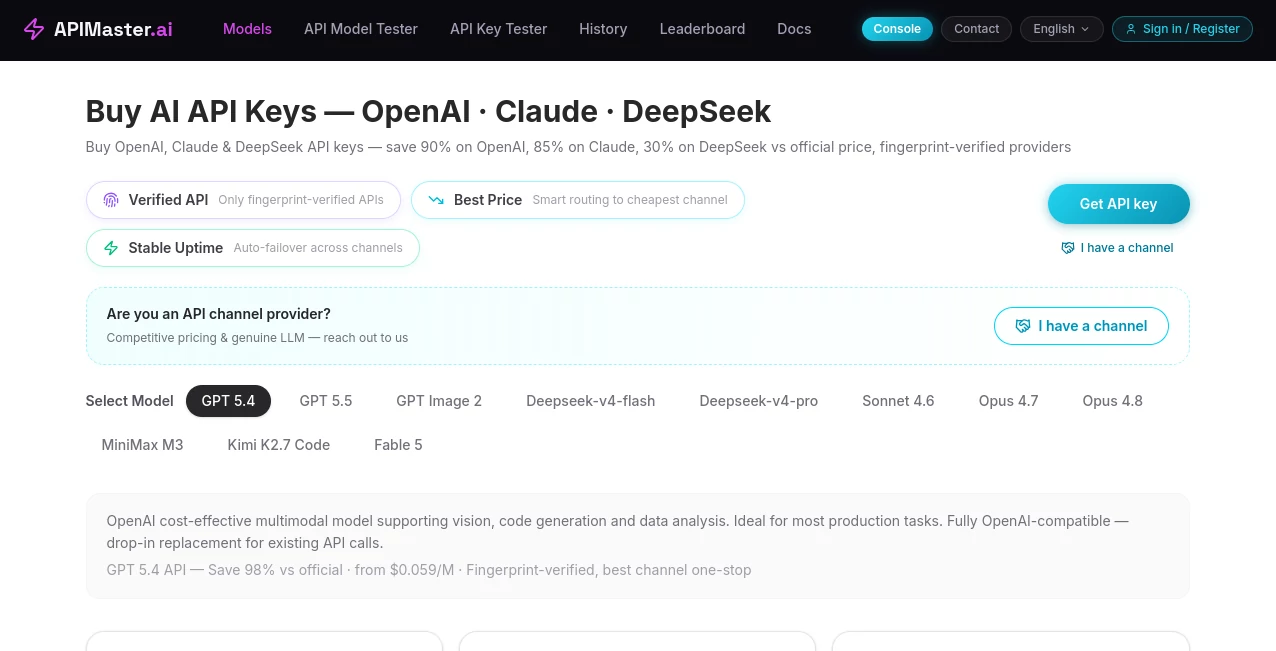
What is APIMaster.ai?
In today’s fast-moving digital ecosystem, APIs have become the backbone of modern software development. Teams need a reliable way to design, manage, and monitor their APIs without dealing with unnecessary complexity. This platform is built to streamline that entire process, offering developers and businesses a centralized environment to handle API lifecycle tasks with clarity and efficiency.
Instead of juggling multiple tools for documentation, testing, and monitoring, users can bring everything together in one place. The result is a smoother workflow, faster development cycles, and fewer errors in production environments.
Key Features
User Interface
The interface is designed with simplicity in mind. Even users who are not deeply technical can navigate through API collections, requests, and configurations without confusion. Clean layouts and intuitive controls reduce the learning curve significantly.
Accuracy & Performance
High reliability in request handling ensures that API responses are consistent and predictable. Performance optimization helps teams test and deploy APIs faster, minimizing downtime and debugging effort.
Capabilities
- API request creation and testing
- Automated documentation generation
- Environment management for development and production
- Collaboration tools for teams
- Monitoring and performance tracking
Security & Privacy
Security is a core priority. Sensitive data such as tokens and keys are protected with encryption standards. Access control features allow teams to manage permissions efficiently and safely across different roles.
Use Cases
- Developers testing and debugging APIs during development cycles
- Teams collaborating on backend services and integrations
- Startups building scalable SaaS platforms
- QA engineers validating API responses and performance
- Product teams documenting and sharing APIs internally or externally
Pros and Cons
Pros:
- All-in-one API management environment
- User-friendly interface suitable for beginners and professionals
- Improves team collaboration and workflow efficiency
- Strong focus on performance and reliability
Cons:
- Advanced features may require onboarding time for non-technical users
- Large-scale enterprise customization may need additional configuration
Pricing Plans
The platform typically follows a flexible pricing structure designed to accommodate individuals, small teams, and enterprises. Users can start with basic functionality and scale up as their API needs grow. Paid plans generally unlock advanced collaboration, monitoring, and automation capabilities.
How to Use This Tool
Getting started is straightforward. After creating an account, users can begin by creating a new workspace. From there, APIs can be added manually or imported from existing collections. Requests can be tested instantly, and environments can be switched with a single click.
Teams can invite collaborators, assign roles, and maintain version control over API changes. As usage grows, monitoring tools help track performance metrics and identify potential issues before they impact users.
Comparison with Similar Tools
Compared to other API management solutions, this platform focuses on balancing simplicity with functionality. While some tools prioritize enterprise-heavy configurations, this one emphasizes usability and speed without sacrificing essential developer features. It is particularly well-suited for teams that want a clean, efficient workflow without unnecessary complexity.
Conclusion
For developers and teams looking to streamline their API workflows, this platform offers a practical and well-structured solution. It brings together essential tools in one place, reducing friction in development and improving overall productivity. Whether you are building small projects or scaling enterprise systems, it provides the flexibility needed to grow confidently.
Frequently Asked Questions (FAQ)
What is this tool used for?
It is used for designing, testing, documenting, and managing APIs in a unified environment.
Is it suitable for beginners?
Yes, the interface is designed to be intuitive, making it accessible even for users new to API development.
Can teams collaborate on projects?
Yes, collaboration features allow multiple users to work together on API development and testing.
Does it support API monitoring?
Yes, performance tracking and monitoring features help ensure APIs run smoothly and reliably.
Can it be used for enterprise projects?
Yes, it is scalable and can support both small teams and larger enterprise-level workflows.
AI Workflow Management , AI Testing & QA , AI API Design , AI Developer Tools .
These classifications represent its core capabilities and areas of application. For related tools, explore the linked categories above.

APIMaster.ai Alternatives Product

Project Mela

CodeProt

LocaFlow

Tate-A-Tate

GOLANG COLLE…

Online White…

Claude and C…

Calculadora …

DiRe-RAPIDS