


















Artlist Seedance 2.5
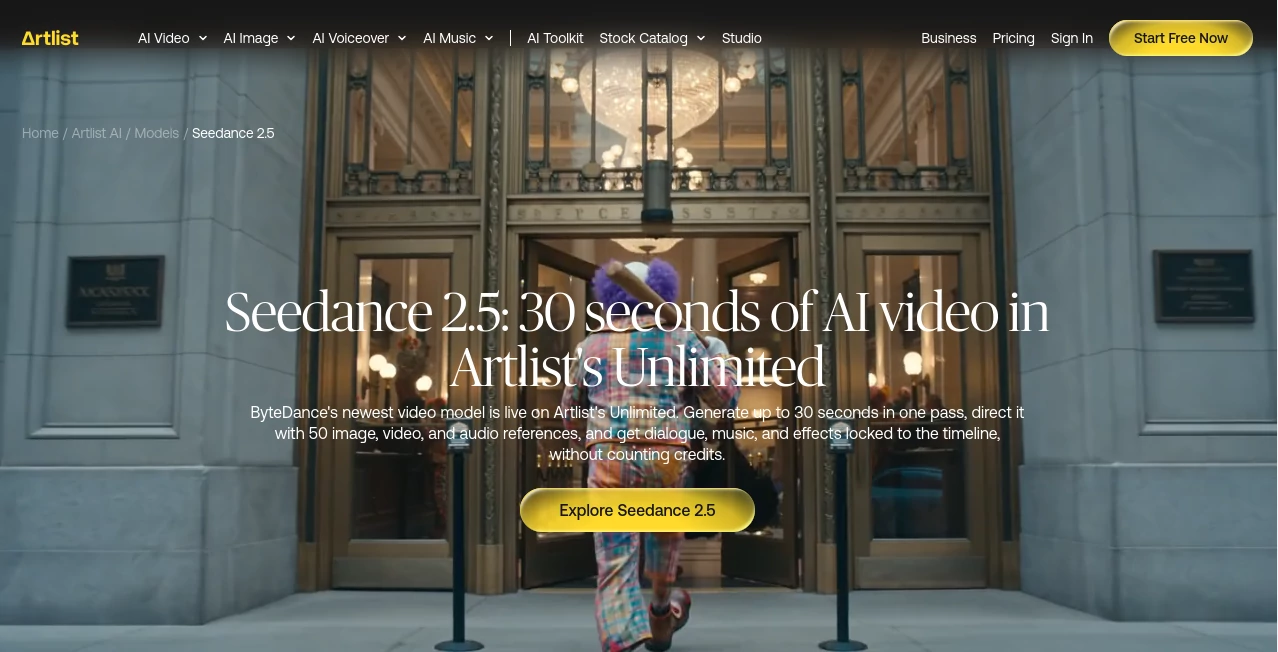
What is Artlist Seedance 2.5?
Creating a convincing AI video is no longer just about writing a short prompt and hoping for a good result. For creators working on social content, advertising, storytelling, and visual experiments, control over characters, movement, sound, references, and timing can make a major difference. This video generation model brings those elements together inside Artlist's AI Toolkit, with support for native clips of up to 30 seconds in a single generation.
One of its most interesting strengths is the amount of creative material that can be supplied as references. A single generation can work with up to 30 images, 10 video clips, and 10 audio files, giving creators much more room to guide the final scene. The system can also generate dialogue, music, and sound effects alongside the visuals, so the result arrives with synchronized audio rather than requiring a separate audio pass.
For a creator developing a short product commercial, for example, several product images, a reference video, a music sample, and a carefully written prompt can be combined into one production brief. That makes the workflow feel closer to directing a scene than simply generating isolated clips.
Key Features
- Generate native AI video clips from 4 to 30 seconds.
- Support for up to 50 reference inputs in a single generation.
- Use up to 30 image references, 10 video clips, and 10 audio files.
- Generate dialogue, music, and sound effects together with the video.
- Native audio synchronization with visual actions.
- Multi-shot generation for scenes containing several shots.
- Reference-driven editing for targeted changes within a defined time range.
- Extend clips forward or backward while maintaining visual continuity.
- Create transitions between two clips with the Seamless Bridge feature.
- Use first and last frames to guide the movement between two points.
- Smart Duration for automatically selecting a natural cut point.
- Support for 16:9, 9:16, 1:1, and 21:9 aspect ratios.
- Audio-only references for influencing dialogue, music, or sound effects.
- Dialogue generation in 11 languages.
User Interface
The workflow is designed to keep the creative process straightforward. Users select the video model inside the AI Toolkit, add their reference material, write a prompt, choose the duration and framing, and generate the result. References can be assigned specific roles through the prompt, such as subject, style, camera movement, dialogue, music, or sound effects.
This approach is particularly useful when a project contains several visual ingredients. Instead of explaining every detail from scratch, a creator can provide actual images, clips, and audio files and tell the system how each one should influence the scene.
Accuracy & Performance
Prompt adherence is one of the areas highlighted by the provider. According to ByteDance's reported comparison, the newer model follows prompts roughly 20% more accurately than its predecessor. In practical terms, that can mean fewer attempts when a scene requires a particular camera movement, character action, or visual direction.
The ability to generate up to 30 seconds in one pass is another practical advantage. Instead of automatically treating every idea as a very short clip, creators can describe a beginning, middle, and end within a single generation. Smart Duration is also available when the creator prefers to let the system determine a natural stopping point.
Output currently starts at 480p and 720p at 24 frames per second. Creators who specifically need 4K output can use another model available within the same AI Toolkit.
Capabilities
The system goes beyond basic text-to-video generation. Multi-shot prompts can describe several shots while asking the model to maintain continuity between them. This makes it possible to approach a short sequence more like a storyboard than a collection of unrelated generations.
Reference-driven editing is another useful capability. A creator can replace a subject, add or remove an element, or redraw a particular region while limiting the change to a selected portion of the timeline. For example, an object could be changed between the second and fifth seconds without unnecessarily altering the rest of the clip.
Clip extension works in both directions. A finished scene can be continued from its final frame, while a preceding moment can also be generated using the first frame as the endpoint. The Seamless Bridge feature can create a transition between two clips, while first-and-last-frame control allows the creator to define the starting and ending visual states.
Audio is treated as part of the generation rather than an afterthought. Dialogue, music, and sound effects can be created alongside the visuals, with timing synchronized during generation. Dialogue is available in English, Chinese, Spanish, Portuguese, Japanese, Korean, Arabic, Vietnamese, Thai, Indonesian, and Malay.
Security & Privacy
Because the service operates through Artlist's online AI Toolkit, uploaded references and generated projects are handled within the platform rather than through a standalone local application. Creators should review the platform's current terms, privacy documentation, and licensing conditions before uploading sensitive, confidential, or third-party material.
For commercial projects, it is also important to understand the rights associated with the selected subscription and generated content. The availability of a commercial license through the broader Artlist subscription ecosystem can be useful for professional creators, but project owners should still verify the current licensing terms that apply to their specific use case.
Use Cases
- Social media videos: Produce short vertical clips for TikTok, Instagram Reels, YouTube Shorts, and similar platforms.
- Advertising: Turn product concepts and reference images into short promotional scenes.
- Film previsualization: Explore camera movements, characters, transitions, and scene ideas before production.
- Storytelling: Build a short sequence with multiple shots and consistent visual direction.
- Product demonstrations: Use product imagery as references while describing movement and presentation in the prompt.
- Music-driven content: Use audio references to help shape visuals around music or dialogue.
- Creative experiments: Test unusual concepts without first arranging a full filming setup.
- Video editing workflows: Extend existing scenes, create bridges between clips, or make targeted changes to selected moments.
Pros and Cons
- Pros: Up to 30-second native generations, extensive multimodal reference support, synchronized audio generation, multi-shot scenes, targeted editing, bidirectional clip extension, multiple aspect ratios, and multilingual dialogue.
- Pros: The ability to work with up to 50 reference inputs gives experienced creators considerably more control over complex visual briefs.
- Pros: Being available alongside other leading models in one AI Toolkit makes it easier to choose a different model when a particular shot requires different capabilities.
- Cons: Maximum output resolution is currently 720p, so projects requiring higher-resolution output may need a different model.
- Cons: More detailed reference-heavy workflows can require greater planning, especially when many assets are involved.
- Cons: Like other generative video systems, highly specific scenes may still require multiple generations and prompt refinement.
Pricing Plans
The model is available through Artlist's AI Toolkit. It is included in Artlist Unlimited plans, where generations are not metered on a per-clip credit basis. This is particularly attractive for creators who expect to iterate frequently, because changing a reference or adjusting a prompt does not require treating every attempt as a separately budgeted clip under the Unlimited offering.
Paid AI plans can also provide access through credits. Credit consumption can vary according to factors such as video duration and the amount of reference material used. Since subscription structures and credit pricing can change, users should check the current Artlist pricing information before choosing a plan.
How to Use It
- Open the Artlist AI Toolkit and select the video generation model.
- Upload the images, video clips, or audio files you want to use as references.
- Explain what each reference represents in the prompt, such as a character, visual style, camera movement, dialogue, music, or sound effect.
- Choose a duration between 4 and 30 seconds, or use Smart Duration.
- Select an aspect ratio such as 16:9, 9:16, 1:1, or 21:9.
- Generate the video and review the visual and audio result.
- If necessary, change a reference or prompt and generate another version.
- Use extension, targeted editing, or clip-bridging features when the project requires further refinement.
Comparison with Similar Tools
There are many AI video generators available today, but they do not all approach production in the same way. Some focus primarily on short text-to-video generations, while others specialize in cinematic visuals, character animation, image-to-video workflows, or speed.
This solution stands out through its combination of longer native generations, extensive reference control, multi-shot creation, and integrated audio. The ability to provide 30 images, 10 video clips, and 10 audio files in one generation is particularly useful for projects where consistency matters.
It is not necessarily the best choice for every situation. A project that prioritizes 4K output, for example, may be better suited to another model in the same toolkit. On the other hand, creators who need a longer scene with multiple references and synchronized sound may find this workflow considerably more convenient.
Conclusion
For creators who want more than a quick AI-generated clip, this model offers a notably broad production workflow. Its 30-second generation length, extensive reference support, synchronized audio, multi-shot generation, and editing capabilities give users more control over how a scene develops from beginning to end.
The biggest advantage is not any single feature. It is the way the features work together. A creator can provide visual references, motion examples, audio, a written direction, and a desired framing, then refine the result without leaving the same creative environment.
For social campaigns, concept development, advertising, short-form storytelling, and experimental filmmaking, that combination makes it a compelling option. Creators who need maximum resolution may want to compare it with other models in the toolkit, but for reference-heavy and narrative-oriented generation, it deserves serious attention.
Frequently Asked Questions (FAQ)
How long can the generated videos be?
Videos can be generated from 4 to 30 seconds in a single pass. Smart Duration can also select a natural cut point within the 4-to-15-second range.
How many reference files can be used?
A single generation can use up to 50 references: 30 images, 10 video clips, and 10 audio files. References can be assigned different roles through the prompt.
Can it generate synchronized audio?
Yes. Dialogue, music, and sound effects can be generated alongside the visuals, allowing audio timing to be synchronized during video creation.
What resolutions are available?
The model currently supports 480p and 720p output at 24 frames per second. Users who need up to 4K can choose another compatible video model in the same AI Toolkit.
Can existing videos be edited or extended?
Yes. The workflow supports targeted reference-driven edits, clip extension in both directions, seamless transitions between clips, and first-and-last-frame generation.
What languages are supported for dialogue?
Dialogue can be generated in 11 languages: English, Chinese, Spanish, Portuguese, Japanese, Korean, Arabic, Vietnamese, Thai, Indonesian, and Malay.
AI Video to Video , AI Image to Video , AI Video Generator , AI Text to Video .
These classifications represent its core capabilities and areas of application. For related tools, explore the linked categories above.
Artlist Seedance 2.5 details
Website unavailable — View Alternatives
Pricing
- Free
Apps
- Web App
Categories

Artlist Seedance 2.5 Alternatives Product

Kling 3 AI

Seedance 2.0

GoViralTrend

Spark Robin

OmniVideo

Seedance 2

VeoNano

LTX-3 AI
VideoFlux
