
Atomic Chat
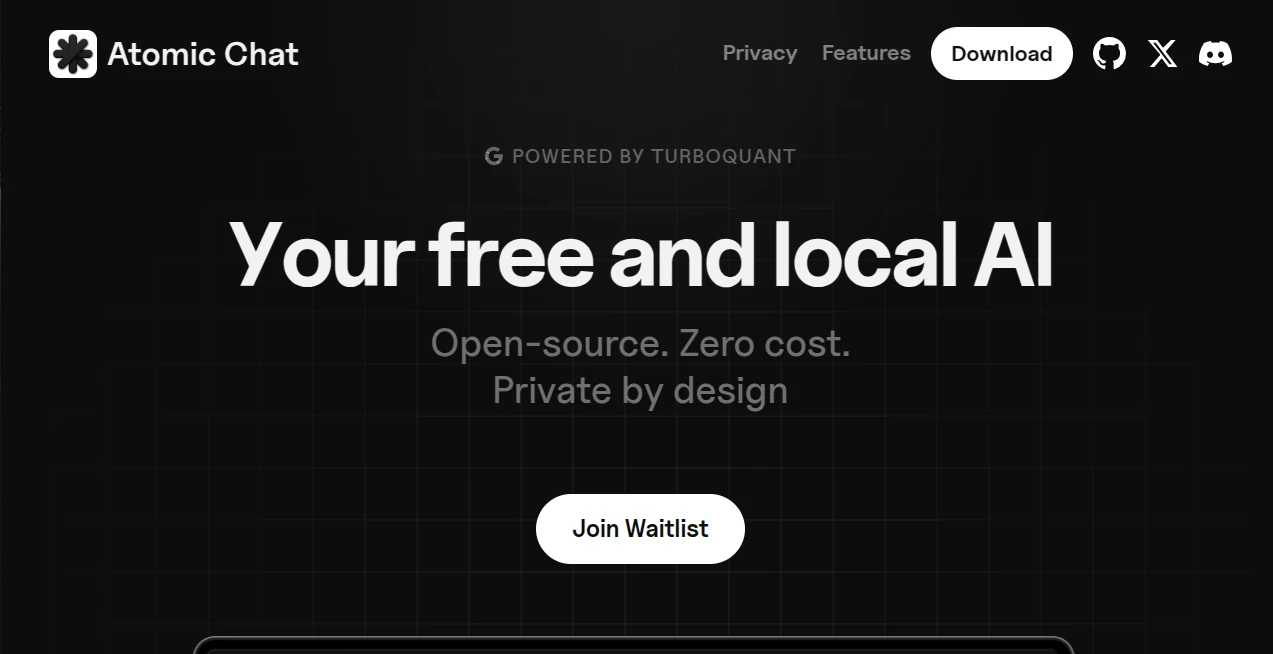
What is Atomic Chat?
There's something deeply satisfying about typing a question and getting an instant, thoughtful reply without wondering where your words are going or how much it's costing you. This tool gives you exactly that: a full-powered AI chat that lives entirely on your computer or phone. No cloud, no subscriptions, no data leaving your device. I’ve used it late at night when I didn’t want anything tracked, and the feeling of freedom is surprisingly addictive. It’s fast, it’s private, and it just works—like having a smart friend who never judges and never forgets what you talked about last week.
Introduction
Most AI chat tools feel like borrowing someone else’s brain: convenient, but you’re never quite sure who’s listening. Atomic Chat flips that script completely. It brings powerful language models straight onto your device so everything stays private and works even offline. Built with open-source principles and optimized for speed using TurboQuant technology, it delivers responsive conversations without the usual lag or privacy trade-offs. Whether you’re brainstorming at 2 a.m., practicing a language, or just chatting for fun, it feels like a personal space rather than a public square. That sense of ownership and safety is what makes it special.
Key Features
User Interface
The design is refreshingly straightforward and calm. A clean chat window, simple model selector, and minimal controls that don’t get in your way. You can start chatting within seconds of opening the app—no complicated setup, no accounts, no nagging permissions. Dark mode feels natural, conversations are easy to scroll through, and switching between different local models is effortless. It’s the kind of interface you forget is there because it simply lets you focus on the conversation.
Accuracy & Performance
Thanks to TurboQuant optimization, responses come quickly even on regular laptops and phones. The models understand context well and maintain coherent conversations over many messages. Because everything runs locally, there’s no waiting for servers or sudden rate limits. I’ve had long back-and-forth sessions where the replies stayed on-topic and surprisingly helpful without any external connection. The speed and reliability make it feel more like a real conversation partner than most cloud tools.
Capabilities
You can run multiple open-source models, switch between them easily, and even create custom agents for specific tasks. It supports long conversations with excellent memory, works completely offline after downloading models, and offers uncensored interactions when you want full freedom. The built-in agent capabilities let you automate simple workflows directly on your device. It’s powerful enough for serious work yet simple enough for casual daily use.
Security & Privacy
This is where it truly shines. Nothing you type ever leaves your device. No data is sent to third-party servers, no usage history is collected, and everything stays under your control. For people who work with sensitive information, write privately, or simply value their digital space, that complete privacy is a game-changer. It’s reassuring in a world where most AI tools constantly phone home.
Use Cases
Writers use it as a private brainstorming partner that never leaks ideas. Students practice languages or get explanations without worrying about their search history. Professionals review documents or brainstorm strategies knowing the conversation stays confidential. Creative people build characters, plot stories, or explore wild concepts with zero judgment. Even casual users enjoy late-night conversations without feeling watched. The flexibility makes it useful for almost anyone who values both intelligence and privacy.
Pros and Cons
Pros:
- Completely private and offline — your data never leaves your device.
- Fast responses even on regular hardware thanks to smart optimization.
- Open-source and transparent — you can see exactly what’s running.
- No usage limits or monthly fees for core functionality.
- Supports multiple models and custom agents for different needs.
Cons:
- Requires downloading models first (takes some initial storage space).
- Performance depends on your device — very large models need stronger hardware.
- Mobile version (iOS) is excellent but Android support is still coming.
Pricing Plans
The core experience is completely free and open-source. You download the app, pick models, and start chatting with no hidden costs or subscriptions. Optional paid features may appear in the future for convenience (cloud model hosting, extra optimizations), but the main private local experience remains free forever. That honest approach wins a lot of loyalty from users tired of endless subscription fatigue.
How to Use Atomic Chat
Download the app for your device (Mac, Windows, or iPhone), install it like any normal program, and open it. Choose a model from the available list and download it once. Once ready, start typing — the AI responds almost immediately. You can switch models anytime, adjust settings for creativity or precision, and continue conversations across sessions. Everything stays saved locally on your device. It really is that simple.
Comparison with Similar Tools
Most popular AI chats live in the cloud — fast and convenient, but always listening. This one gives you similar intelligence while keeping everything private and offline. Where others have usage caps and privacy concerns, Atomic Chat offers unlimited conversations with complete peace of mind. It’s not trying to be the biggest; it’s trying to be the most trustworthy, and for many people, that matters more.
Conclusion
In an age where every interaction seems tracked and monetized, having a genuinely private, capable AI companion feels like a breath of fresh air. Atomic Chat delivers powerful conversations without compromising your privacy or freedom. It’s fast, honest, and built with respect for the user. Whether you need it for serious work or just thoughtful late-night chats, it’s the kind of tool that makes you wonder how you ever settled for anything less private.
Frequently Asked Questions (FAQ)
Does it really work completely offline?
Yes — once models are downloaded, everything runs locally with no internet required.
Is my data truly private?
Absolutely. Nothing leaves your device. No tracking, no logging, no third-party access.
What devices are supported?
Mac, Windows, and iPhone currently, with Android coming soon.
Are the models any good?
Yes — you can run strong open-source models that perform impressively for local use.
Is it really free?
Yes — core features are free forever. No subscription required for normal use.
AI Productivity Tools , AI Chatbot , AI Notes Assistant .
These classifications represent its core capabilities and areas of application. For related tools, explore the linked categories above.

Atomic Chat Alternatives Product

UPDF AI

GetVivix

KoloQR

ClawBridge

FortuneTelle…

Patches Answ…

AI2AI project

Speech Notes

Chrome Sidek…