
AutoPod
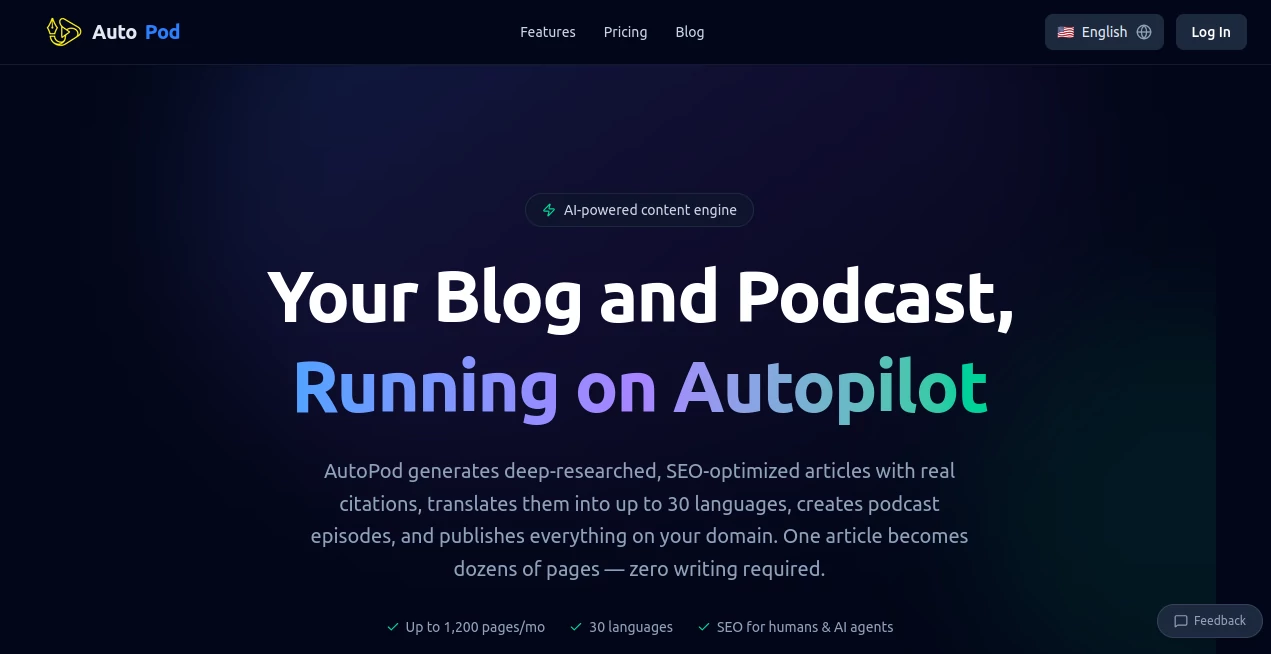
What is AutoPod?
Editing a video podcast used to mean hours of tedious cutting, switching cameras, removing silences, and creating social clips. Many creators would finish recording only to face another full day (or more) in the edit suite. This tool changes that reality. It sits inside Adobe Premiere Pro and does the heavy lifting automatically — switching between cameras when someone speaks, cutting out awkward pauses, and even generating ready-to-post short clips. Editors and podcasters who’ve tried it often say the same thing: it feels like having a very talented assistant who never gets tired and actually understands podcast pacing.
Introduction
Good podcast editing is invisible when done right, but incredibly time-consuming. AutoPod was built by editors who got tired of repeating the same tasks week after week. It learns from thousands of hours of real podcast footage to make decisions the way an experienced human editor would — knowing when to cut to the person speaking, when to hold on a reaction shot, and when to tighten the pace. The result is professional-looking episodes produced in a fraction of the usual time. It doesn’t replace your creative judgment; it removes the repetitive work so you can focus on storytelling and quality.
Key Features
User Interface
Once installed as a Premiere Pro extension, it feels like a natural part of your workflow. You drop in your multi-camera timeline, select the AutoPod panel, tweak a few simple settings (like how aggressive you want the cuts), and let it work. The interface is clean and editor-focused — no overwhelming options, just the controls you actually need. Many users say they went from skeptical to running every episode through it because it integrates so smoothly into their existing process.
Accuracy & Performance
It excels at understanding who is speaking across multiple microphones and cameras, switching shots with natural timing instead of robotic cuts. Silence removal is intelligent — it keeps natural breaths and pauses while trimming dead air. Performance is fast enough that you can generate a full edit and still have time to refine. The AI has been trained on real podcast material, so the editing style feels human rather than algorithmic.
Capabilities
Multi-camera auto-editing (up to 10 cameras), intelligent jump cuts, automatic social media clip generation, silence removal, and speaker-aware shot selection. It can handle complex setups with multiple guests and still make smart decisions about when to cut and where to focus. The generated social clips are particularly popular — turning long episodes into attention-grabbing shorts without manual hunting for good moments.
Security & Privacy
Your footage stays on your own computer. The plugin works locally within Premiere Pro, with no need to upload raw files to external servers for processing. That local-first approach gives creators full control and peace of mind, especially when working with guest interviews or sensitive content.
Use Cases
A weekly interview podcast host went from spending two full days editing to under four hours, using the extra time to improve guest outreach. A solo creator now produces consistent short-form clips for social media that drive new listeners to the full episodes. A larger production team uses it to create first cuts quickly, then focuses their skilled editors on polishing rather than grunt work. It shines anywhere video podcasts are produced regularly and time is the biggest constraint.
Pros and Cons
Pros:
- Dramatically reduces editing time while maintaining professional quality.
- Smart multi-camera switching that actually feels natural.
- Excellent social clip generation that saves even more hours.
- Works inside Premiere Pro — no need to learn a new editor.
- Local processing keeps your footage private and secure.
Cons:
- Requires Adobe Premiere Pro (not a standalone solution).
- Best results come from properly organized multi-track timelines.
- Some very creative or unconventional editing styles may still need manual adjustment.
Pricing Plans
It offers a free trial so you can test it on real episodes before committing. Paid plans are subscription-based and scale with your needs — from individual creators to larger production teams. Many users say the time saved pays for the subscription several times over, especially once you start producing consistent social content from every episode.
How to Use AutoPod
Install the extension in Premiere Pro, import your camera angles and audio tracks into a sequence, and open the AutoPod panel. Select your main speaker tracks, adjust a few preferences (cut aggressiveness, clip length, etc.), and click analyze. Review the generated timeline — it usually gets 80-90% there on the first pass. Make small creative adjustments if needed, then export. For social clips, select highlight moments and let it generate short versions automatically. The whole process turns what used to be a marathon into a manageable sprint.
Comparison with Similar Tools
Other AI editing tools are often either too basic or require completely changing your workflow. AutoPod stands out because it lives inside Premiere Pro and focuses specifically on the podcast/video podcast format. It combines multi-camera intelligence with practical features like social clip creation in a way that feels purpose-built rather than generic. Editors who try it usually stick with it because it respects their existing skills while removing the most repetitive tasks.
Conclusion
Great podcasting is about conversation, ideas, and connection — not spending endless hours cutting footage. AutoPod handles the technical side so creators can focus on what actually matters: delivering value to listeners. It’s one of those rare tools that doesn’t just save time; it changes how enjoyable the production process feels. If you make video podcasts regularly, doing a test run on your next episode might be one of the best decisions you make this year.
Frequently Asked Questions (FAQ)
Do I need multiple cameras to use it?
No — it works with single-camera setups too, especially for jump cuts and silence removal.
How long does editing take?
Most episodes process in minutes rather than hours, depending on length and complexity.
Is it only for podcasts?
It’s optimized for podcasts and talking-head content, but many creators use it for other interview-style videos as well.
Does it work with DaVinci Resolve?
The main version is built for Premiere Pro, though similar tools exist for other editors.
AI Animated Video , AI Video Generator , AI Video Editor , AI Productivity Tools .
These classifications represent its core capabilities and areas of application. For related tools, explore the linked categories above.

AutoPod Alternatives Product

Seedance Art

Seedance AI

FreeWanVideo

Mentor

seedream 5

Seedance 2

Pinci.ai

HypeClip

Veo 4 AI