

















FreeWanVideo
Verified Blue CheckMark
Verified Blue CheckMark products are featured above free or unverified listings.
This badge indicates authenticity and builds trust, giving your product higher visibility across the platform.
Upgrade to get verified
Verified Blue CheckMark products are featured above free or unverified listings. This badge indicates authenticity and builds trust, giving your product higher visibility across the platform.
Upgrade to get verified
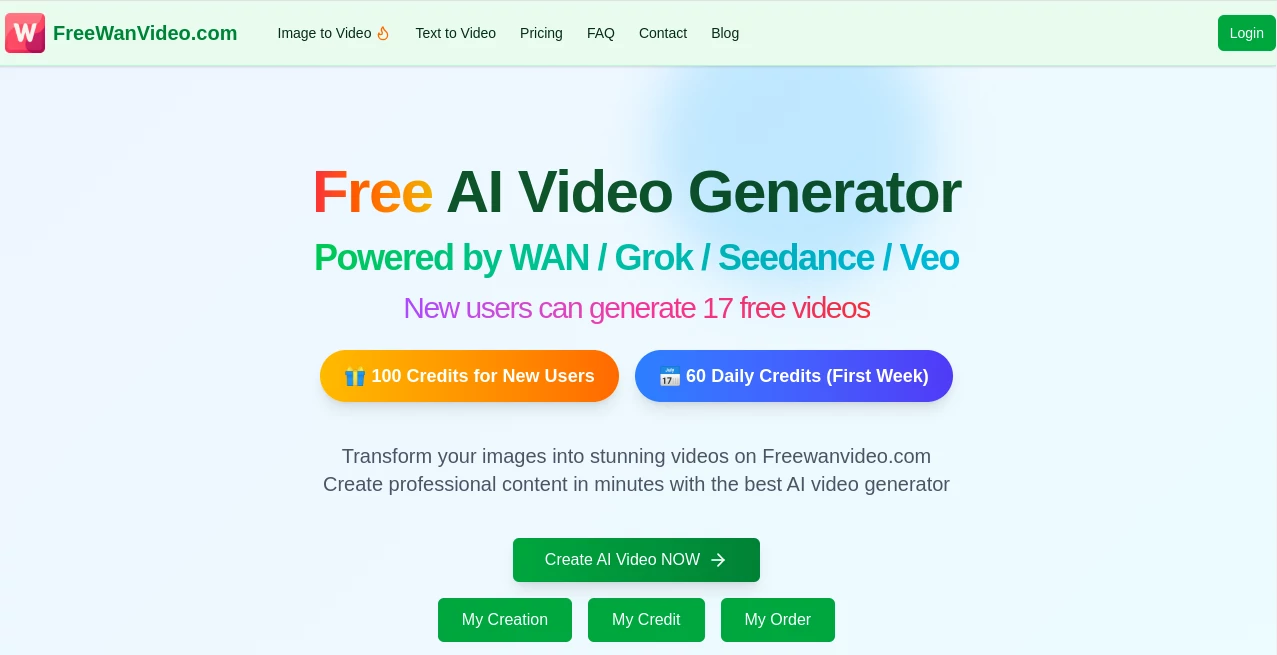
What is FreeWanVideo?
I still remember uploading a simple photo of a quiet street at dusk and watching it come alive — leaves gently moving in the wind, soft lighting shifting naturally, the whole scene breathing with motion in just seconds. That’s the kind of moment this tool delivers consistently. No complicated settings, no long waits, just solid video results from text or images that actually feel cinematic. For creators who want quick, high-quality clips without the usual headaches, it has become one of those go-to platforms that just works when you need it.
Introduction
Making videos used to mean hours of editing, stock footage hunting, or expensive software. This platform changes that by letting anyone turn text prompts or static images into smooth, professional-looking videos powered by the strong WAN 2.2 and 2.5 models. New users get a generous amount of free credits to try it out, and the daily bonuses in the first week make experimentation easy. Whether you’re creating short social content, product teasers, or artistic experiments, it removes the technical barriers and lets the creativity flow. The speed and quality have impressed many who were previously disappointed by other AI video tools.
Key Features
User Interface
The interface is clean and welcoming. A prominent prompt box invites you to describe your vision, with easy options to upload reference images. Generation buttons are straightforward, and previews appear quickly so you can iterate without frustration. It stays out of your way — no overwhelming menus or hidden settings. Even first-time users can create their initial video in under a minute, which is exactly how good tools should feel.
Accuracy & Performance
The WAN models shine here. Motion looks natural, lighting stays consistent, and details from the original image or prompt are preserved remarkably well. Videos generate fast — often in under a minute — and reach up to 720p quality with smooth animations. In practice, it handles complex scenes better than many alternatives, with fewer weird artifacts or sudden jumps. The results feel polished enough for real use right away.
Capabilities
You can start with text prompts for completely new scenes or upload images for strong visual guidance. It supports cinematic controls over lighting, composition, and movement, making outputs feel directed rather than random. The platform handles both short clips and more dynamic sequences, with good support for different styles and moods. New users especially appreciate the free credits that let them test different approaches without pressure.
Security & Privacy
Your prompts and uploaded images are handled responsibly during generation. The platform focuses on delivering the service without unnecessary data retention, giving creators peace of mind when working on personal or client projects. It’s a clean, straightforward approach that matches the tool’s overall simplicity.
Use Cases
A social media creator turns a single product photo into an engaging short video that performs well on Reels. A marketer generates quick explainer clips from text prompts to test campaign ideas. An artist experiments with surreal concepts, watching static illustrations come to life with beautiful motion. Students create visual presentations or storytelling pieces faster than ever. The common theme is speed and quality — getting usable video without days of work.
Pros and Cons
Pros:
- Generous free credits for new users and daily bonuses.
- Fast generation times that keep creativity flowing.
- Strong motion quality and visual consistency from WAN models.
- Simple workflow that works well for both beginners and experienced creators.
- Good balance of control and ease for cinematic results.
Cons:
- Free tier has natural daily limits that heavier users will outgrow.
- Longer or very complex videos may need multiple generations.
Pricing Plans
It starts with a welcoming free tier including credits for new users and daily bonuses in the first week. After that, credit packages are straightforward and affordable, letting you buy what you need without monthly subscriptions if you prefer. The pricing stays reasonable for the quality and speed you get, making it accessible for both casual creators and more regular users.
How to Use FreeWanVideo
Head to the generator page, type your scene description in the prompt box, and optionally upload a reference image for better results. Choose any available settings like resolution or style if desired, then hit generate. Wait a short moment for the video to process, review the output, and download if it fits your vision. For better results, try refining the prompt or using multiple references. The whole process stays simple enough that you can create several variations in one sitting.
Comparison with Similar Tools
Many AI video generators still struggle with unnatural motion or poor consistency. This one benefits from the strong WAN models that deliver smoother, more cinematic results with decent speed. The generous free entry point and straightforward interface give it an edge over tools that hide quality behind complicated paywalls or slow queues. It’s particularly strong when you want reliable image-to-video transformations without too much technical fiddling.
Conclusion
Creating video should feel exciting, not exhausting. This platform delivers that feeling by making high-quality AI video accessible, fast, and surprisingly good right from the start. Whether you’re making content for fun, work, or creative experiments, it removes the usual barriers and lets your ideas move. For anyone looking to bring static images or fresh concepts to life, it’s a tool worth trying — the results often speak for themselves.
Frequently Asked Questions (FAQ)
How many free videos can new users make?
New users receive a solid starting amount of credits, plus daily bonuses during the first week.
Do I need to upload an image every time?
No — strong text prompts work well on their own, though images give more precise visual control.
What resolution are the videos?
Up to 720p with smooth, high-quality output suitable for most social and professional uses.
Can I use the videos commercially?
Yes, videos generated on paid credits are generally available for commercial use — check specific terms for details.
How long does generation take?
Most clips finish in under a minute, making iteration quick and enjoyable.