
















AvatarCraft AI
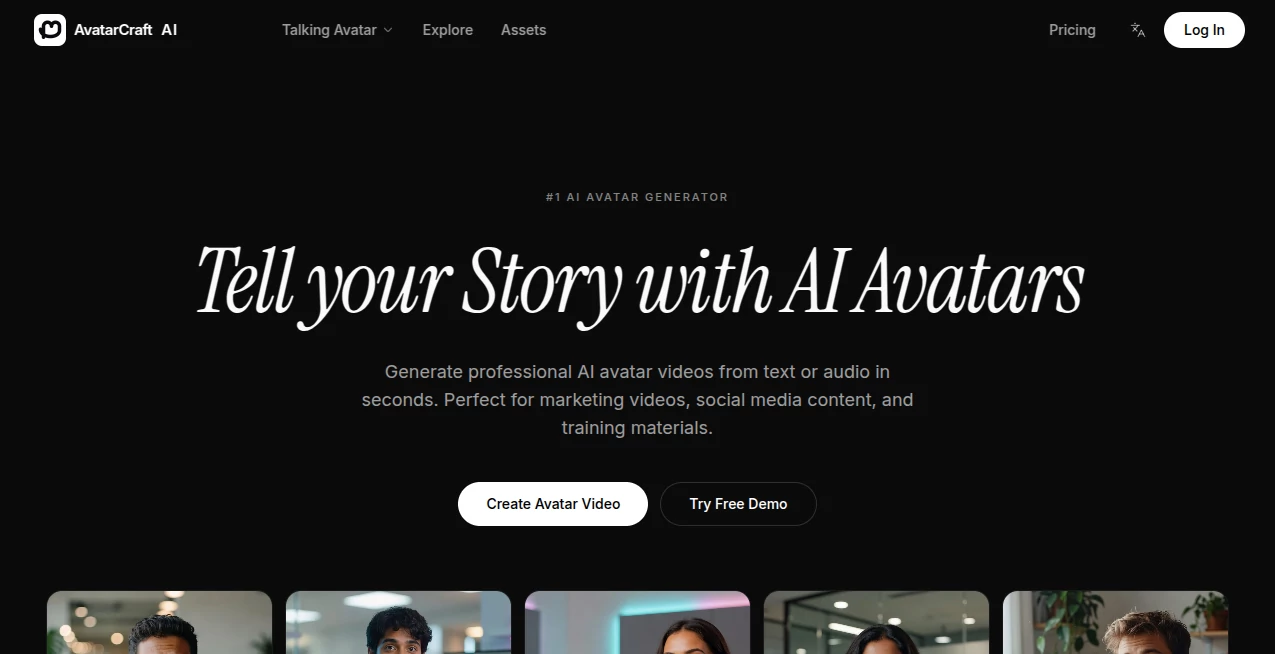
What is AvatarCraft AI?
Let’s be real for a second. The first thing people do when they connect with you on LinkedIn, swipe right on a dating app, or stumble upon your Instagram profile? They look at your picture. That tiny little thumbnail often decides whether someone trusts you, hires you, or even talks to you. It’s unfair, but it’s true.
You might have great experience, a killer resume, or a wonderful personality. But if your profile picture looks like it was taken in a dark basement with a potato-quality camera from 2010, you are silently pushing opportunities away. I have been there. Paying a professional photographer costs a fortune, and let's be honest, not everyone feels comfortable posing for a camera.
This is where smart technology steps in to save the day. I recently stumbled upon a platform that completely changes the game for personal branding. Instead of spending hours trying to look "natural" in a studio, you just use your everyday photos. The result? You get a gallery of stunning, hyper-realistic portraits that make you look like the best version of yourself. Whether you need a suit-and-tie look for your corporate bio or a cool, artistic vibe for your TikTok, this tool covers all the bases without breaking the bank or your confidence.
Key Features
What makes this platform stand out in a sea of generic AI filters? It is not just about slapping a cartoon filter on your face. This is about crafting a digital identity that feels authentic and professional. Here is a deep dive into the engine room.
User Interface
Nobody wants to read a manual just to change a profile picture. The moment you land on the site, the path is incredibly clear. You are not bombarded with confusing jargon or technical sliders. Instead, you are greeted with simple options: upload photos and choose a style. The dashboard is intuitive; even my technically-challenged cousin who thinks a browser is a physical store could navigate this.
It guides you by showing examples of good photos versus bad ones. You don't have to guess what kind of "lighting" they want. They literally show you. This human-centric design takes all the stress out of the process. You just drag, drop, and let magic happen in the background.
Accuracy & Performance
This is where the tool truly earns its stars. Speed matters in our fast-paced world. While some services make you wait overnight, this one works fast. Many users report receiving their high-quality headshots in a matter of minutes rather than days. But speed means nothing if the face doesn't look like yours, right?
The accuracy is shocking in the best way. The AI studies the nuances of your face—your smile line, the shape of your jaw, the look in your eyes. It doesn't just paste your face onto a stock photo body. It adjusts lighting, shadows, and textures to make sure the final image looks like it was taken by a pro, not generated by a robot. If you follow the simple guide for uploading varied photos (different angles, outfits, and expressions), the output looks unnervingly like you, just polished.
Capabilities
One size fits all? Not here. The range of styles available is honestly impressive. Need a boardroom-ready headshot with a navy blazer? Done. Want to see what you would look like with a completely different hairstyle before you commit to cutting it in real life? They have a pack for that.
There are also incredibly creative packs like "Traditional Fashion" where you can see yourself dressed in cultural attire from around the globe, which is a fun twist if you are a content creator looking for engagement . You can generate close-ups, full-body shots, and artistic painting styles. It is like having a professional photographer, a stylist, and a Photoshop wizard all rolled into one cloud-based app.
Security & Privacy
Let’s talk about the elephant in the room. Uploading your face to the internet can feel terrifying. You have every right to be skeptical. However, the platform takes privacy very seriously. The policy is straightforward: your photos are used strictly to train a unique AI model just for you. That model is exclusive to you and not shared with anyone else.
Here is the best part: they don't hoard your data. All input photos and the custom AI models are deleted from their servers within 7 days . They use enterprise-grade payment gateways like Stripe and PayPal, meaning they never actually touch your credit card information. Compared to other apps that mine your data indefinitely, this approach is a breath of fresh air. You get your stunning photos, and they wipe the slate clean right after.
Use Cases
You might think this is just for influencers, but you would be wrong. This tool has real-world utility for almost everyone:
- The Corporate Climber: Update your LinkedIn profile and company Slack photo. A professional headshot increases credibility and can make recruiters take a second look at your profile.
- The Dating App User: Let’s be honest, good photos get matches. Instead of using that one blurry mirror selfie, you can generate natural, happy, high-quality photos that make you look approachable and attractive.
- Content Creators & YouTubers: Need a unique thumbnail face or a channel icon? The AI painting and creative styles give you assets that pop on screen without hiring a graphic designer.
- Remote Teams: Companies can use this to help their remote staff feel unified with consistent, high-quality headshots for the company website.
- Freelancers: Plumbers, real estate agents, consultants—a professional face on your business card or "About Me" page builds trust instantly.
Pros and Cons
Nothing is perfect, but this comes pretty close. Here is the honest breakdown of what works and what might be a minor hiccup.
Pros:
- Lightning Fast: Most packs are delivered within hours, sometimes minutes. No waiting for a week like traditional photoshoots .
- Cost Effective: Getting this many high-res, varied shots from a studio would cost hundreds, if not thousands. This is a fraction of the price.
- Variety: You get dozens of different looks from one upload session.
- Privacy First: The 7-day data deletion policy is a huge plus for peace of mind.
Cons:
- Garbage In, Garbage Out: If you upload dark, blurry, or group photos, the AI can't work miracles. You need to follow the guide.
- Processing Time Variance: While usually fast, if the servers are busy, it might take up to 6 hours. So don't wait until 5 minutes before your Zoom interview to order it .
Pricing Plans
Worried about breaking the bank? Don't be. The tool offers a very friendly "try before you buy" approach. You can actually test the waters for free. The first couple of headshot creations are offered at no cost, which is brilliant because you get to see the quality before pulling out your wallet .
If you like what you see (and you probably will), the paid packs start at around $14.75 . For that price, you are getting a dedicated pack of high-resolution images. You aren't locked into a recurring subscription model that drains your account every month. It feels more like buying a product rather than renting a service. You pay once for that specific style pack, download your high-definition images, and you own them forever. For the quality you receive, it feels almost too cheap.
How to Use It
Getting your own set of professional images is surprisingly simple. I broke it down into steps that anyone can follow:
- Step 1: Gather Your Photos: You need about 15 to 20 photos. The secret sauce is variety. Include some close-ups, some side profiles, and some full-body shots. Wear different shirts and stand in different lighting .
- Step 2: Upload: Go to the website and drag those photos into the upload box. The system will instantly tell you if the quality is good enough.
- Step 3: Choose Your Style: Pick the "pack" you want. Do you need "Pro Headshots" for work or "AI Hairstyle" for fun?
- Step 4: Let the AI Cook: Hit submit and go grab a coffee. Or go back to your day job for a few hours. The AI trains itself on your face specifically.
- Step 5: Download & Show Off: You will get an email (or you can check the site) when they are ready. Download your gallery of 100+ avatars and update every single profile you own.
Comparison with Similar Tools
There are plenty of "AI Avatar" generators out there, but many of them lean heavily into the "cartoon" or "anime" side of things. They turn you into a character. This tool, however, focuses on photorealism. While others might give you a fun drawing, this gives you a photo that looks so real you could use it for a passport (well, maybe not, but almost!).
Competitors often keep your data forever to improve their models, which is a major privacy red flag these days. This platform's firm commitment to deleting your data within 7 days is a distinct advantage for anyone paranoid about deepfakes . Also, price-wise, many alternatives lock you into a "freemium" trap where you pay per download. Here, the packs are straightforward. You pay for the pack, you get the images. No hidden fees.
Conclusion
Your digital presence is your modern-day handshake. In a world where attention spans are shrinking, you cannot afford to look unpolished. This tool levels the playing field. You don't need to be a model, a tech wizard, or a millionaire to have amazing photos anymore.
It bridges the gap between the high cost of professional photographers and the low quality of bathroom selfies. With its robust privacy settings, insanely fast turnaround, and jaw-dropping accuracy, it is a no-brainer for professionals, creators, and daters alike. Go ahead and give your digital self the glow-up it deserves. You will be surprised at how different the world treats you when you look the part.
Frequently Asked Questions (FAQ)
What kind of photos should I upload for the best results?
Be picky about your uploads. You want variety. Include about 7 close-ups of your face, a couple of side profiles, and some full-body shots. Make sure your face is visible (no sunglasses or heavy masks) and that you are the only person in the frame .
How long does it actually take to get my avatars?
Typically, the magic happens within 3 to 6 hours. Sometimes, if the system isn't too busy, it can be as fast as 30 minutes. Just don't expect instant results if you order during peak hours .
Is it safe to upload my face? Will they steal my data?
Safety is a top priority. The platform uses your photos only to make your avatars. Your custom AI model and your original photos are permanently deleted from the servers within 7 days. They make a point of never selling your data to third parties .
Can I get a refund if I don't like them?
Yes, there is a safety net. If you haven't started the AI training process yet, you can get a refund within the first 14 days of purchase. Once the AI starts generating, the service is considered used .