
















DaVinci AI
Verified Blue CheckMark
Verified Blue CheckMark products are featured above free or unverified listings.
This badge indicates authenticity and builds trust, giving your product higher visibility across the platform.
Upgrade to get verified
Verified Blue CheckMark products are featured above free or unverified listings. This badge indicates authenticity and builds trust, giving your product higher visibility across the platform.
Upgrade to get verified
What is DaVinci AI?
Some ideas are too big for words. You can describe them, sketch them, or try to explain them—but until you see them, they don't quite feel real. This platform changes that entirely. It takes whatever you're picturing, whether it's a hyper-realistic photo, a one-of-a-kind tattoo, or a professional logo, and brings it to life in seconds. I remember trying to design a concept for a car modification I had in mind. I spent hours searching for references, sketching rough drafts, and getting nowhere. With this tool, I described it, and within moments, I had a crisp, detailed visual that looked like it came from a studio. It didn't just save me time; it gave me something concrete to build on .
Key Features
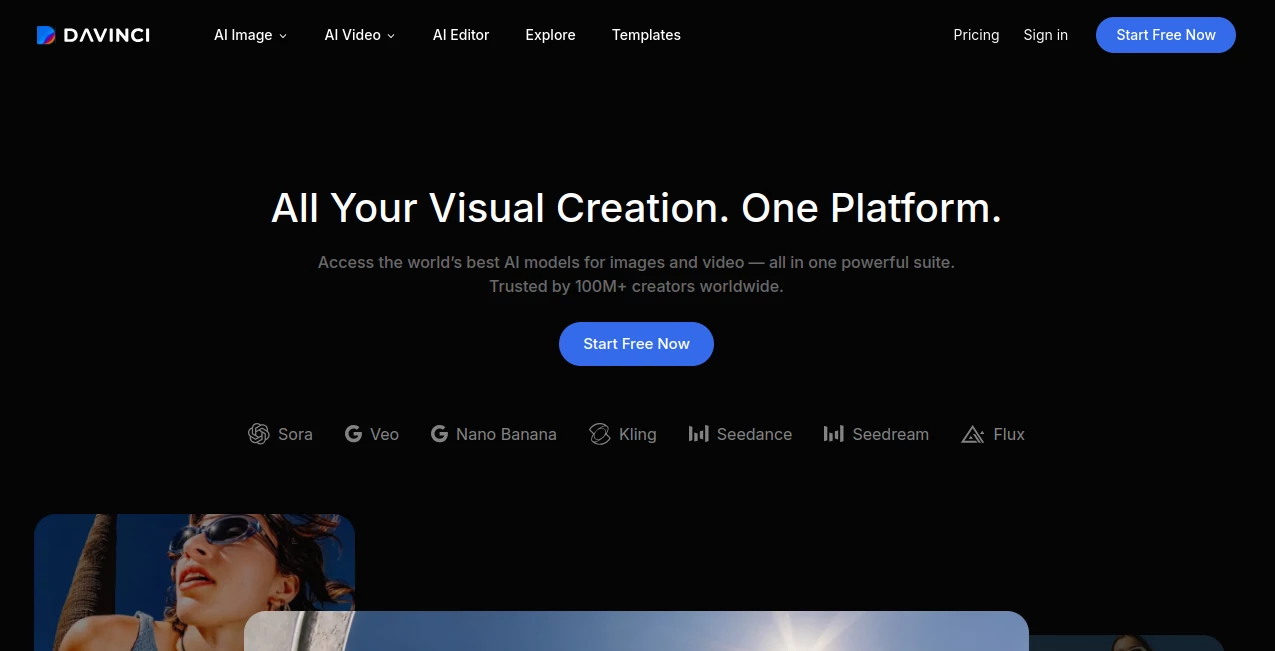
It's not just a single-purpose image generator. It's a full creative suite packed into one app, handling everything from digital art to practical design projects with surprising ease.
User Interface
The interface is straightforward and intuitive. You're met with a simple prompt box and a variety of style options. Whether you're on your phone or tablet, the layout is clean and uncluttered. You don't need to hunt for hidden menus or complex settings. Just type what you want, pick a style, and let it work its magic. It feels more like having a conversation with a designer than wrestling with complicated software .
Accuracy & Performance
What really stands out is how well it interprets your prompts. You can get anything from cartoon-like sketches to photorealistic images with incredible detail . The generation speed is also impressive. A complex image that might take other tools several minutes to render is ready in just a few seconds. It's reliable when you're in a flow and don't want to lose momentum, and the output is consistently high-quality, rivaling what you'd expect from a professional studio .
Capabilities
This tool is packed with versatility. Beyond standard image generation, it includes specialized features: an AI tattoo generator that creates unique designs from a simple idea, a logo maker for branding projects, a signature creator for professional documents, and an AI avatar generator that transforms your photos into dozens of different styles. It can even generate home interior concepts and product mockups . It's designed to handle a wide range of creative needs, whether you're a designer or just exploring ideas for fun.
Security & Privacy
When you're creating unique designs or working on personal projects, privacy matters. The platform provides clear policies on how your data is handled. You can find their privacy policy directly on their site, giving you peace of mind that your creations and prompts aren't being misused .
Use Cases
Because it's so versatile, the use cases are nearly endless. Tattoo artists can quickly generate multiple concepts for a client, moving from idea to design in seconds. Small business owners can create professional logos and marketing visuals without hiring a graphic designer . Content creators can generate unique avatars, artwork, and social media graphics that stand out. Even someone redecorating their home can visualize a new interior design concept before buying a single piece of furniture. It's a tool that removes the barrier between having a creative thought and seeing it visually realized .
Pros and Cons
Pros:
- Unbelievably fast image generation—most creations are ready in seconds.
- A huge variety of styles and specialized tools (tattoo, logo, avatar) all in one app.
- Easy enough for beginners but powerful enough for professional projects.
- The output quality is stunning, with sharp details and realistic finishes.
Cons:
- Some advanced features are locked behind a subscription paywall.
- Very specific or complex niche prompts might occasionally miss the mark.
- It's primarily a mobile experience, which might not suit all workflows.
Pricing Plans
The platform operates on a freemium model, offering a free version to get started. For those needing more, there are several in-app purchase options. You can subscribe weekly (around $4.99–$6.99), monthly, or annually (with yearly plans around $19.99 to $39.99). There’s also a one-time purchase option to unlock lifetime access, which is a great deal for heavy users .
How to Use DaVinci
Getting started is as simple as downloading the app. Once you open it, you'll see a prompt field and a selection of art styles. Type in your idea—like "a futuristic cityscape at sunset" or "a minimalist wolf logo." Pick a style, such as photorealistic, anime, or sketch, and hit generate. The AI will produce several variations for you to choose from. If you like one, you can save it, share it, or use it as a base to refine your prompt further. For more specialized features like avatars, you just upload a few photos of yourself, select a style, and let the app create unique versions of you in different settings. The entire process is designed to be quick and intuitive .
Comparison with Similar Tools
While other tools like DALL-E or Stable Diffusion are powerful, they often come with a learning curve and are primarily web-based . This platform excels at being an all-in-one, mobile-first creative powerhouse. It combines the capabilities of a general AI image generator with specialized, practical design tools like tattoo and logo makers. You don't have to juggle multiple apps to get the job done. It's perfect for creators who need quick, high-quality results without the technical hassle, making it feel more like a creative partner than just another piece of software .
Conclusion
Creativity shouldn't be limited by technical skill or expensive software. This tool proves that. It puts a professional-grade visual studio right in your pocket, ready to turn any spark of imagination into a finished piece of art. Whether you're a designer, a business owner, or just someone with a lot of ideas, this platform makes creation feel effortless, fast, and genuinely exciting. It's more than an app; it's a key to unlocking your visual potential.
Frequently Asked Questions (FAQ)
Is it completely free to use?
There is a free version, but many advanced features and higher-resolution downloads require a subscription or in-app purchase .
What kind of images can I create?
Anything from hyper-realistic photos to digital art, anime, logos, tattoos, avatars, and even interior design concepts .
Is it available on both iPhone and Android?
Yes, it's available on both the Apple App Store and Google Play Store .
Can I use the images commercially?
You would need to review the platform's specific terms of use regarding commercial rights, which are available on their website .
Does it create avatars from my photos?
Yes, it has a dedicated AI Avatar Generator feature that creates unique avatars based on uploaded photos .