
Baby Magic
What is Baby Magic?
There's something incredibly touching about imagining what your future child might look like or turning a precious ultrasound scan into a lifelike portrait. This platform makes those emotional moments possible in minutes. Whether you're a expecting couple curious about the future, new parents wanting fun keepsakes, or families creating shareable memories, it turns simple inputs into beautiful, realistic baby images and videos that feel full of life and personality. I've seen friends light up when they generated their first "future baby" photo — the mix of wonder and laughter is priceless.
Introduction
Baby Magic stands out as a heartfelt AI studio built specifically for parents and families. You can generate baby images from text prompts, parent photos, or even ultrasound scans. It also creates short, adorable videos — including dancing clips that have become hugely popular for sharing. The results feel warm and natural rather than artificial, capturing expressions, lighting, and details that make each creation feel like a real keepsake. It's become a joyful ritual for many: a quick way to visualize the future, celebrate the present, or create memorable gifts that grandparents and friends can't stop talking about.
Key Features
User Interface
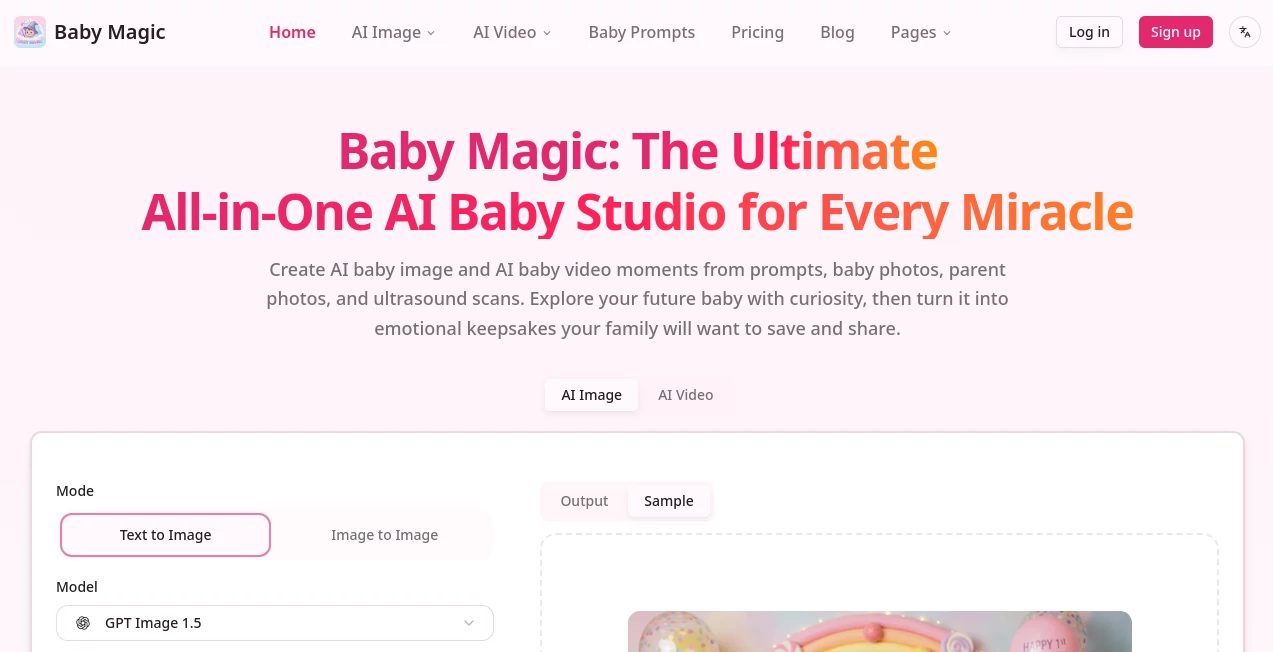
The experience is warm and straightforward. Clear options for text-to-image, image-to-image, or video generation are front and center. You upload parent photos or an ultrasound, add a descriptive prompt if you want, choose a style, and generate. Previews appear quickly, and you can tweak and regenerate easily. It feels inviting rather than technical — perfect for excited parents who aren't necessarily tech experts.
Accuracy & Performance
The AI excels at blending features realistically, especially when using parent photos. Faces look natural, skin tones are accurate, and the overall result feels believable rather than overly stylized. Video generations (like baby dance clips) produce smooth, lifelike movement in just a few minutes. Quality is consistently high, with good detail in both stills and motion.
Capabilities
You can create AI baby portraits from text or photos, transform ultrasound scans into lifelike images, generate dancing or animated baby videos, and even make fun caricatures or memes. Multiple artistic styles are available, from realistic to storybook. The platform supports both single images and short videos, making it a complete creative space for baby-related memories and social sharing.
Security & Privacy
Your photos and generations are handled with care. The platform emphasizes privacy, with clear policies around data handling. For something as personal as family images, that respect for your content adds important peace of mind.
Use Cases
Expecting parents generate "future baby" photos as a fun way to bond and share excitement with family. New parents create dancing videos of their little one that light up grandparents' phones. Families turn ultrasound scans into emotional first portraits. Content creators make heartwarming reels that resonate with their audience. Even couples who aren't expecting yet enjoy imagining possibilities and saving the images as sweet mementos. It's versatile enough for both private joy and public sharing.
Pros and Cons
Pros:
- Creates emotionally resonant, realistic baby images and videos quickly.
- Works beautifully with parent photos and ultrasound scans.
- Fun dancing video feature that delights families.
- Easy enough for anyone to use, no design skills needed.
- Great for making personalized keepsakes and gifts.
Cons:
- Best results come from good quality input photos.
- Video length is limited to short, engaging clips.
- Heavy daily use benefits from paid credits.
Pricing Plans
It offers a free tier so you can try generating a few images and see the quality for yourself. Credit-based paid plans provide more generations, higher quality options, and access to video features. Pricing is straightforward and reasonable for the joy and memories it helps create — many families find even a small pack of credits goes a long way.
How to Use Baby Magic
Start by choosing image or video mode. For baby photos, upload pictures of both parents or an ultrasound scan, add a descriptive prompt if you like ("smiling baby with curly hair"), and generate. For videos, upload a baby photo and watch it come to life dancing or moving. Preview the results, regenerate with tweaks if needed, and download your favorites. The process is quick and intuitive, letting you create multiple variations in one sitting.
Comparison with Similar Tools
While many AI baby generators exist, this one stands out for its combination of realistic quality, video capabilities (especially dancing clips), and ultrasound support. It feels more focused on emotional, family-friendly results rather than just novelty. The balance of ease, quality, and privacy makes it a stronger choice for parents who want keepsakes they'll actually treasure.
Conclusion
Baby Magic turns curiosity and love into tangible, shareable moments. Whether you're dreaming about the future, celebrating the present, or creating gifts that will be cherished for years, it delivers with warmth and creativity. In a digital world full of noise, it offers something genuinely touching — a way to visualize and preserve the magic of new life. If you have a baby in your life or on the way, it's worth experiencing.
Frequently Asked Questions (FAQ)
How realistic are the generated babies?
Very — especially when using parent photos. The AI blends features naturally while adding adorable baby characteristics.
Can I use ultrasound scans?
Yes — it turns 3D/4D ultrasounds into lifelike baby portraits beautifully.
Are the dancing videos any good?
They’re surprisingly smooth and cute — families love sharing them.
Is my data private?
Yes, the platform prioritizes privacy for these personal family creations.
AI Image to Video , AI Fun Tools , AI Image to Image , AI Text to Image .
These classifications represent its core capabilities and areas of application. For related tools, explore the linked categories above.

Baby Magic Alternatives Product

AuraMeaning
Project Genie

MiniMax H3

Stylize Image

Seedance 2.0…

Seedance 2.0…

Face Shape D…

Nano Banana …

Seedream 5.0