

















Stylize Image
What is Stylize Image?
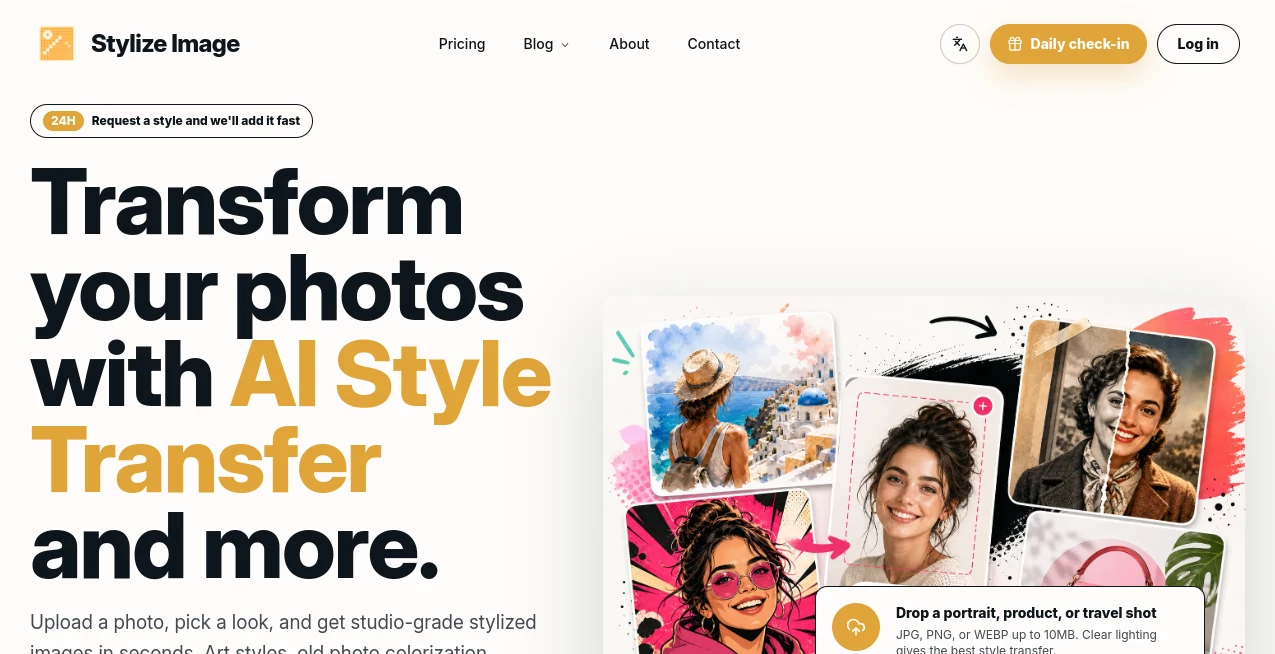
Stylize Image is an AI-powered photo transformation platform designed to help creators, designers, marketers, and everyday users turn ordinary pictures into visually engaging artwork within seconds. The platform focuses on AI style transfer, allowing users to apply creative looks such as watercolor, comic, cinematic, editorial, and other artistic styles while keeping the main subject and composition recognizable.
Instead of spending hours learning complex photo editing software, users can upload an image, select a preferred style, and generate a polished result through a simple browser-based workflow. Whether you want to refresh a social media profile picture, improve product visuals, restore old memories, or explore new creative directions, this tool provides a fast and accessible solution.
The platform supports common image formats including JPG, PNG, and WEBP, making it convenient for different creative projects. With preset styles, custom prompts, background editing features, and high-quality exports, it offers a practical approach to modern AI-assisted image creation.
Key Features
User Interface
The interface is built around simplicity. Users do not need professional design knowledge to create attractive images. The workflow follows a straightforward process: upload a photo, choose a style or describe a creative idea, and generate the final image.
The clean design makes it suitable for beginners while still providing enough flexibility for experienced creators who want to experiment with different visual directions. The browser-based experience removes the need for complicated installations or advanced editing skills.
Accuracy & Performance
The AI processing system is designed to preserve important details from the original image while applying artistic changes. Faces, objects, and overall composition remain recognizable, helping users achieve creative transformations without losing the identity of the original photo.
The platform delivers fast results, making it useful for quick creative testing. Designers and content teams can explore multiple visual concepts before choosing the final direction for a campaign, website, or social media project.
Capabilities
The platform offers a wide range of image enhancement and transformation capabilities, including AI style transfer, old photo colorization, background removal, image upscaling, and batch editing workflows.
- Apply artistic styles such as watercolor, comic, cinematic, and editorial looks
- Transform portraits into creative profile images and avatars
- Restore and add color to black-and-white photographs
- Create consistent visual styles across multiple images
- Remove backgrounds for cleaner product and marketing images
- Enhance images for online publishing and social platforms
- Use custom prompts for more personalized creative results
Security & Privacy
Privacy is an important part of the creative workflow. The platform provides a browser-based image processing experience designed for users who want a convenient way to edit photos while maintaining control over their content.
Users can create images for personal projects, marketing materials, and commercial purposes when they have the appropriate rights to the original photos. This makes it suitable for creators and businesses managing their own visual assets.
Use Cases
The flexibility of AI image transformation makes this tool useful across many creative fields. Social media creators can produce eye-catching profile pictures and posts, while businesses can develop unique marketing visuals without hiring a full design team.
- Social Media Content: Create distinctive profile photos, thumbnails, and post visuals.
- E-commerce: Improve product images and maintain a consistent brand appearance.
- Photography: Experiment with new artistic styles before final editing.
- Marketing Campaigns: Generate creative assets for advertisements and promotions.
- Personal Memories: Restore old photographs and give them a modern appearance.
- Design Inspiration: Quickly test different creative directions.
Pros and Cons
Pros
- Easy-to-use interface suitable for beginners
- Fast AI-powered image transformations
- Wide selection of artistic styles
- Supports custom creative prompts
- Useful for both personal and professional projects
- Helps create consistent visual content quickly
Cons
- Advanced professional editing controls may be limited compared with traditional software
- Some complex images may require multiple attempts for the desired result
- Higher-volume users may need a paid plan for additional credits
Pricing Plans
The platform offers flexible options for different types of users. A free option allows individuals to explore the core experience, while paid plans provide additional credits, faster processing, premium features, and better support for professional workflows.
- Free Plan: Suitable for individuals and small creative experiments.
- Lite Plan: Designed for creators who need additional image generation capacity and commercial usage options.
- Pro Plan: Built for professionals and teams requiring higher-volume production, premium access, and priority processing.
How to Use Stylize Image
Creating a transformed image only takes a few simple steps:
- Upload a clear photo in JPG, PNG, or WEBP format.
- Select a preferred visual style from available options.
- Use a custom prompt if you want a specific creative direction.
- Generate the new image and review the result.
- Download and use the finished artwork for your project.
Comparison with Similar Tools
Compared with traditional image editing applications, this solution focuses on speed and simplicity. Users do not need to manually adjust layers, filters, or complex settings. The AI-driven workflow makes creative experimentation much faster.
Compared with many basic AI image generators, it places more emphasis on transforming existing photos rather than creating completely new images from text. This makes it particularly useful for users who already have photographs and want to enhance their visual style.
Conclusion
AI-powered image editing has changed the way people create digital visuals, and this platform makes creative transformation available to everyone. Its combination of easy operation, artistic styles, image enhancement features, and practical workflows makes it a valuable choice for creators, businesses, and anyone who wants to improve their photos.
Whether you are preparing social media content, building a product catalog, restoring personal memories, or simply exploring new artistic ideas, this tool provides a quick way to turn everyday images into more engaging visuals.
Frequently Asked Questions (FAQ)
What types of images can I transform?
You can upload portraits, product photos, travel pictures, and many other image types. Clear images usually produce the best results.
Do I need professional design skills?
No. The platform is designed for beginners and professionals, allowing users to create styled images without advanced editing knowledge.
Can I use the generated images commercially?
Commercial use depends on your plan and ownership rights of the original image. Users should ensure they have permission to use uploaded content.
Can I create different styles from the same photo?
Yes. Users can apply multiple artistic directions to the same image and compare different creative outcomes.
Does it support background removal and image enhancement?
Yes. In addition to style transfer, the platform includes features such as background removal, colorization, and image improvement tools.