
Nano Banana 2 API
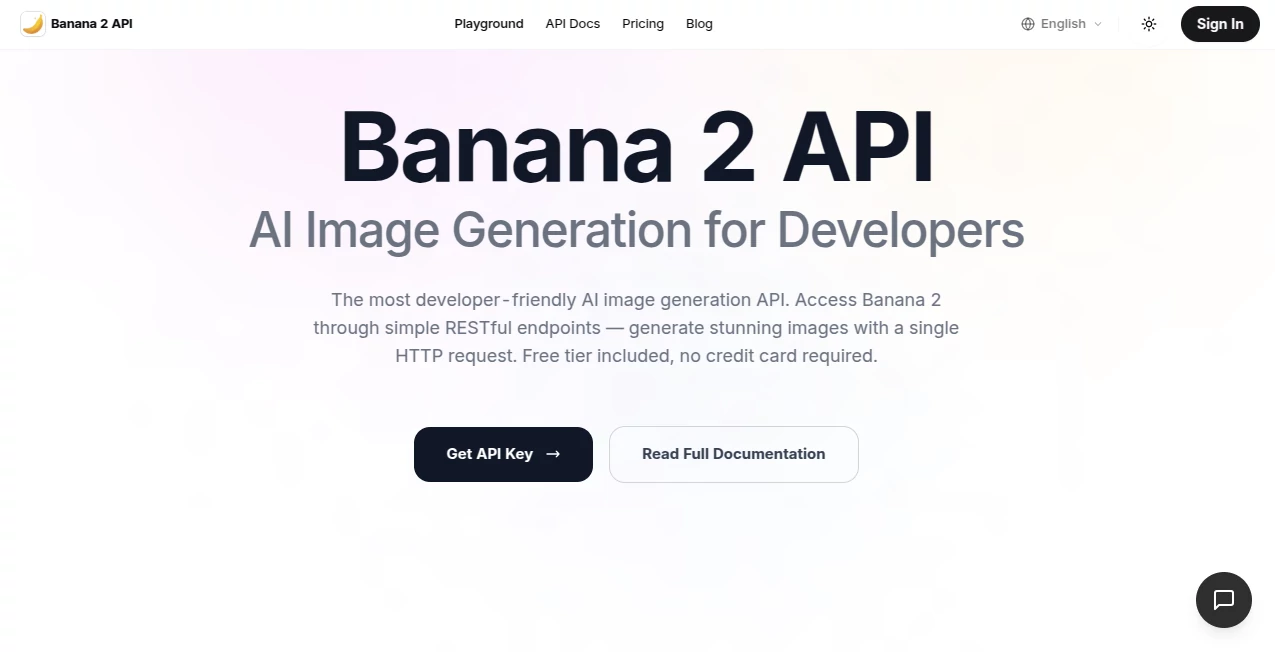
What is Nano Banana 2 API?
Let's be honest for a second. As developers, we love the promise of generative AI, but we absolutely hate the mess that comes with it. Different subscriptions, rate limits that make no sense, and having to learn a new syntax for every single provider. It's exhausting, right?
I remember trying to build a simple content automation tool last month. I had to juggle three different API keys just to handle image generation, text completion, and a little bit of background removal. It turned into a nightmare of debugging and unexpected costs. That is exactly why this solution caught my attention. It isn't just another API provider; it is a unified gateway that speaks your language, saves your budget, and actually lets you ship products faster.
We are talking about a platform that aggregates the world's leading AI models into one single endpoint. Whether you are building a SaaS product, a mobile app, or just tinkering with a side project, the goal here is to remove the technical friction. You focus on the logic, and it handles the heavy lifting of the "AI stuff."
Key Features
This isn't your typical "dumb" proxy. The architecture is built for speed, reliability, and scale. Here is what actually makes the underlying tech different from the standard one-click wrappers you see everywhere.
User Interface
Forget about flashy dashboards that look nice but work slow. The developer portal focuses on utility. The documentation is clear, concise, and full of code snippets that actually work when you copy-paste them. The API playground lets you test prompts and parameters in real-time without writing a single line of code, which is a lifesaver when you are just experimenting with prompt engineering.
Accuracy & Performance
Speed matters. When a user is waiting for an image to generate or a text to complete, every millisecond counts. This platform utilizes smart routing. It automatically directs your request to the fastest available server cluster, whether that's in the US, Europe, or Asia. Additionally, it handles failover automatically. If one provider is down or slow, the system seamlessly switches to another without breaking your user experience.
Capabilities
This is where the magic truly happens. You get access to a massive library of models under one roof. Need high-end image generation? It is there. Want open-source LLMs for cheap text processing? Covered. Need specialized models for vector art, logo creation, or background editing? Just change one parameter in your payload. You are no longer locked into a single ecosystem like OpenAI or Stability. You get the Swiss Army knife of AI, all accessible with a standardized syntax.
Security & Privacy
I know security is a major headache, especially when dealing with third-party APIs. The system acts as a secure relay. Your API key stays safe on your server, and the platform offers enterprise-grade encryption for data in transit. More importantly, they offer strict data retention policies. You can rest easy knowing your prompts and generated assets aren't being used to train public models or being snooped on by competitors.
Use Cases
The versatility here is pretty wild. You are only limited by your imagination (and your coding skills, of course).
- SaaS Content Tools: Build an automated blog writer, an SEO meta-description generator, or a social media caption bot. Connect to GPT-4 for quality or Claude for long-form reasoning.
- E-commerce Automation: Need 100 product descriptions in different tones? Or maybe background-removed images for your entire catalog? Batch process them through the API without manual intervention.
- Creative Agencies: Automate the boring parts of design. Generate multiple logo variations, create storyboards from scripts, or upscale low-res images for clients without buying expensive software licenses.
- Real-time Assistants: Build a customer support bot that actually understands context. Route to the cheapest/fastest model for simple queries, and escalate to the premium models for complex troubleshooting.
Pros and Cons
No tool is perfect for every job. Here is the honest breakdown of what works and what might be a friction point for you.
What Works Well (The Pros):
- Cost Efficiency: Pay-as-you-go with competitive rates. You often save money because you are not subscribing to five different services.
- Unified Billing: One invoice, one API key. Your accountant will thank you for not having to reconcile 15 different SaaS receipts every month.
- Rapid Integration: Most users get their first successful API call within five minutes of signing up. The learning curve is essentially flat if you know REST.
What Could Be Better (The Cons):
- Learning Curve for Specifics: While the standard syntax is easy, tweaking parameters for niche models (like specific Stable Diffusion samplers) requires reading their specific documentation.
- Rate Limits: For massive enterprise scale, you might hit default rate limits, though these can usually be raised by contacting support.
Pricing Plans
The beauty of an aggregator is the flexibility. You are not forced into a "Pro" or "Enterprise" cage. Most users start with a simple pay-as-you-go model. You deposit credits, and you spend them based on usage. Text generation costs fractions of a cent, while high-definition image generation costs a bit more. There are no monthly subscription fees just to keep the lights on, and unused credits typically roll over. For high-volume users, volume discounts or dedicated instances are available upon request, which brings the cost per token down significantly.
How to Use This API Gateway
Getting started is straightforward, but here is a step-by-step roadmap so you don't get lost.
Step 1: Sign Up & Verify
Head over to the official website. Create your account using an email and a strong password. Verify your email address to activate the dashboard.
Step 2: Generate Your Master Key
Once logged in, navigate to the "API Keys" section. Click "Create New Key." Give it a name like "Production Server" or "Local Dev." Copy that key immediately and store it somewhere safe (like an environment variable, not your front-end code!).
Step 3: Check the Docs & Make Your First Call
Go to the "Playground" or "Documentation" tab. You will see a sample cURL request. Copy it, paste it into your terminal, and hit enter. If you see a JSON response with data, you are golden.
Step 4: Integrate into Your Code
Use the standard HTTP client for your language (Python's Requests, Node's Axios, or PHP's cURL). Replace the placeholder API key with yours, and send your prompts.
Comparison with Similar Tools
You might be thinking, "Can't I just do this myself?" Sure, you can. You can sign up for OpenAI, Anthropic, Replicate, and Leonardo separately. But then you have to manage 4 dashboards, 4 billing cycles, and 4 different JSON schemas. When one of them changes their API structure, your code breaks.
Some competitors offer similar aggregation, but they often fall short on speed or model variety. Many free proxies are slow because they over-subscribe their servers. This solution focuses on premium routing. It is not just a "middleman" that passes data; it is an optimizer. It catches errors, retries failed requests intelligently, and often caches common results to save you money. For the solo developer or the lean startup, the time saved on maintenance alone pays for the service ten times over.
Conclusion
We are moving to a world where AI is just another utility, like electricity or bandwidth. You shouldn't have to rebuild your plumbing every time you switch from a gas stove to an electric one. This API gateway represents that shift. It gives you the keys to the kingdom without forcing you to build the castle.
If you are tired of vendor lock-in and want to build applications that are scalable, maintainable, and cost-effective, this is a serious contender. Grab your API key, read the docs for five minutes, and start building. The only limit is how fast you can type your prompts.
Frequently Asked Questions (FAQ)
Q: Do I need separate API keys for ChatGPT and Claude?
A: Nope. You only need the single master key provided by this gateway. The system routes your request to the correct model based on the `model` parameter you send in your JSON payload.
Q: Is it cheaper than using the official providers directly?
A: Usually, it is the same cost or slightly cheaper. Because the gateway buys credits in bulk, they can often pass savings down to you. However, always check the pricing page for the specific model you want to use, as prices fluctuate in the AI world.
Q: What happens if the API goes down?
A: The infrastructure is built with redundancy. If one provider is down, your request is rerouted to another provider that offers a similar model (if you have enabled fallbacks). This dramatically increases your uptime compared to using a single provider.
Q: Can I use this for commercial products?
A: Absolutely. That is the primary use case. The terms of service are designed for developers building commercial applications. Just ensure your end-users adhere to the content policies of the underlying models.
Q: How do I handle content filtering for NSFW content?
A: The gateway respects the safety settings of the underlying models. You can configure your moderation level via specific parameters in the API call to block violent, sexual, or hateful content.
AI Content Generator , AI Code Assistant , AI API Design , AI Developer Tools .
These classifications represent its core capabilities and areas of application. For related tools, explore the linked categories above.
Nano Banana 2 API details
Website unavailable — View Alternatives
Pricing
- Free
Apps
- Web App
Categories

Nano Banana 2 API Alternatives Product

freellm

GPT Image 2 …

git-lrc

Skillselion

Project Mela

FinalLayer

Mythx AI
GPT Image 2-…

MaxAEO