
















GPT Image 2 Studio
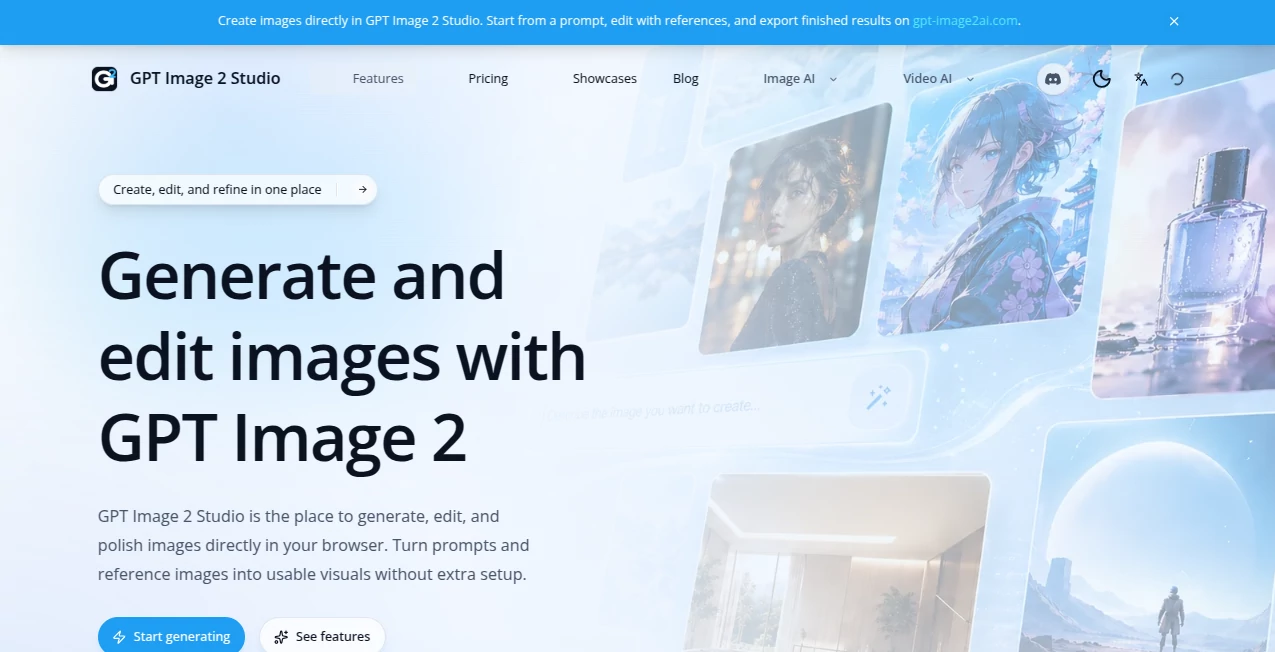
What is GPT Image 2 Studio?
Let’s be real for a second. For the longest time, asking an AI to generate an image with specific text felt like playing the lottery. You’d cross your fingers, type in your prompt, and then… sigh. The letters would be garbled, the spacing would be off, or it would just give up entirely and scribble some alien-looking symbols. It was a hard "no" for anything professional like a logo, a product label, or a social media post.
Well, that frustrating era just came to a screeching halt. The model you’re about to explore is an absolute game-changer. It has effectively solved the problem that has plagued every other image generator. It’s like switching from a sketchpad to a professional design studio. Whether you are a seasoned marketer, a small business owner, or just someone who loves creating, you are about to see what 'flawless' actually looks like.
Key Features
This isn't just an incremental update; it’s a complete transformation of what’s possible. The technical leap here is so significant that it has left competitors scrambling. Let’s break down exactly why this feels like magic.
User Interface
Getting it to work feels natural, almost like you’re talking to a particularly gifted designer. You don’t need to be an expert in prompt engineering. Just describe what you see in your head. Want an "Apple-style product launch flyer"? It knows the aesthetic—the clean gradients, the centered layout, the minimalist vibe. You can even feed it a messy screenshot of your current website, and it will instantly spit out a high-fidelity redesign. The interface is just the chat box, but the results are pure professional grade.
Accuracy & Performance
This is where the tool truly shines. Remember the frustration of getting text to render? The developers pushed the accuracy to nearly 99% for character-level rendering. Need to generate a complex menu for a Mexican restaurant? It won't just make up words; it will spell "enchilada" correctly. Want a historical map with complex legends and labels? It handles it seemingly flawlessly. In benchmark tests on the Image Arena, this model didn't just win; it shattered the leaderboard with the largest lead in history. It’s roughly twice as fast as its predecessors too, generating high-res images in seconds.
Capabilities
We have to talk about the "Thinking Mode." Before it generates a single pixel, the model actually plans the composition. It researches layout structures and checks its own work for errors. This means if you ask it for a "YouTube thumbnail about space," it knows exactly where the title goes, where the "Subscribe" button mockup should be, and the expression of the face. It also masters "world knowledge." Ask it for a screenshot of a specific app or a blueprint of a product, and it reconstructs the interface or technical details with eerie precision just based on what it has learned about the world.
Security & Privacy
With such incredible power comes a massive responsibility, and the creators are deeply aware of it. The tool includes C2PA metadata—think of it as a digital nutrition label that tracks the provenance of the image. They are actively working on content authenticity initiatives to ensure that while you can create stunning art, you can also identify if something was synthetic when it matters most. They are building guardrails to prevent the generation of harmful deepfakes or fraudulent documents like fake IDs.
Use Cases
You might be wondering, "Sure, it’s cool, but what can I actually do with it?" The answer is: almost anything. Here is how people are already using it to save time and money.
E-commerce Revolution: Take a blurry, poorly lit photo of a product from your phone, upload it, and simply ask for a "professional product page." It will clean up the background, adjust the lighting, and even generate a full sales copy layout around the object.
Marketing & Social Media: Are you tired of spending hours searching for the right stock photo? Generate cohesive branding kits in seconds. This tool can create an entire set of Instagram carousel images, complete with readable text, charts, and consistent character design that actually looks like the same person across multiple panels.
UI/UX Design: This is a lifesaver for developers and founders. Instead of wireframing from scratch, you can describe the app you want. "Generate a fitness app onboarding screen." It will give you a high-fidelity mockup with realistic data, proper buttons, and iOS-style layouts that you can then drop directly into Figma for refinement.
Education & Infographics: Need to explain a complex subject? Have it generate a "kid-friendly timeline of the Roman Empire" or a "detailed diagram of how a rocket engine works." The text will be accurate, the visuals will be engaging, and it’s ready to print or share.
Pros and Cons
Every tool has its strengths and weaknesses. Here is an honest look at where this one excels and where it still has room to grow.
Pros:
- Text Rendering: Unmatched in the industry. It handles multiple languages (including Chinese, Korean, and Arabic) without turning them into gibberish.
- Speed: It is incredibly fast, generating complex 4K images in a fraction of the time of older models.
- Contextual Awareness: It understands what you mean, not just what you say. It fills in the gaps you forgot to mention.
- Consistency: You can finally generate a series of images where the same character or logo looks identical across all of them.
Cons:
- Oversharpening: When given extremely complex, dense prompts with too many small objects, the tool sometimes oversharpens the image, creating a slightly grainy texture or artifacts.
- Spatial Reasoning: While great at 2D layouts, it occasionally struggles with complex 3D spatial geometry or physics (e.g., making sure a hand has exactly 5 fingers in the right spot in a weird angle).
- Access to "Thinking Mode": The absolute best quality (Thinking Mode) requires a subscription, though the free tier is still exceptionally powerful.
Pricing Plans
You get access to "Instant Mode" right away through the standard chat interface, which is fantastic for quick ideation. For the heavy lifting? It is surprisingly affordable given the quality. For developers and businesses, the API pricing is structured at roughly $8 per million input tokens and $30 per million output tokens. To put that in perspective, generating a single high-quality, ultra-detailed image costs roughly between half a cent and two cents. It’s wildly cheap for the level of professional polish you are getting back.
How to Use This Image Generator
Using it is as simple as having a conversation. Just head to the platform where the model is hosted. You don't need a special "studio" tab. Just type in the chat.
Step 1: The Prompt. Be descriptive but don't overthink it. Instead of "dog," say "Golden retriever puppy sitting on a stack of books in a cozy library, warm lighting."
Step 2: The Magic Word (Text). If you need text, just put it in quotes. "Generate a poster that says 'Yard Sale' in big bold letters." It will actually do it.
Step 3: Refine. Don't like the color of the shirt? Just tell it to "change the jacket from red to navy blue." It understands iterative editing. You can even click on specific areas of the image in some interfaces and say, "fix this part only".
Comparison with Similar Tools
How does it stack up against the competition? If you’ve used Midjourney, you know it creates beautiful, artistic atmospheres, but it has always struggled with legible text. If you’ve used Google’s "Nano Banana 2," you know it’s fast and smart, but it often struggles with high-density information like newspaper clippings or complex UI.
This tool sits in a unique spot. It takes the artistic flair of models like Midjourney and injects the logical brain of a Large Language Model. In head-to-head tests, users found that while other models might win on pure artistic "vibes" for certain anime styles, this one absolutely dominates when you need prompt adherence and text clarity. If you need a tool that does what it is told without inventing extra limbs or missing letters, this is the current king of the hill.
Conclusion
We are officially at a turning point. The barrier between "AI slop" and "Professional Asset" is gone. The model is so good that it actually forces us to ask bigger questions about authenticity, but from a pure utility standpoint, it is a miracle tool.
It respects your time. It understands your needs. And it delivers visuals that used to take days to create in just a few seconds. Whether you are bootstrapping a startup, running a marketing campaign, or just love to create, integrating this into your workflow will feel less like using a tool and more like hiring a genius. Don't just generate images; bring your exact vision to life.
Frequently Asked Questions (FAQ)
Q: Do I need to be a designer to use this effectively?
A: Not at all. That is the whole point. You just need to be able to describe what you want in plain English. The model handles the "how."
Q: Is the text really 100% perfect all the time?
A: It is *vastly* better than anything else available (about 99% accuracy). However, for very long paragraphs (like a wall of 2,500+ tiny words), it might occasionally miss a letter or hallucinate a line. For short text like headlines, logos, and buttons, it is virtually flawless.
Q: Can I edit an image I already made?
A: Yes. You can upload an existing image and ask it to change specific parts, like "add a monocle to the man" or "change the background to a beach."