
CensorMate
What is CensorMate?
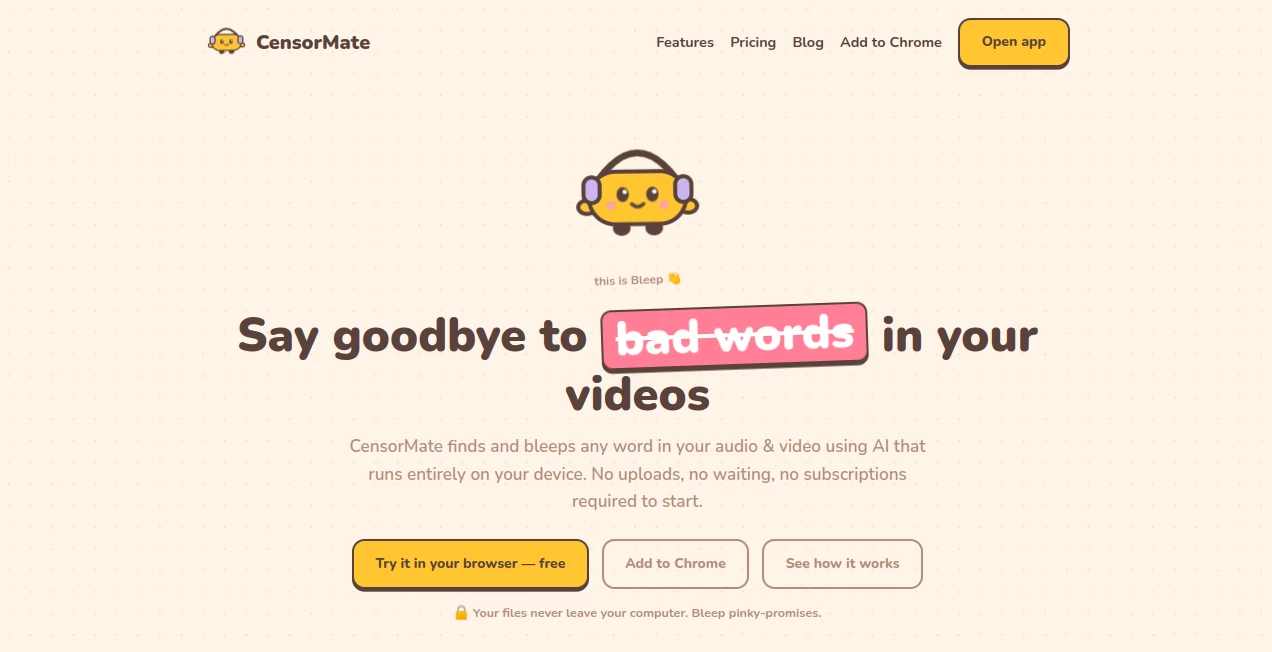
Keeping audio and video suitable for every audience can be surprisingly time-consuming, especially when creators need to review hours of recordings. This intelligent editing solution simplifies the entire workflow by automatically detecting unwanted words and allowing users to replace them with customizable censor sounds before exporting the final media.
Unlike many cloud-based editing platforms, everything is processed directly on the user's device. That means sensitive recordings, podcasts, educational materials, interviews, and business presentations remain private throughout the editing process. Whether you're preparing content for YouTube, social media, online courses, or family-friendly broadcasts, the editing experience is fast, accurate, and remarkably straightforward.
Its combination of AI-powered speech recognition, transcript-based editing, and flexible censorship controls makes it an excellent choice for creators who want professional results without complicated video editing software.
Key Features
User Interface
The interface is clean and beginner-friendly. Users simply upload an audio or video file, review the automatically generated transcript, select the words they want to censor, preview the changes, and export the finished file. Every step is visual and easy to understand, making the learning curve extremely short.
Accuracy & Performance
Advanced speech recognition accurately identifies spoken words and synchronizes censor sounds with impressive precision. Since processing happens locally, users avoid lengthy uploads while maintaining high-quality output. The original video quality remains untouched because only the audio track is modified.
Capabilities
- Automatically detects spoken words using AI transcription.
- Censors custom words, phrases, names, or brands.
- Supports both audio and video files.
- Offers multiple censor sound effects.
- Allows custom censor sounds in premium plans.
- Generates censored subtitle files.
- Exports selected clips from longer videos.
- Supports multiple languages.
- Works offline after initial setup.
- Lets users review every detected word before export.
Security & Privacy
Privacy is one of the strongest advantages of this platform. Files never leave the user's computer because transcription and media processing run locally. No cloud uploads are required, reducing the risk of exposing confidential recordings or personal information. This makes it suitable for creators, educators, businesses, and anyone working with sensitive media.
Use Cases
- Preparing YouTube videos for advertiser-friendly publishing.
- Editing podcasts for family-friendly audiences.
- Cleaning interviews before publication.
- Producing educational courses.
- Removing sensitive names or company information.
- Creating safe content for children.
- Preparing short-form videos for social media.
- Editing recorded meetings and presentations.
Pros and Cons
- Pros
- Completely local processing for maximum privacy.
- Very easy to use.
- Accurate AI transcription.
- Supports both audio and video.
- Multiple built-in censor sounds.
- Subtitle export included.
- Offline functionality after setup.
- Supports numerous languages.
- Cons
- Some advanced features require a paid subscription.
- Long-form video exports are limited in the free version.
- Custom censor sounds are available only in premium plans.
Pricing Plans
A free plan allows unlimited audio censorship with file length limitations and short video exports. Premium subscriptions unlock full-length video exports, unlimited processing, custom censor sounds, enhanced AI accuracy, saved keyword lists, and additional professional editing features. Lifetime purchasing options are also available.
How to Use CensorMate
- Upload an audio or video file.
- Wait for the AI to generate a transcript.
- Review highlighted words.
- Select which words or phrases should be censored.
- Preview the edited result.
- Export the finished audio, video, or subtitle file.
Comparison with Similar Tools
Many media editing platforms include profanity removal as a secondary feature, often requiring cloud uploads or manual timeline editing. This solution focuses specifically on fast AI-powered censorship while keeping every file on the local device. Transcript-based editing, customizable censor sounds, subtitle generation, and offline processing provide a workflow that is considerably faster for creators who regularly publish advertiser-friendly content.
Conclusion
For creators who value speed, privacy, and simplicity, this platform offers a practical way to prepare clean audio and video without sacrificing quality. Automatic speech recognition, transcript-based editing, local processing, multilingual support, and flexible censorship controls combine into a workflow that saves significant editing time. Whether producing podcasts, educational videos, business recordings, or social media content, it delivers an efficient solution for creating polished, audience-friendly media.
Frequently Asked Questions (FAQ)
Does it upload my files to the cloud?
No. Media processing and AI transcription run directly on your device, helping keep your files private.
Can it censor both audio and video?
Yes. It supports common audio and video formats while preserving the original video quality.
Can I choose different censor sounds?
Yes. Multiple built-in sounds are available, and premium users can upload their own custom effects.
Does it support multiple languages?
Yes. The platform supports transcription and censorship across numerous languages.
Is there a free version?
Yes. A free plan includes core functionality with certain export and file-length limitations.
AI Audio Enhancer , AI Content Generator , AI Video Editor , AI Speech to Text .
These classifications represent its core capabilities and areas of application. For related tools, explore the linked categories above.

CensorMate Alternatives Product

StudentAI De…

Remove Water…

Drafted AI

Pinci.ai
OLVA

MixHub AI

NepVox

LyricStudio

SupaTraffic