
















Chainsaw Man Meme Templates
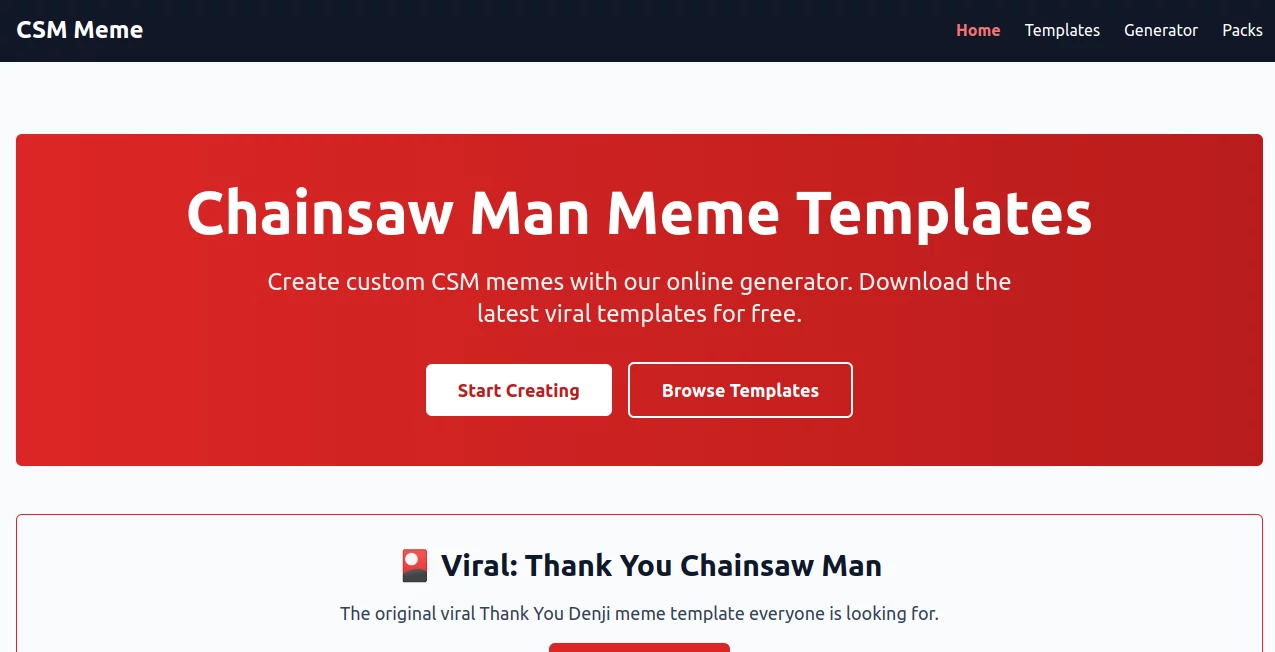
What is Chainsaw Man Meme Templates?
You know that feeling when a meme just clicks? When the face, the text, and the timing are so perfect it feels like the internet made it just for you? That’s exactly what this tool brings to the table. It’s not another complicated design platform where you wrestle with layers or fonts. This one gets it. You show up with an idea, and it handles the rest. Whether you’re deep in a group chat war, running a page that lives off daily jokes, or just trying to make your friends laugh at 2 AM, this generator changes how fast and how well you can put out funny stuff. No watermark drama, no endless tweaking. Just pure, unfiltered meme energy ready to go in seconds.
Key Features
Instead of drowning you in a hundred buttons nobody clicks, the folks behind this focused on what actually matters: speed, variety, and looking good across every screen. It takes the best parts of modern AI—understanding faces, matching expressions, and generating crisp text—and wraps it in an interface so light you might forget it's running in a browser.
User Interface
This is where the tool really shines for anyone who’s ever closed ten tabs trying to find a specific meme template. The layout is dead simple. On one side, your library of templates; on the other, your preview. Drag a face, drop a line, and you’re done. You don’t need Photoshop skills or even a tutorial. Most people figure it out in under a minute. The search bar actually works, letting you find “Confused Lady,” “Stare,” or “Punch” without scrolling forever. And if you’re on your phone, the whole thing adjusts perfectly. Thumbs get the big buttons they need, and the text size stays readable without pinching the screen every two seconds.
Accuracy & Performance
Here’s where a lot of meme makers fall apart. You upload a face, and the AI crops it like a five-year-old using scissors. Not this one. It locks onto facial features with surprising precision. Eyebrows stay attached. Hairlines don’t get chopped off. The mood of the original expression—sarcasm, rage, pure joy—carries over into the final meme. On the performance side, renders happen almost before you finish clicking “Generate.” We’re talking two to four seconds for a high-res image. Even batch creating five different variations of the same joke takes less time than brewing instant coffee. And during peak hours? Still snappy. They clearly put some thought into server distribution so you’re not stuck watching a loading spinner forever.
Capabilities
Beyond basic face swapping and text overlays, this engine lets you adjust the "vibe" of the final output. Want a vintage, grainy look? There's a slider. Need the colors to pop for an Instagram story? Another toggle. The AI recognizes text context too. If you type a question, it suggests placing the text bubble on the top left. Shouted words? Big caps with an optional impact font. It also supports transparent backgrounds for those who like to layer memes on other images. And here’s a small touch that matters: the export options include sizes specifically for Twitter, TikTok, Reddit, and Discord so you never have to crop again after downloading.
Security & Privacy
A lot of people worry about uploading selfies or friend pics to random meme sites. This one keeps things clean. All uploads get processed and then deleted from their active servers within twenty-four hours unless you save them to a personal account gallery. No selling faces to ad networks, no training AI on your goofy pictures without permission. The privacy policy reads like a human wrote it, not a lawyer building a loophole. You can even use the entire tool without creating an account, which tells you they’re not hungry for your data. The only thing they store temporarily is generation history to let you revisit your last ten memes if you accidentally close the tab.
Use Cases
Social media managers living on tight deadlines finally have a tool that turns reactions into posts before the trend dies. Students make study group chat legends out of boring lecture slides in under a minute. Small business owners create relatable ads about shipping delays or sold-out products that actually get shares instead of scrolls. Even families use it to turn holiday photo disasters into inside jokes. One user mentioned creating a twenty-meme story arc about their cat’s daily drama that got more engagement than their actual work portfolio. It works anywhere people need to laugh quickly without becoming graphic designers first.
Pros and Cons
Pros:
The speed is unreal compared to manual editors. Templates update frequently, so you’re not stuck using the same three Drake formats from 2023. The face detection handles glasses, hats, and side profiles way better than expected. Free tier is generous with no watermarks on basic outputs. Batch download saves hours when you’re prepping a content dump for the week.
Cons:
The video meme maker (for animated GIF-style outputs) is still a bit rough around the edges. Sometimes the AI misreads sarcastic text and suggests a genuinely happy caption instead of a snarky one. The mobile app version lacks a few advanced sliders that the desktop web version includes. If you go absolutely wild with ten layers of effects, export times can creep up to ten or twelve seconds.
Pricing Plans
The entry tier sits at absolutely zero dollars. You get a decent number of generations per day, access to the full template library, and standard resolution exports. For the heavy users, the Pro plan unlocks unlimited generations, priority rendering during busy hours, early access to new templates, and 4K exports. There’s also a Team option for agencies handling multiple brand accounts. No annual lock-in tricks. The monthly cancel button works instantly. And students get a discount with a valid .edu email—just a nice touch not many tools bother with anymore.
How to Use the Tool
First, pick a template from the main gallery or upload your own base image. Second, drop in the face you want to feature. The AI will scan and align it automatically, but you can drag to adjust if needed. Third, write your caption. The text box supports multiple lines, and you can change font size or position with simple clicks. Fourth, hit the big purple "Memeify" button. Wait three seconds. Fifth, download, copy the link, or share directly to whatever platform you need. For power users: try the “remix” button on any existing meme to swap out faces or change text without starting over. That’s it. No hidden steps. No mandatory accounts.
Comparison with Similar Tools
Compared to the big name editors like Kapwing or Canva’s meme module, this one focuses entirely on memes instead of being a general design suite. That focus shows in the loading speed and template selection. It beats Supermeme.ai in face detection accuracy, especially with group photos or weird angles. Against Imgflip’s classic generator, it brings modern AI that suggests contextually funny caption options instead of leaving you staring at a blank text box. Google Photos’ “Me Meme” feature is clever but locked inside their ecosystem and region-restricted. This tool works everywhere, on any device, without forcing you to store your whole photo library with them first. The main place it still plays catchup is video meme generation—some competitors do slightly smoother animated outputs right now.
Conclusion
If you make memes more than once a week—even just for fun—this tool earns its spot in your bookmarks. It removes the friction between having a funny thought and putting that thought in front of people who will laugh. The design feels made by people who actually enjoy memes, not by a committee optimizing for “engagement metrics.” No frustrating paywalls, no bait-and-switch watermarks, no data mining dressed up as a free service. Go make something ridiculous. Share it. Watch the reactions roll in. That’s the whole point, and this tool finally gets that right.
Frequently Asked Questions (FAQ)
Do I need to create an account to use the generator?
No. You can generate memes immediately without signing up. Accounts only matter if you want to save favorites across devices or generate more than the daily free limit.
Can I use it on my phone?
Absolutely. The web version works great on mobile browsers, and there are dedicated iOS and Android apps with thumb-friendly controls.
What happens to the photos I upload?
They get processed for your meme and deleted from active servers within 24 hours. You can manually delete them instantly from your history panel if you prefer.
Are there watermarks on the free plan?
No. Zero watermarks anywhere. Not on free, not on paid. No sneaky logos in the corner.
Can I sell memes I make with this tool?
Yes. The terms explicitly give you full commercial rights to anything you create, as long as you aren't reselling the tool’s templates as your own.