
















Circle Crop Image
What is Circle Crop Image?
There’s something clean and professional about a perfectly round photo. Whether it’s a profile picture, a product shot for Instagram, a team avatar, or a logo element, circular images just look better in so many places. But trying to get that perfect circle in regular editing software can be surprisingly fiddly. This tool makes it effortless. You upload any image, adjust the circle exactly how you want it, and download a crisp, ready-to-use round photo in seconds. I’ve used it dozens of times for client work and personal projects — it consistently saves time and delivers better results than the clunky methods I used before.
Introduction
Most of us need circular images more often than we realize. Social media profiles, team pages, app icons, testimonials — the list goes on. Traditional editors force you to crop to a square first, then mask it, then export carefully. This platform removes all that hassle. It’s built specifically for circular cropping with smart tools that make the process fast, precise, and even enjoyable. No account required, no watermarks on basic use, just straightforward results that look polished every single time.
Key Features
User Interface
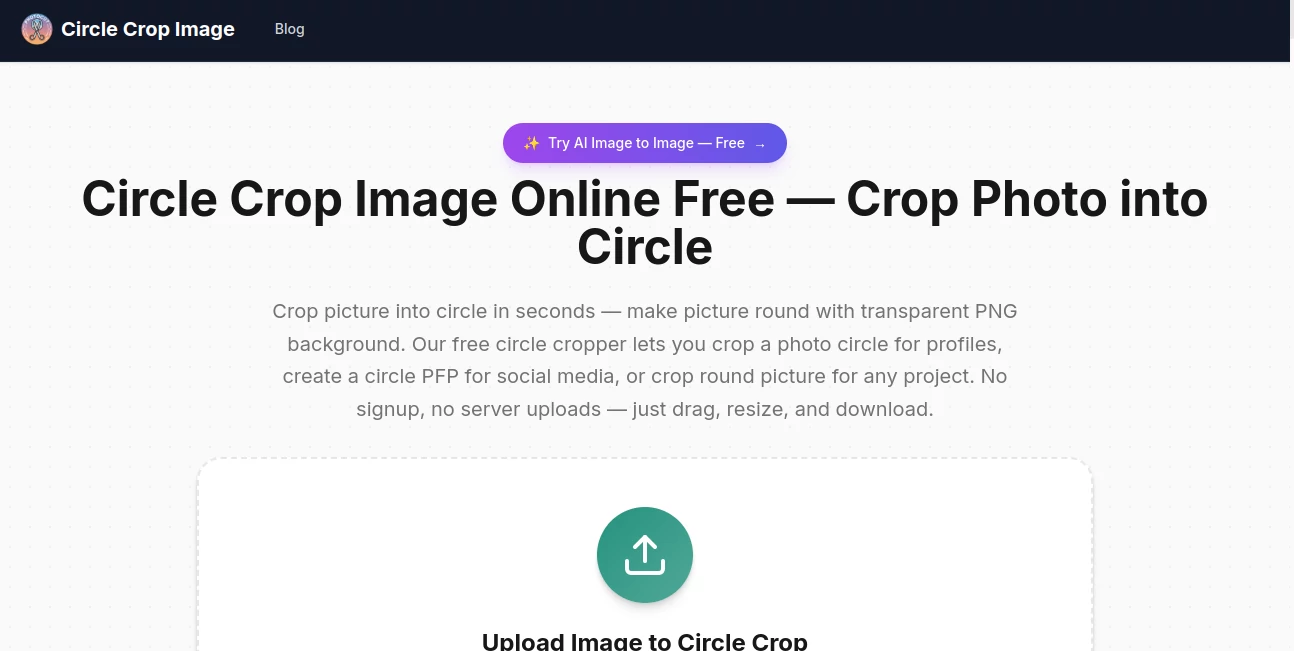
The interface is wonderfully simple. You drag and drop your photo or click to upload, and it instantly shows a live preview inside a circle. Easy sliders and drag handles let you reposition and resize the image within the circle until it’s just right. The whole process feels intuitive — even my non-designer friends figured it out immediately. Everything happens in your browser, so there’s no waiting for uploads or complicated menus getting in the way.
Accuracy & Performance
It handles different image sizes and aspect ratios cleanly, preserving quality even when you’re working with small or low-resolution originals. The circular mask is perfectly round with smooth edges, and the final output maintains sharpness without unwanted compression. Whether you’re cropping a portrait, a product, or a logo, the result looks professional and consistent every time.
Capabilities
Beyond basic circular cropping, you can adjust the circle size, reposition the subject, zoom in or out, and choose different output formats and resolutions. It supports popular image types and delivers high-quality PNGs with transparent backgrounds — perfect for overlays, profile pics, or design elements. You can even fine-tune the crop multiple times until it feels exactly right.
Security & Privacy
Your images are processed directly in the browser and not stored on any servers unless you choose to save them. There’s no account requirement for normal use, which means no unnecessary data collection. For quick personal or professional tasks, that privacy-focused approach feels reassuring and respectful.
Use Cases
A small business owner quickly creates consistent circular product photos for their website and social media. A recruiter turns team headshots into uniform round avatars for the company page. A content creator prepares story highlights with perfectly round profile images. A teacher makes clean circular icons for classroom materials. Even wedding planners use it to create elegant round photos for digital invitations. It’s one of those small tools that quietly solves a frequent pain point across many different fields.
Pros and Cons
Pros:
- Extremely fast and simple — perfect results in under 30 seconds.
- Clean, transparent circular outputs ready for any use.
- Works great on both portraits and objects.
- No account or signup needed for basic cropping.
- High-quality exports that look professional.
Cons:
- Limited to circular shapes (no ellipses or custom masks).
- Advanced batch processing is not available in the free version.
Pricing Plans
The tool is generously free for most everyday needs. If you find yourself cropping images regularly, the paid plan unlocks unlimited usage, higher resolution exports, batch processing, and removes any occasional limits. The pricing is very reasonable, especially when you consider how much time it saves compared to doing it manually in other software.
How to Use Circle Crop Image
Go to the site, click the upload area or drag your photo in. Once it loads, drag the image inside the circle to position it perfectly. Use the zoom slider if needed. When you’re happy with how it looks, click download. The tool automatically gives you a PNG with a transparent background, ready to use anywhere. For multiple photos, paid users can process them in batches. It’s honestly one of the quickest and most satisfying design tools I use regularly.
Comparison with Similar Tools
Many general photo editors can do circular crops, but they usually require multiple steps and end up with lower quality or messy edges. This tool is purpose-built for the job, making it faster and cleaner than most alternatives. Where other free options add watermarks or reduce quality, this one keeps things simple and high-quality. It’s the kind of focused tool that does one thing exceptionally well.
Conclusion
Sometimes the smallest tools make the biggest difference in daily workflows. This one turns a task that used to be annoying into something quick and satisfying. Whether you need circular photos for work, social media, personal projects, or creative designs, it delivers clean, professional results every time. If you’ve ever wasted time trying to get a perfect round crop, this is the solution you’ve been looking for.
Frequently Asked Questions (FAQ)
Is the output transparent?
Yes — it automatically exports as PNG with a transparent circular background.
Do I need to create an account?
No — you can use the basic tool completely without signing up.
What image formats can I upload?
It works with JPG, PNG, and most common image formats.
Can I crop group photos or objects?
Absolutely — it works great on portraits, products, logos, and group shots.
Are there any watermarks on free downloads?
No watermarks on the free version for standard use.