

















Claude Designer
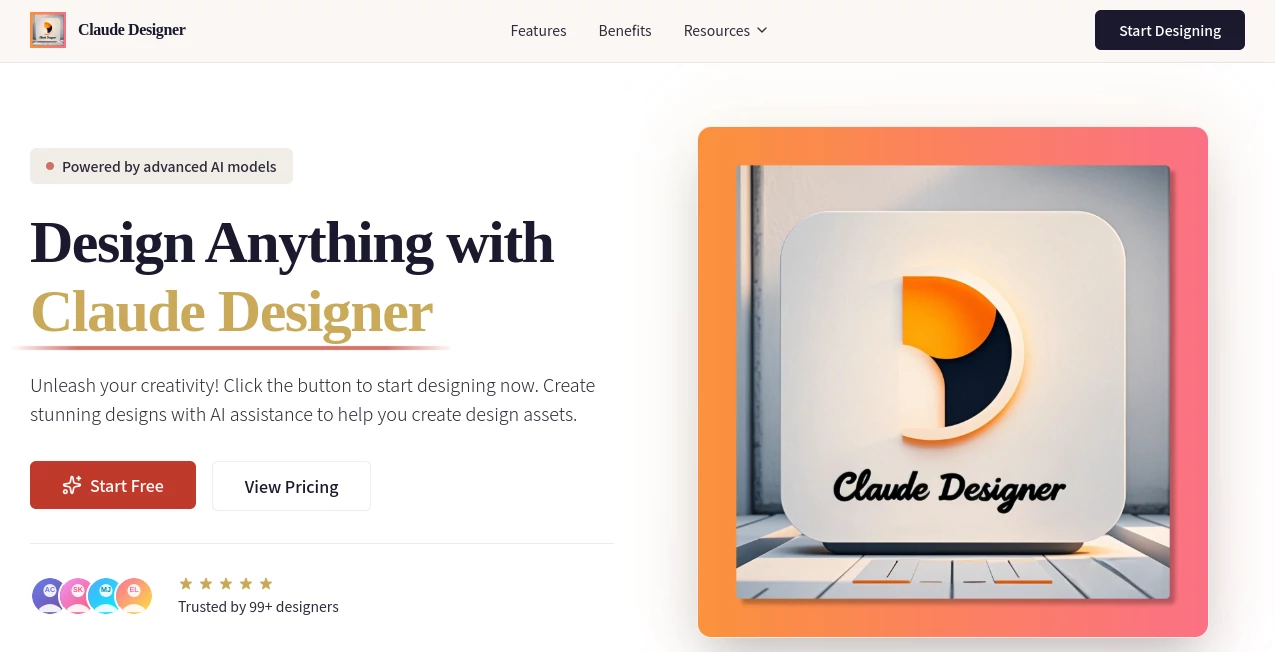
What is Claude Designer?
Creating polished visuals no longer has to involve hours of manual editing or years of design experience. This AI-powered platform brings intelligent automation into the creative process, helping users transform simple ideas into professional-quality graphics within minutes. Whether you need marketing materials, presentations, social media posts, or branding assets, the platform combines smart templates, automated layouts, and AI-assisted recommendations to simplify every step.
Instead of overwhelming users with complex design tools, it focuses on speed, creativity, and accessibility. Beginners can produce attractive visuals without a steep learning curve, while experienced designers can accelerate repetitive tasks and spend more time refining creative concepts. The result is a workflow that feels faster, more enjoyable, and surprisingly flexible for a wide range of projects.
Key Features
User Interface
The interface is thoughtfully organized with a clean workspace that keeps essential tools within easy reach. Templates are neatly categorized, navigation feels intuitive, and editing actions require only a few clicks. Even users opening the platform for the first time can quickly understand how to start a project and customize every design.
Accuracy & Performance
The AI analyzes prompts and content to recommend layouts, typography, spacing, and visual balance. Instead of generating random compositions, it follows established design principles to produce results that look polished and ready for professional use. Most projects can be completed in only a few minutes without sacrificing quality.
Capabilities
- Generate professional graphic designs from simple text descriptions.
- Create logos, presentations, social media graphics, marketing materials, and branding assets.
- Access an extensive library of customizable templates.
- Receive intelligent layout recommendations.
- Choose from multiple fonts, color palettes, and design elements.
- Customize every generated design.
- Export projects in multiple formats.
- Collaborate on creative projects with team members.
- Maintain consistent branding across multiple designs.
- Speed up repetitive design workflows using AI assistance.
Security & Privacy
User privacy is treated as an important part of the creative workflow. Designs are protected using modern encryption technologies during storage and transfer. Creative assets remain under the user's ownership, while enterprise users benefit from additional security features such as advanced access controls, collaboration management, and compliance options.
Use Cases
- Creating social media campaigns.
- Designing business presentations.
- Building complete brand identities.
- Producing promotional posters and banners.
- Generating marketing materials for small businesses.
- Creating website graphics.
- Developing product launch visuals.
- Designing educational content.
- Preparing client proposals.
- Producing creative assets for agencies and freelancers.
Pros and Cons
Pros
- Very beginner-friendly interface.
- Fast AI-assisted design generation.
- Large collection of professional templates.
- Smart layout recommendations improve visual quality.
- Suitable for both individuals and teams.
- Supports multiple export formats.
- Reduces the time required to complete design projects.
Cons
- Advanced designers may still require traditional design software for highly detailed editing.
- Some collaboration and security features are primarily intended for business users.
- Creative output still benefits from thoughtful prompt writing and manual refinement.
Pricing Plans
A free plan is available for users who want to explore the core design features before upgrading. Paid plans provide access to additional capabilities, expanded usage limits, advanced collaboration tools, and business-focused features suitable for professional teams.
How to Use Claude Designer
Start by creating an account and selecting a template or beginning with a blank project. Describe the design you want using natural language, then allow the AI to generate an initial concept. Customize colors, typography, images, layouts, and visual elements until the design matches your goals. Once everything looks right, export the finished project in your preferred format for digital or print use.
Comparison with Similar Tools
Unlike traditional graphic design software that often requires extensive training, this platform emphasizes AI-guided creativity and ease of use. Compared with many online design editors, it offers stronger automation through intelligent layout generation and content-aware suggestions. It serves marketers, entrepreneurs, educators, agencies, and content creators who want professional results without investing significant time in manual design work.
Conclusion
This platform successfully combines artificial intelligence with practical design workflows to make professional-quality graphics accessible to almost anyone. Its intelligent suggestions, impressive template collection, rapid generation speed, and user-friendly interface help remove many of the traditional barriers associated with graphic design. Whether you're creating a single social media post or building an entire brand identity, it delivers an efficient and enjoyable creative experience that saves both time and effort.
Frequently Asked Questions (FAQ)
Is it suitable for beginners?
Yes. The interface is designed for users with little or no design experience, making it easy to create professional-looking graphics.
Can I customize AI-generated designs?
Absolutely. Every generated design can be edited by changing layouts, colors, fonts, images, and other visual elements.
What types of projects can be created?
You can design logos, presentations, social media graphics, marketing materials, posters, branding assets, website visuals, and many other creative projects.
Can teams collaborate on projects?
Yes. Collaboration features allow multiple users to work together, review changes, and maintain consistent branding.
Is there a free version available?
Yes. A free plan allows users to explore the platform before upgrading to premium plans with additional features.